How to make a dash feel good: charges, cooldowns and animation
How the dash in Mytheria works: speed, distance, cooldown, charges, invincibility frames and the animation. Try the charges yourself, with real numbers.
On this page
Players press the dash without thinking, to dodge or to close a gap, and sometimes because it's fun. If it feels slow or unfair, they notice every few seconds. This is how we built the dash in Mytheria, our pixel-art co-op game, with the real numbers from the game.
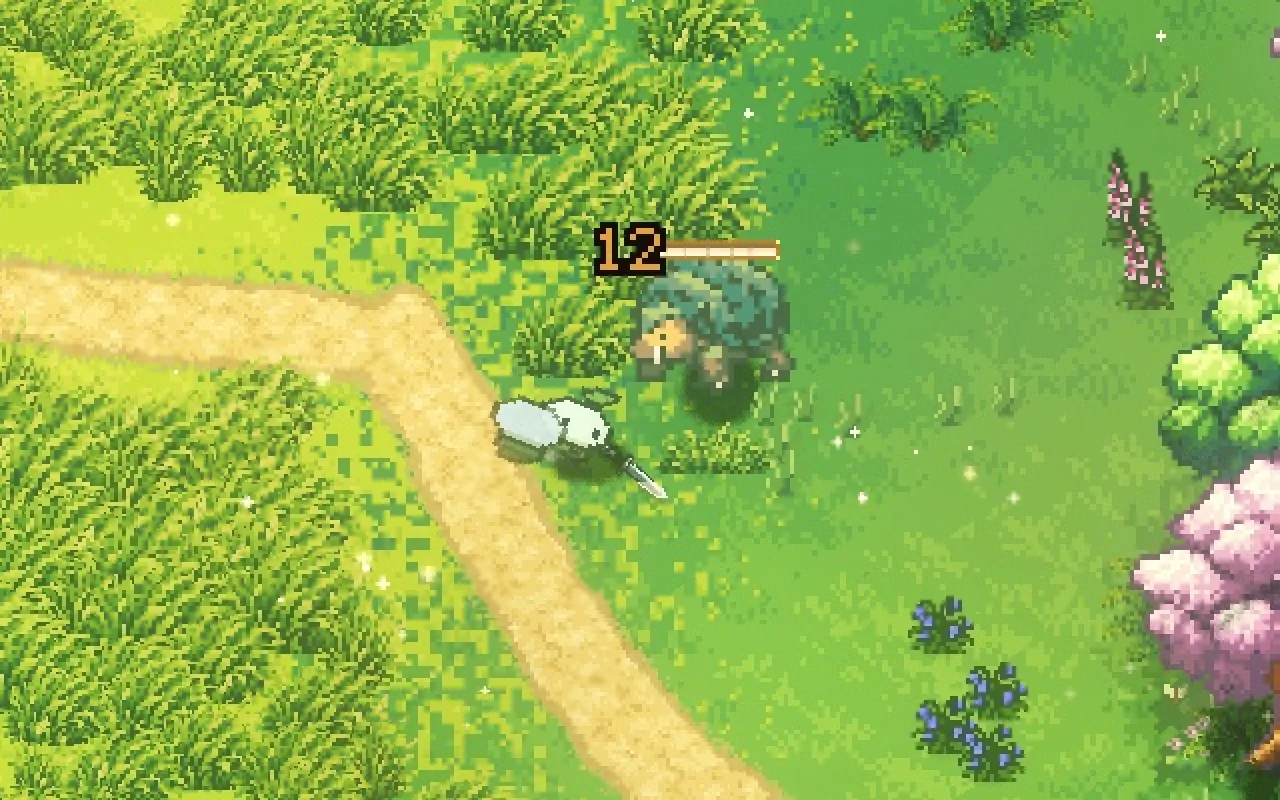
Every clip below is from the game, filmed for this post.
What makes a dash feel good?
A good dash starts on the frame you press and always covers the same distance. It protects you for a moment and gives you control back quickly, and its animation shows the burst of speed without hiding where you are.
The short answer
How the dash works in Mytheria:
- It moves at about three times walking speed for 0.16 seconds, so it covers the same distance every time.
- It goes where you're steering, or the way you last faced when you're standing still, and diagonals don't go farther.
- You get one charge, which comes back after 0.76 seconds. Upgrades add charges, and they refill one at a time.
- Nothing can hit you for the first 0.2 seconds.
- An attack pressed during a dash fires the moment the dash ends.
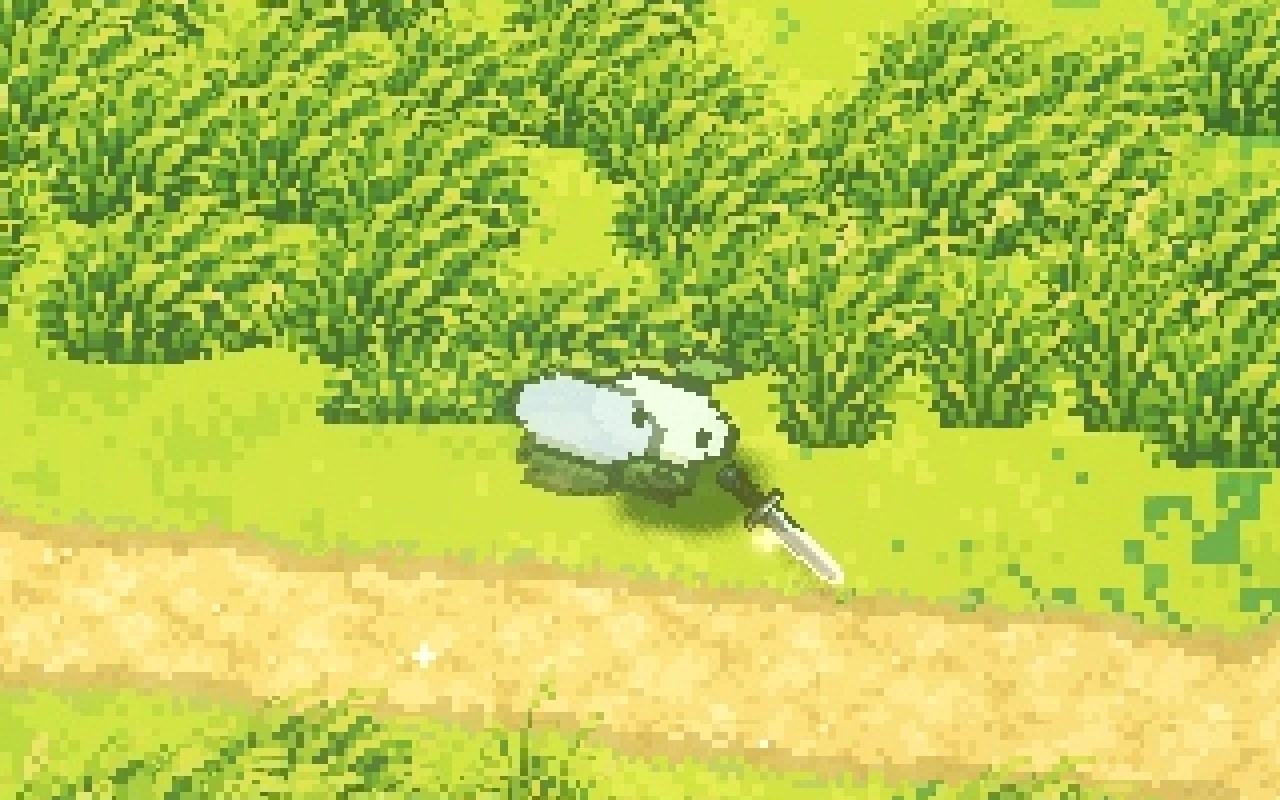
- The animation squashes at launch, leans with afterimages during the burst, and lands softly.
Fast, short and always the same
The player walks at 175 units a second. A dash moves at 520, about three times faster, for 0.16 seconds, which covers 83 units, about as far as you'd walk in half a second.
We keep it short on purpose. A long dash is useful for travel but hard to aim in a fight, and a dash that sometimes goes farther than you expected feels like the game took control. Ours covers the same distance in every direction, including diagonals, and rocks, trees and the shore still stop you.
Cooldowns and charges
A dash needs a limit, or players would dash everywhere and walking would feel like a punishment. We use charges. You start with one, and it comes back 0.76 seconds after you dash. A wish at the wishing well, Second Wind, gives everyone one more charge, and some gear and blessings shorten the wait.
Extra charges come back one after another, so after a burst of three dashes you get them back over about two and a quarter seconds, and you always know roughly when the next one is coming.
While a charge refills, small diamonds appear under the player's feet. The refilling one fills from the bottom up and flashes once when it's full, then the meter fades away, so when every charge is ready the screen shows nothing.
Press Dash (or Space) a few times quickly, then try more charges
What are invincibility frames?
Invincibility frames, often called i-frames, are a short window where the player can't take damage. In Mytheria, the first 0.2 seconds of every dash are a dodge: a blow or a bullet that passes through you in that window misses.
The window is slightly longer than the dash itself, 0.2 seconds against 0.16, so a dash timed right through an attack never gets clipped at the very end. While it lasts, the character shimmers a cool blue, so you can see when you're safe. The first five times a dash passes through a hit in a world, a small "Dodged" appears over you, so new players learn that dashing through attacks works, and after that it no longer appears.
Dodging only works because every enemy attack is announced first, which is why we telegraph every attack.
Never eat the player's input
Pressing a button and having nothing happen feels terrible. If you press attack in the middle of a dash, the game remembers it and swings the moment the dash ends. Holding the dash button doesn't repeat the dash, so one press is always one dash.
Animate the dash in three beats
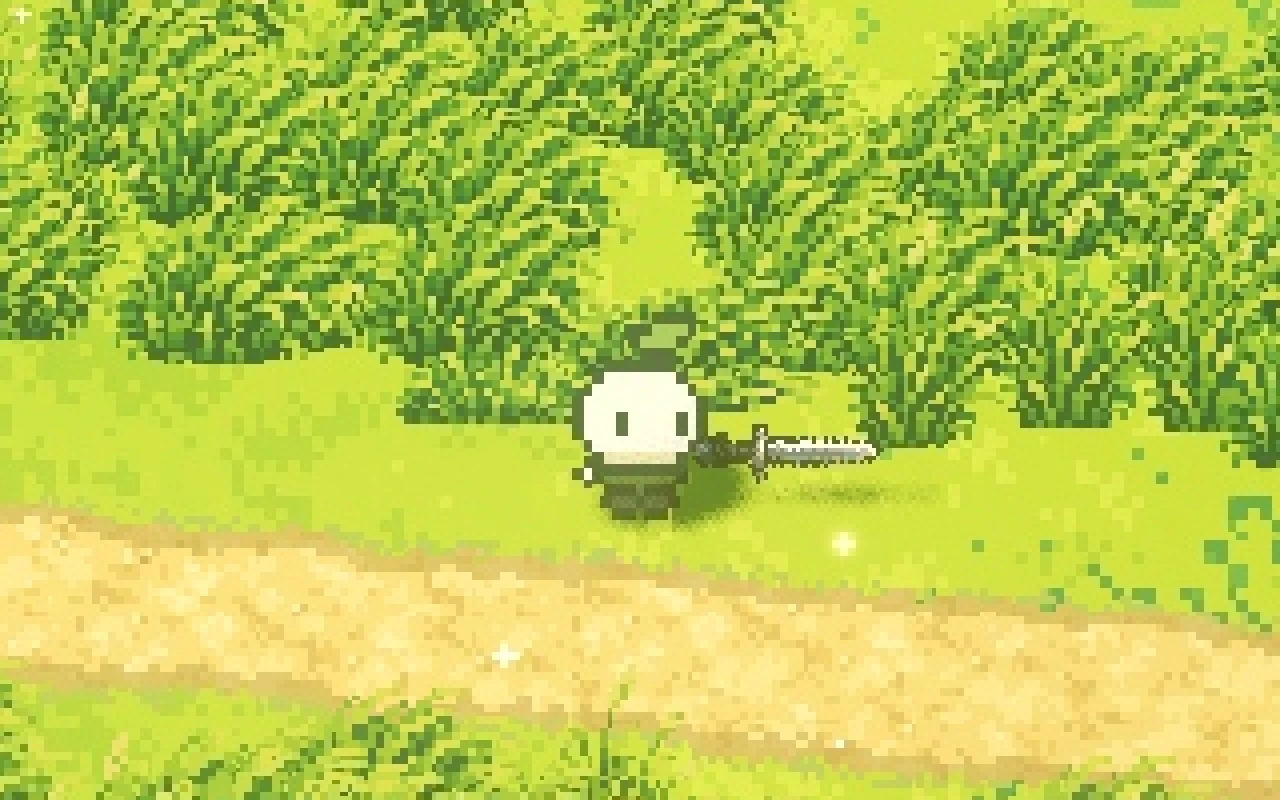
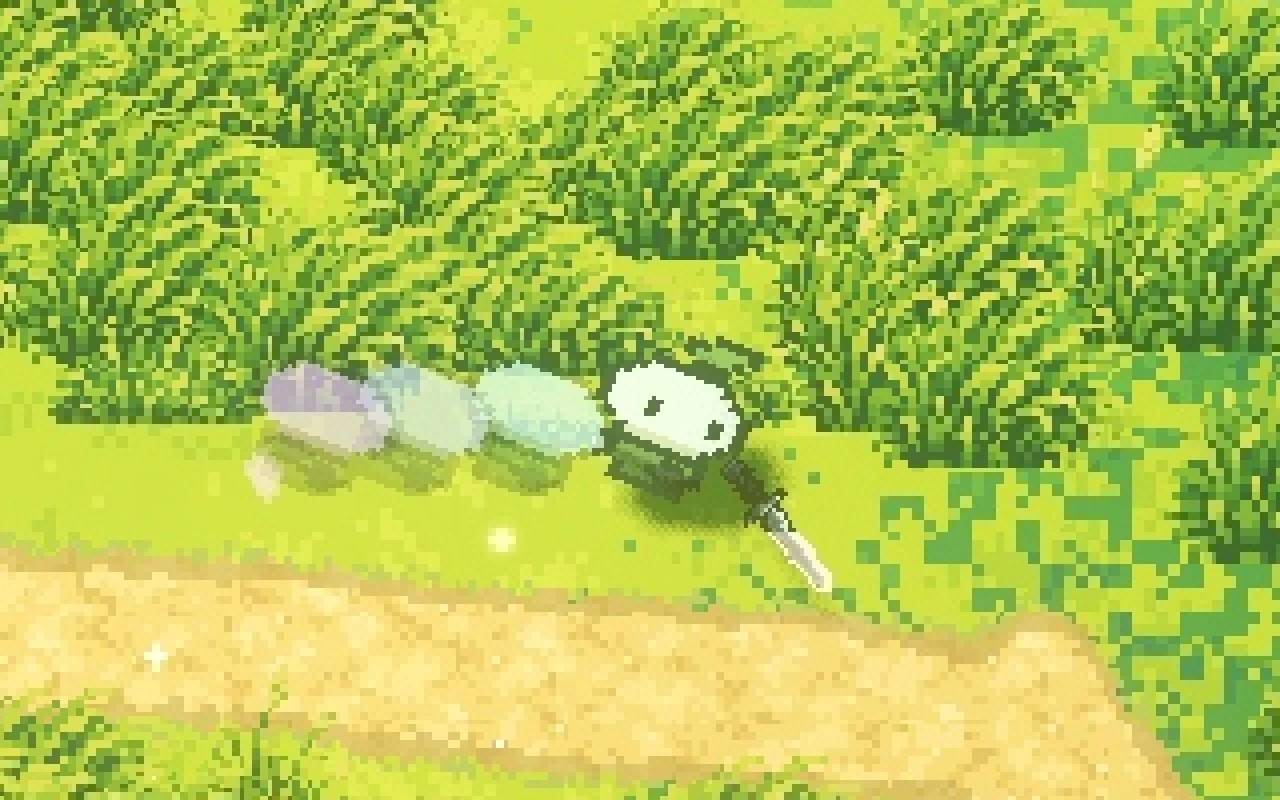
Speed alone doesn't read as a dash, even on our compact characters, because a character that slides faster looks like it's skating. Our dash animation has three beats, which you can step through here:
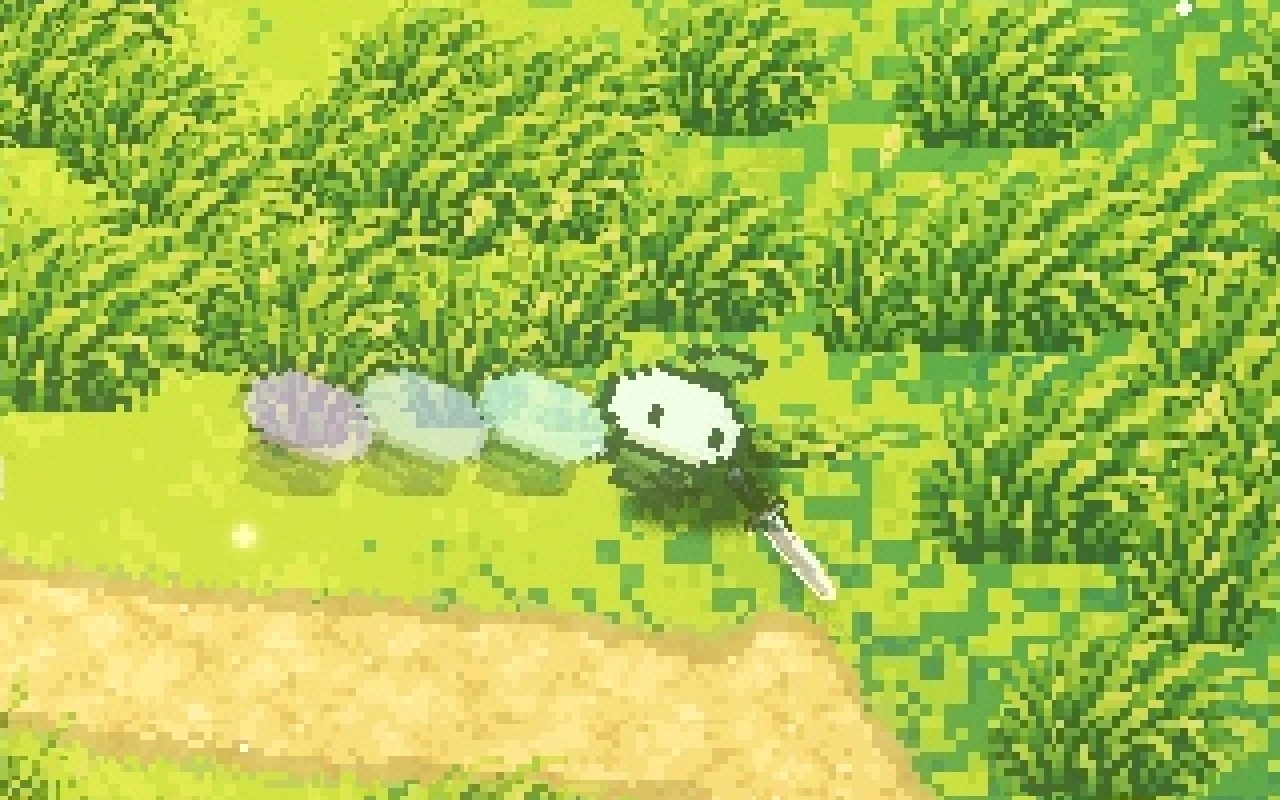
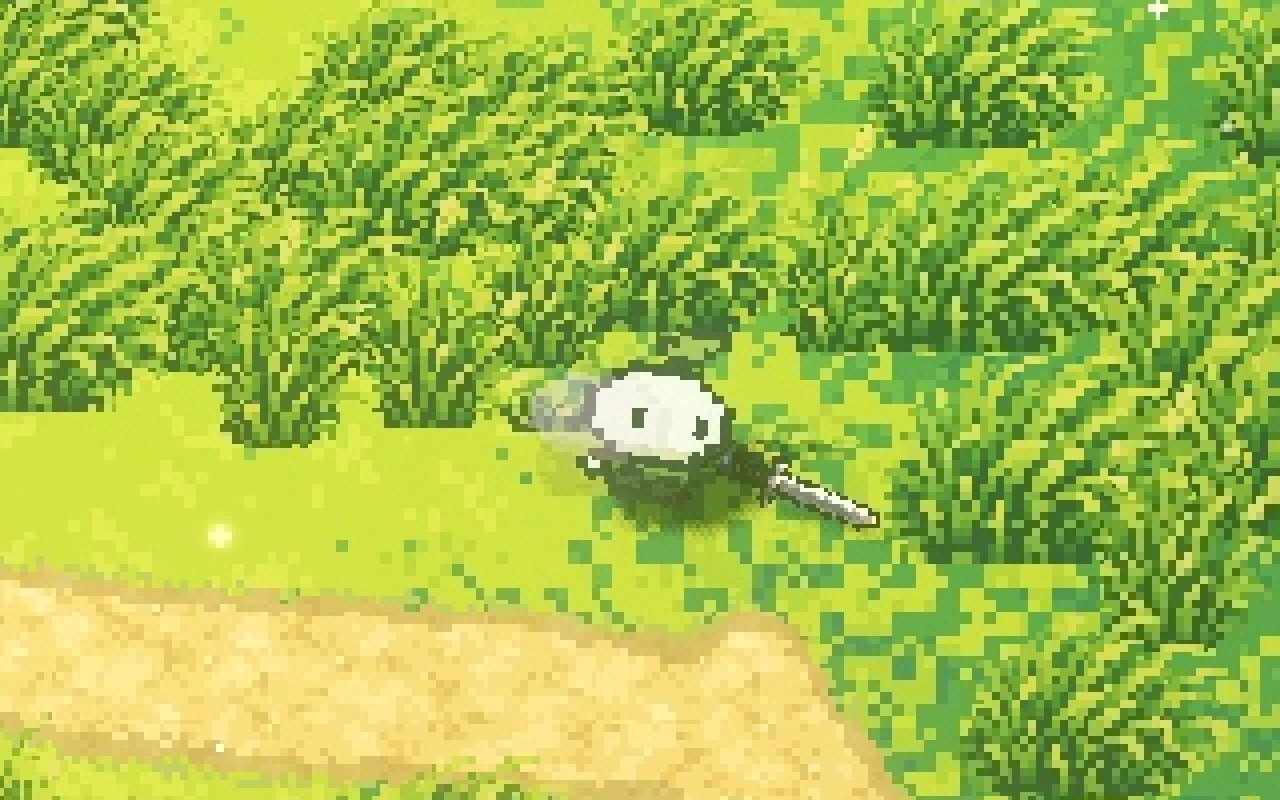
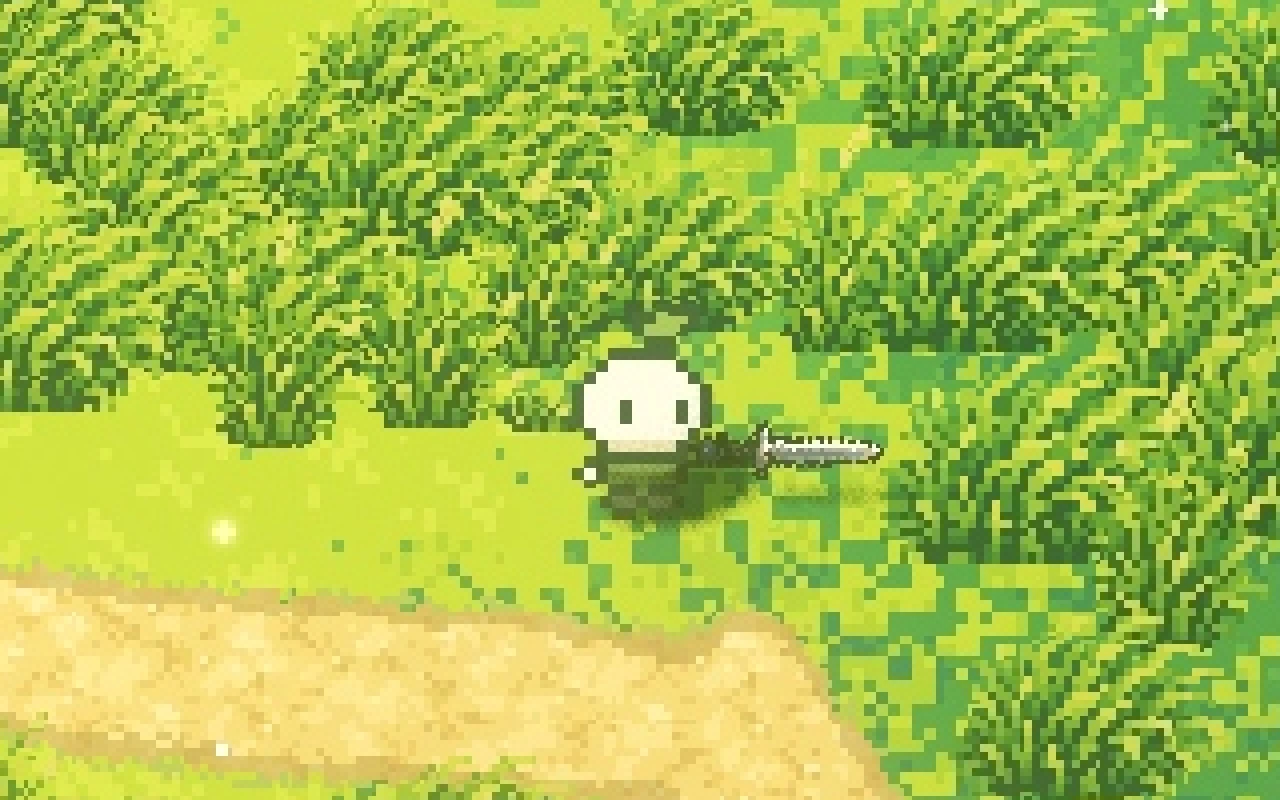
Step through one dash, or use the arrow keys
Standing still. The dash goes the way you last faced, or the way you are steering.
The afterimages are four copies of the character, drawn 30, 60, 90 and 120 milliseconds behind it and fading over 0.14 seconds. They're tinted cool so they can never be mistaken for the real character, and they stay translucent, so you always know where you actually are. Players who turn on Reduced motion get the dash without afterimages or shimmer.
The camera catches up after a dash without overshooting; how it follows is in our top-down camera.
How we built the dash in Godot
In our Godot code, the speed, distance, charges and dodge window live in plain game rules. The squash, the lean and the afterimages only read the dash's start time and direction, so tuning the look never changes what the dash does.
The afterimages are a few Sprite3D copies of the body, built once for each look and hidden when you're not dashing, so nothing is created or freed per dash. Each one sits where the character was a moment ago, taken from a short history of recent positions, so the trail follows the true path, including around obstacles.
In co-op, a guest's own dash starts the moment they press, because their game predicts their movement and checks it against the host. Our post on how co-op works in Godot explains how.
Use it in your own game
The dash from this post is free to use: Dash, a Godot 4 add-on with the same distance at any frame rate, the 0.2 second dodge window, charges that refill one at a time, buffered presses, the afterimages and the charge meter. It's MIT licensed, so you can drop it into any project.
A checklist for a good dash
- Start the dash on the frame of the press.
- Keep it short and fast, with the same distance every time.
- Limit it with charges that come back one at a time, and show them only while they refill.
- Give it a dodge window slightly longer than the dash, and show when it's active.
- Never drop an input pressed during the dash.
- Animate a launch, a burst and a landing, and keep the real character easy to find.
Further reading
- How to make combat feel goodHow we made combat feel good in our indie game Mytheria: hitstop, hit flash, knockback and screen shake, with real frame data you can try yourself.
- Telegraphing attacks: how to warn players before a hitA telegraphed attack warns you where and when it will land. How Mytheria telegraphs every attack: a shape on the ground, a clock, more time for big hits.
- MytheriaThe game this dash is from: a pixel-art co-op adventure for one to four players.
Wishlist Mytheria
Mytheria is a pixel-art co-op adventure for one to four players, coming to Steam for Windows, macOS and Steam Deck. A wishlist is the best way to follow it and to help us.