Top-down camera: smooth follow without motion sickness
How Mytheria's top-down camera follows the player: centred, no look-ahead, a smooth chase that's the same at any frame rate, plus zoom and smoothing.
On this page
You look through the camera for every second of a top-down game, so small choices in how it moves add up. A camera that rushes ahead and swings back can make some players feel sick within minutes, and a camera glued to the player makes every step shove the whole world. In Mytheria, our pixel-art co-op game, the camera keeps the player centred, follows with a short, smooth delay, and never moves on its own.
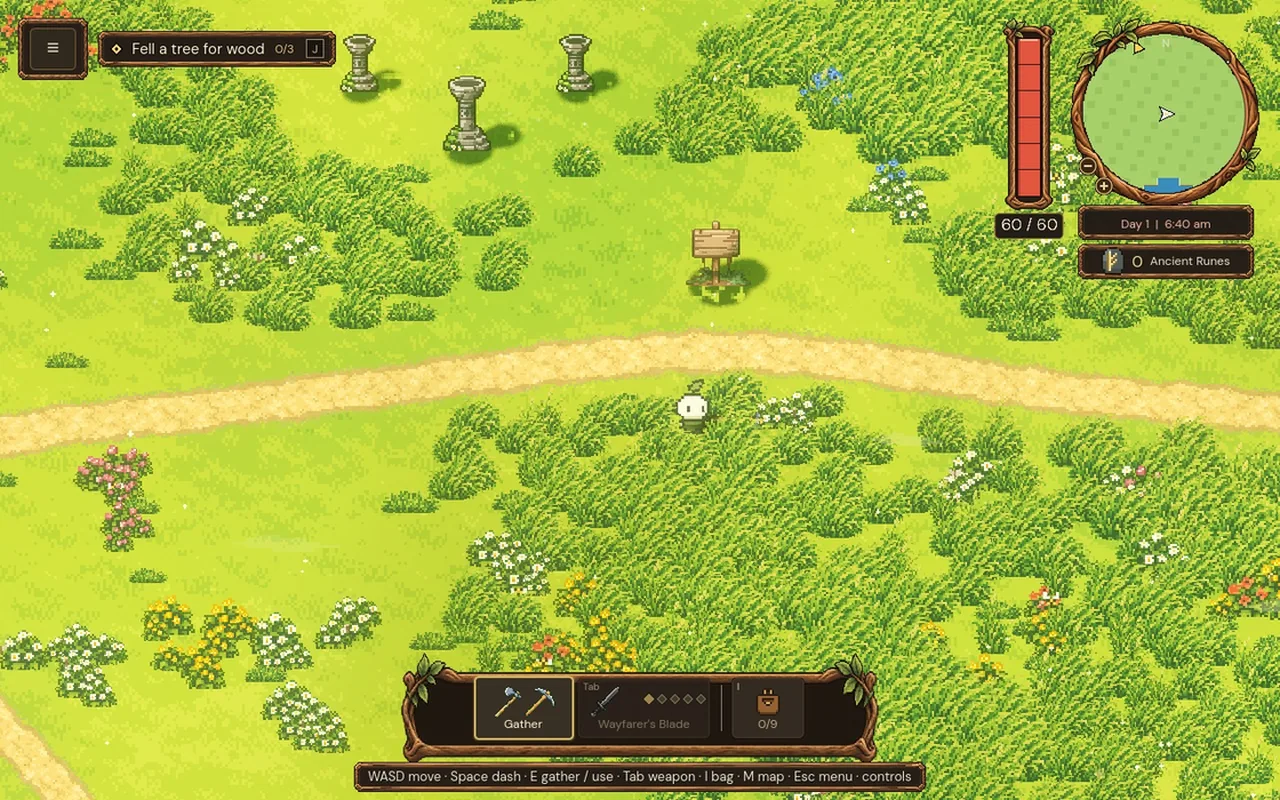
The clips below were filmed in the game for this post.
How should a top-down camera follow the player?
Keep the player at the centre of the screen and follow with a small, smooth delay, so starts and stops feel soft while the player never drifts far. Don't lead ahead of the movement, because a camera that swings ahead on every turn is a common cause of motion sickness. Make the follow the same at every frame rate, keep hit jolts small, and let players change the zoom and the smoothing.
The short answer
How Mytheria's camera works:
- The camera is centred on the middle of the character's body.
- It never runs ahead of where you're going.
- It follows with a short, smooth delay, so at a run you sit about 28 units behind the centre.
- The follow is worked out exactly for any amount of time, so it's the same at 30 or 144 frames a second.
- Big jumps snap instead of sliding across the map.
- Hits jolt the view by 2 units at most, and Reduced motion turns that off.
- Settings offer zoom from 75 % to 150 % and smoothing Off, Gentle or Smooth.
Centre the player, and don't look ahead
Many top-down games move the camera ahead of the player, so you see more of where you're going. That sounds helpful, but every time you turn, the camera swings across you to the other side, and in a game where you change direction constantly, in fights and while gathering, it keeps swinging. Mytheria keeps the player at the centre and accepts seeing a little less ahead.
The camera aims at the middle of the character's body, 16 units above the feet, and ignores the swinging tool and the bob of the walk, so the view doesn't wobble when you attack or walk.
A short, smooth chase
Locked straight onto the player, the camera makes every step move the entire world, which is tiring to watch. Mytheria's camera chases the player instead: each moment it closes a fixed share of the distance, so it starts moving a moment after you do and settles a moment after you stop. This is the same walk with smoothing off and on:
Try the follow settings on a test walk: a run, a stop, a turn and a dash. The line is how far the player is from the centre of the screen, worked out with the game's own formula:
Pick a follow setting and compare the curves
At the default, a running player sits about 28 units behind the centre. A dash at 520 units a second pulls you further ahead for a moment, then the camera catches up without overshooting. Gentle is the same chase, nearly three times faster.
The same at any frame rate
The simple way to smooth a camera is to move it a percentage of the way each frame, but then the delay depends on the frame rate: at 144 frames a second the camera follows much more tightly than at 30. Mytheria's camera works out exactly where a smooth chase would be after any amount of time, taking into account that the player is moving during it, so the follow looks identical on a Steam Deck at 30 frames and on a fast monitor.
If the player jumps more than 160 units in one step, like a fast travel or a ladder, the camera snaps instead of sliding across the map. And at the island's edge, the view stops 120 units past the shore, so you never see far into nothing.
Keep hits from shaking the world
Hits move the camera a little, with a quick jolt in the direction of the blow of at most 2 units, and a bit more when you're hurt. That's enough to feel the impact while the world stays steady. The Screen shake setting and Reduced motion both turn it off. How we tuned it is in screen shake in games.
Let players choose
People feel camera motion differently, so the Settings menu has two camera options. Camera zoom runs from 75 % to 150 %: closer for a small screen or for comfort, wider to see more. Camera smoothing is Off, Gentle or Smooth. Step through the zoom:
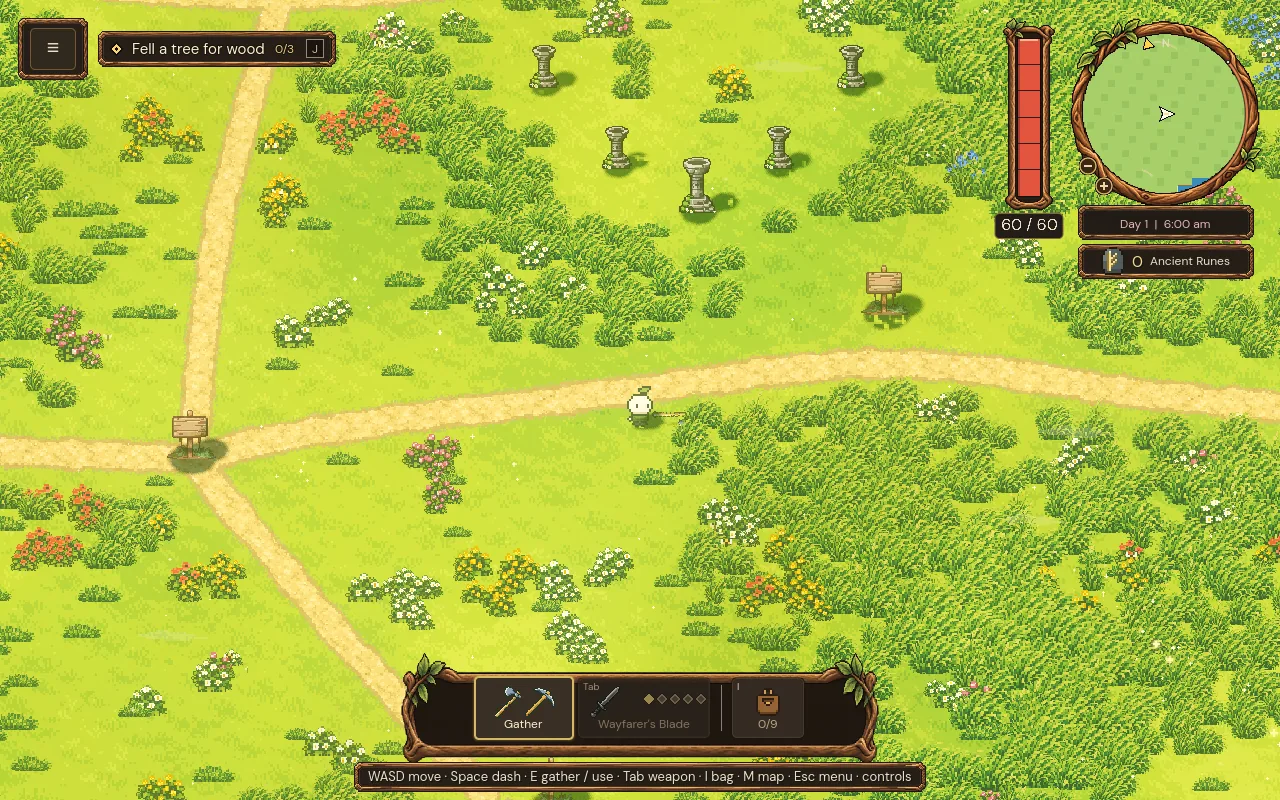
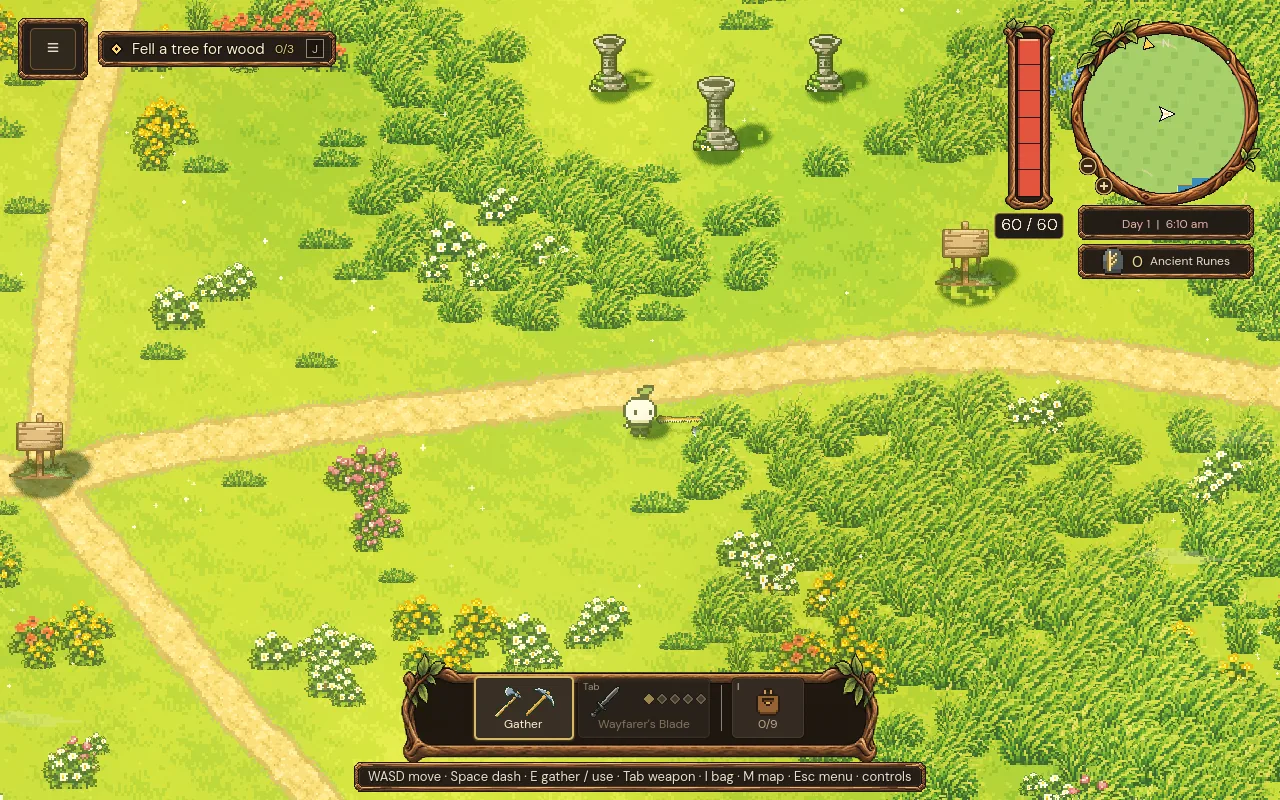
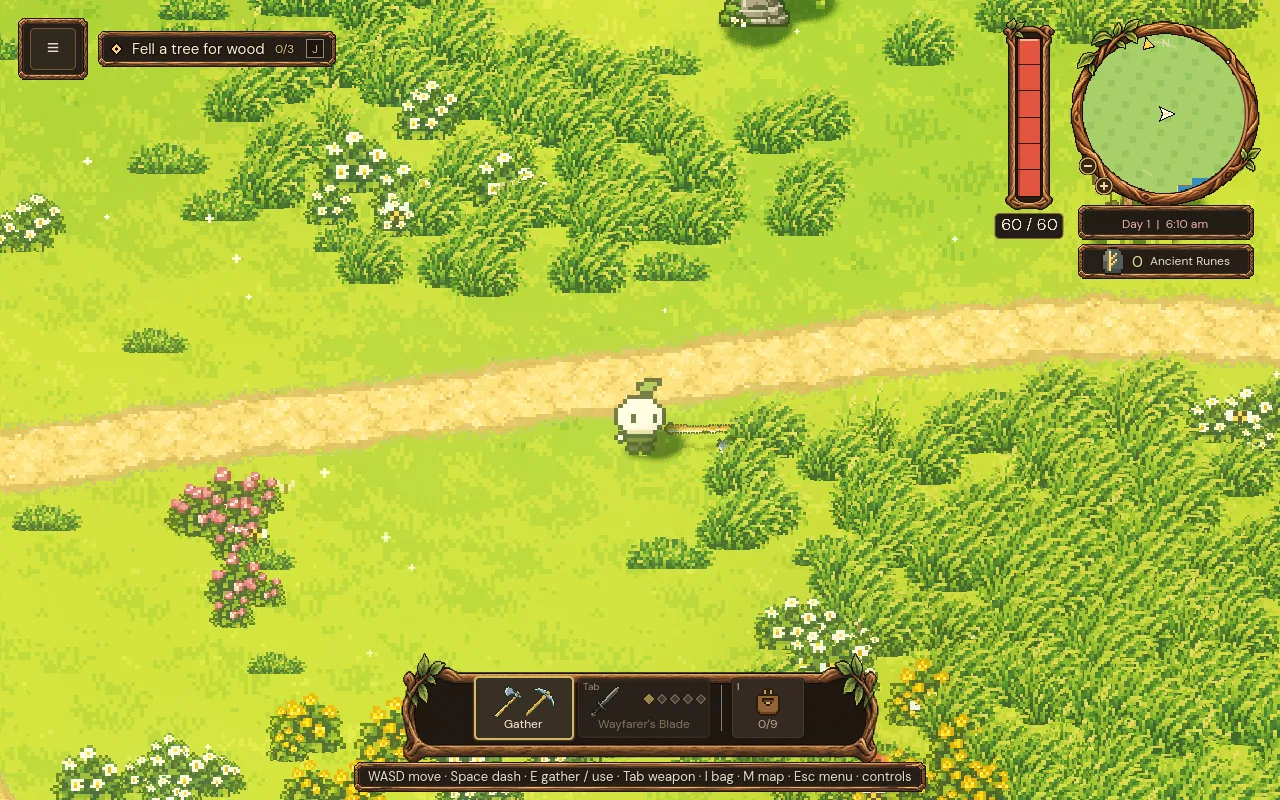
Step through the zoom levels, or use the arrow keys
75 %: more of the world, smaller characters.
The dash and its feel are covered in how to make a dash feel good.
A checklist for a top-down camera
- Centre the middle of the player's body.
- Don't lead ahead of the movement.
- Chase with a short, smooth delay that never overshoots.
- Make the smoothing independent of frame rate.
- Snap on teleports instead of sliding.
- Stop the view a little past the edge of the world.
- Keep hit jolts tiny, and let players turn them off.
- Offer zoom and smoothing settings.
Further reading
- How to make a dash feel good: charges, cooldowns and animationHow the dash in Mytheria works: speed, distance, cooldown, charges, invincibility frames and the animation. Try the charges yourself, with real numbers.
- Screen shake in games: how to make it feel goodHow we tuned screen shake in Mytheria: small, along the hit, inside the hitstop and easy to turn off. Try the old and new shake curves yourself.
- MytheriaWalk the island yourself: a pixel-art co-op adventure for one to four players.
Wishlist Mytheria
Mytheria is a pixel-art co-op adventure for one to four players, coming to Steam for Windows, macOS and Steam Deck. A wishlist is the best way to follow it and to help us.