How to make combat feel good
How we made combat feel good in our indie game Mytheria: hitstop, hit flash, knockback and screen shake, with real frame data you can try yourself.
On this page
- The short answer
- Why most hits feel weak
- Make the attack move the attacker
- Knockback: hand the momentum to the enemy
- Hit flash: turn the enemy white on the exact frame
- What is hitstop, and how long should it be?
- Screen shake: smaller than you think, inside the hitstop
- Make enemies lean when they get hit
- Hit effects that show which way you hit
- Big enemies should push back
- It still has to read at night
- How we do hitstop in Godot
- Use it in your own game
- A checklist for satisfying combat
Our sword hits used to feel light. You swung, a number popped up, the enemy blinked and squashed a little, and the whole screen jumped. Everything worked, but it never felt like you'd actually hit something.
This is how we made combat feel good in Mytheria, our pixel-art co-op game. Every clip below is from the game, and every number is the one the game uses.
The short answer
Good combat feel comes from a handful of small effects that all happen on the same frame. This is what one sword hit does in Mytheria:
- A swing pulls you about 16 pixels forward.
- On contact, 80 percent of what's left of that pull goes into the enemy's knockback.
- The enemy turns cream for 8 frames, about 133 milliseconds.
- Both fighters hold still for 4 frames of hitstop, and the screen shake happens inside that pause.
- The enemy tilts away from the blow, about 1.3 degrees for every pixel it's pushed.
- A short stroke cuts across the swing to show which way you hit.
Big enemies get less of all of it, and push you back instead. Below is the same swing on the same training dummy, before and after we rebuilt it.
Drag the line to compare before and now
Why most hits feel weak
A hit is two bodies trading weight. When two things collide, the energy should go somewhere you can see, mostly into the target and a little into the attacker and the camera. Most weak hits stop dead instead, and the energy goes nowhere.
Here is the hit built up one layer at a time. Every step is a real clip from the game with one more effect switched on. Try quarter speed too.
Choose a step to switch on the next effect
Every effect off. The damage number is the only sign that anything happened.
How the numbers themselves stay readable in a busy fight is in damage numbers that read at a glance.
Make the attack move the attacker
The first thing we changed is that a sword swing now moves your body. A blade swing pulls you about 16 pixels forward over a fifth of a second, fast at first and then easing out. Heavy weapons pull 11, the harpoon's thrust 14, and ranged weapons do the opposite, with a small step back when you shoot.
That step gives the swing weight. Without it the blade moves while your character stands still, and the attack reads as light and floaty.
The lunge must never give you extra reach, or it would change the fight as well as the feel. The game checks every hit from where you stood before the lunge carried you, so the reach is the same as before.
Knockback: hand the momentum to the enemy
If the swing connects, it shouldn't keep carrying you forward. When the blade hits, we cut what's left of your lunge to 20 percent and add the rest to the dummy's knockback, so you stop as the dummy starts to move.
The knockback itself is a short slide of about a tenth of a second. Jumping the dummy straight to its new spot looks like a glitch.
Hit flash: turn the enemy white on the exact frame
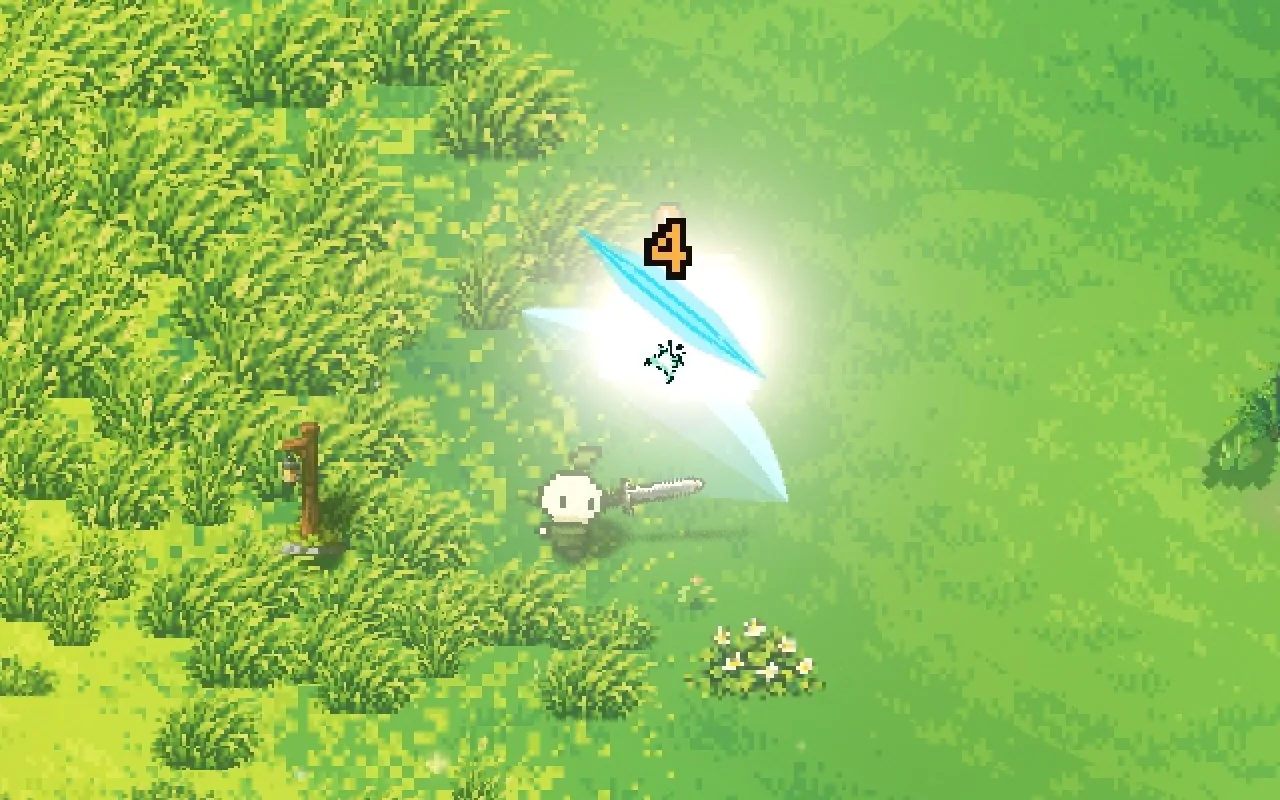
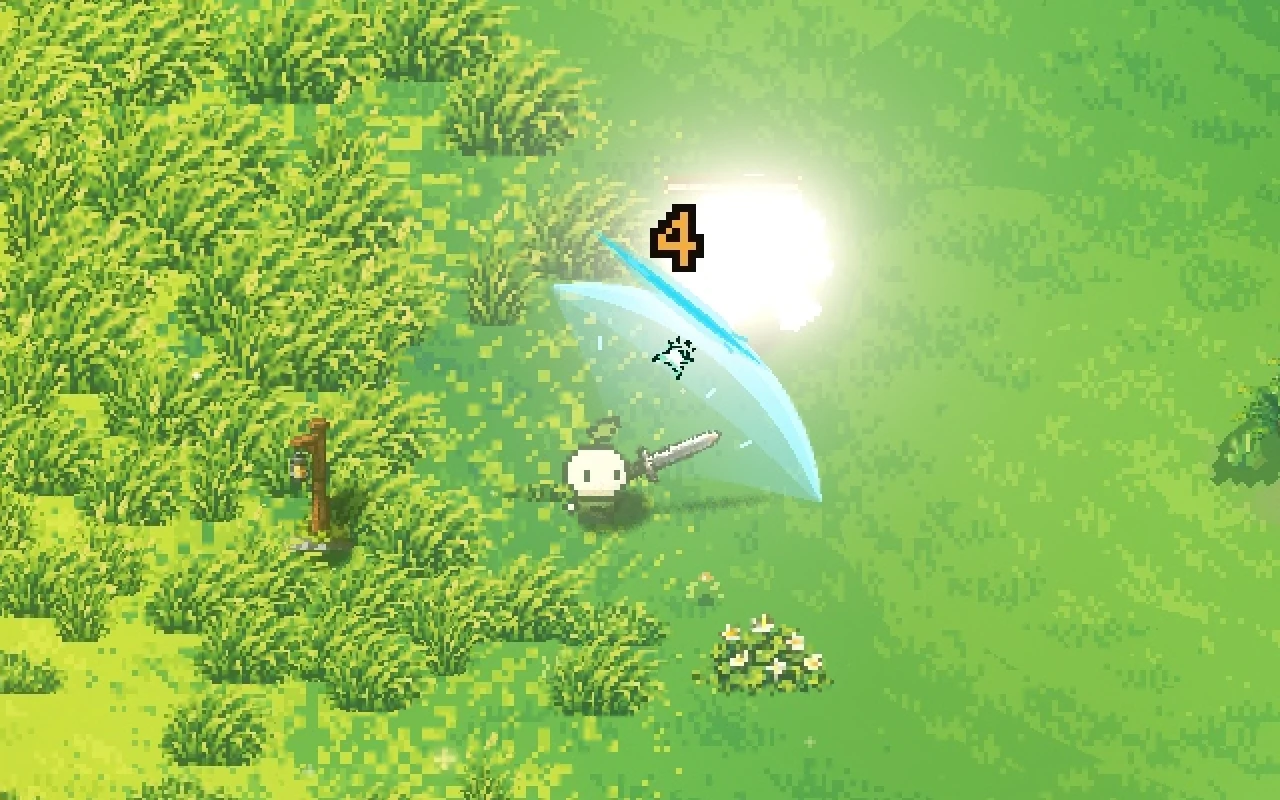
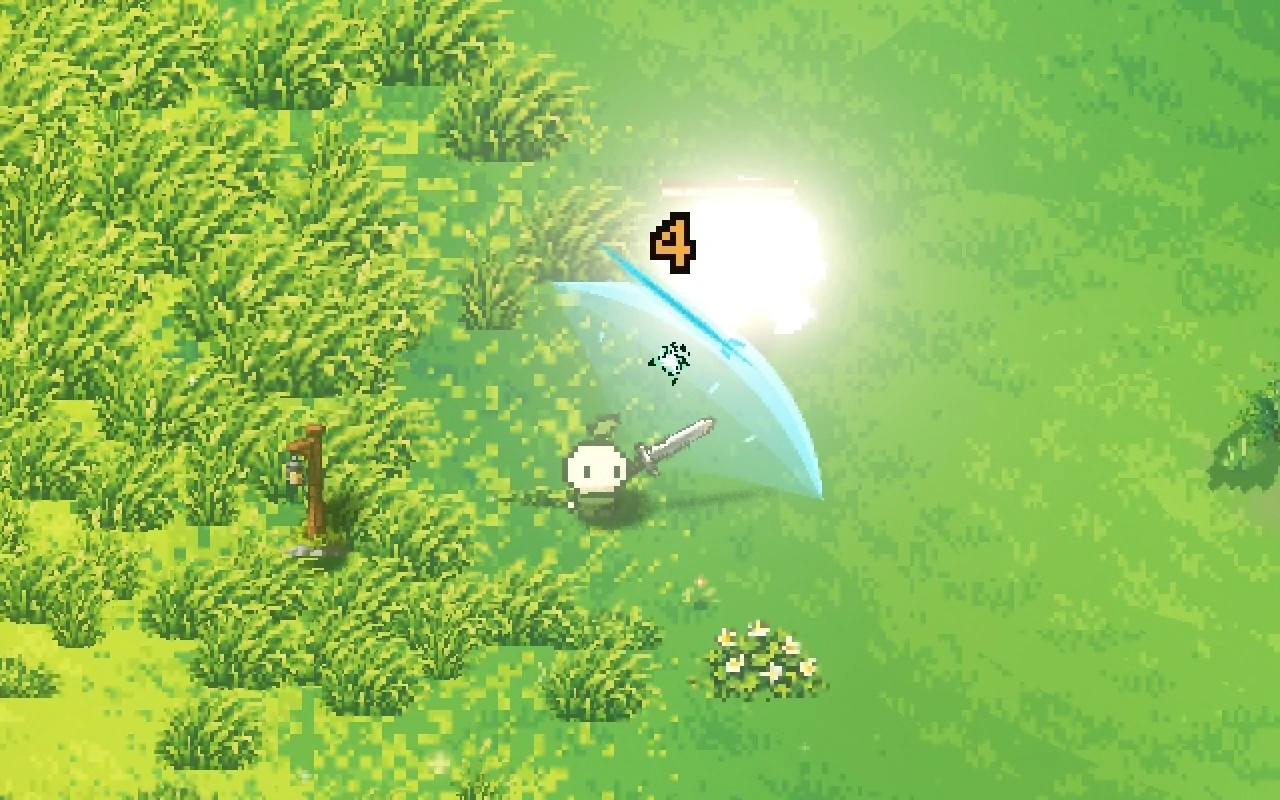
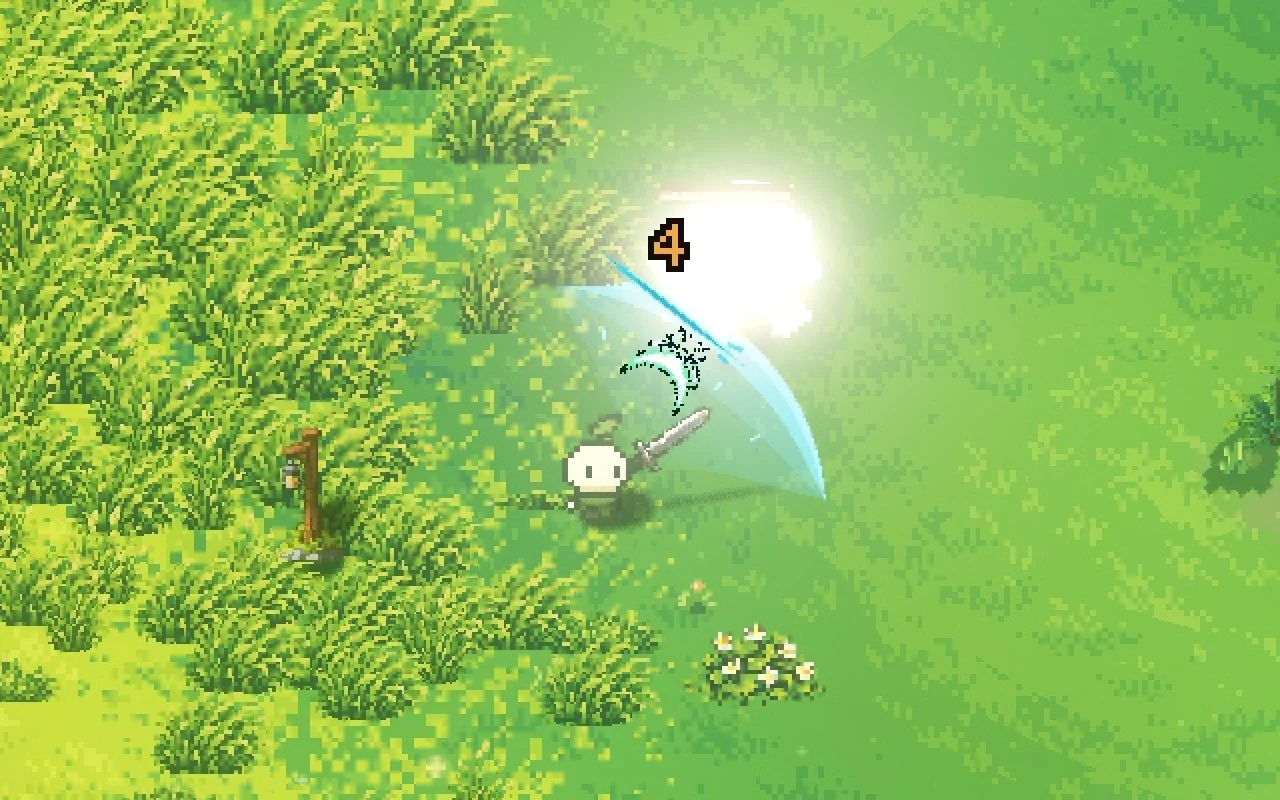
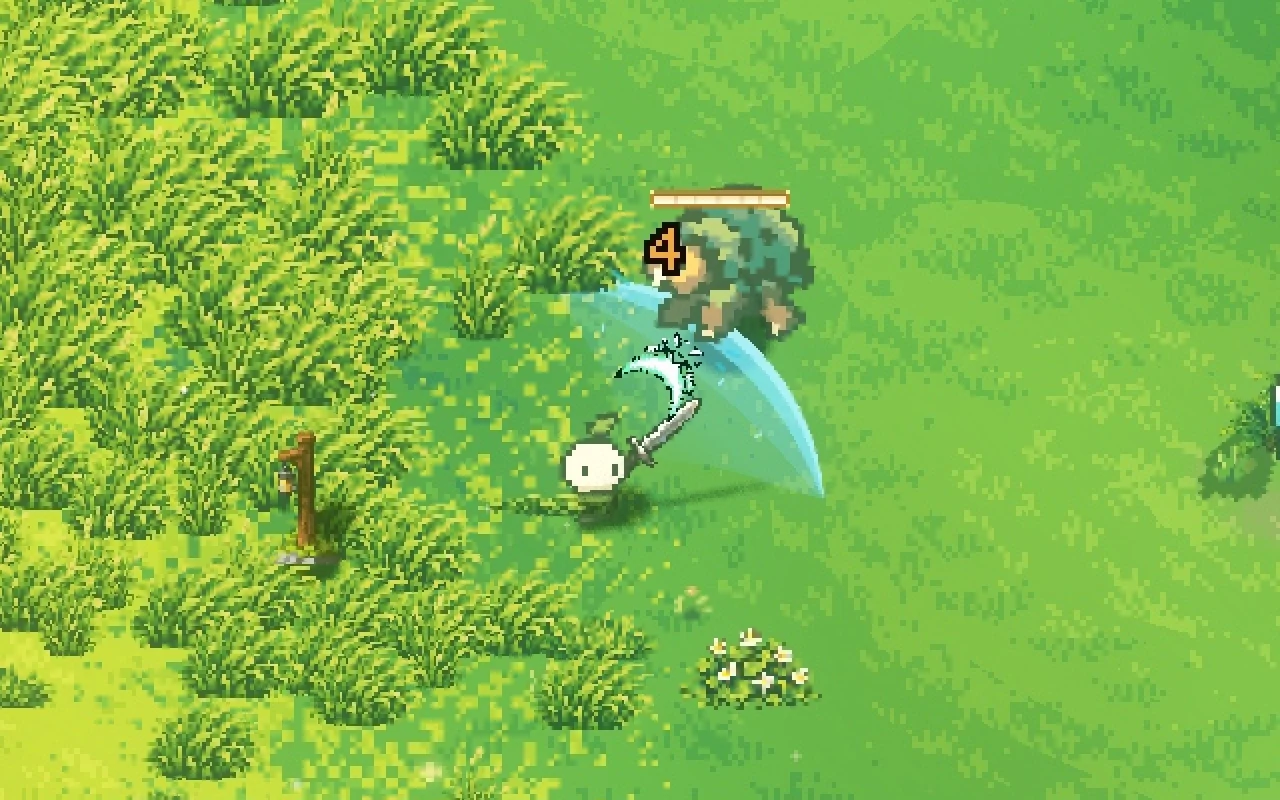
The flash is the oldest trick there is, and we still think it's the most important one. The struck creature turns a solid cream colour on the exact frame of contact. Even one frame of delay reads as lag.
A plain solid colour works better than anything fancier. The one thing we added is light: our flash lights itself, so at night it stays bright while the world around it goes dark.
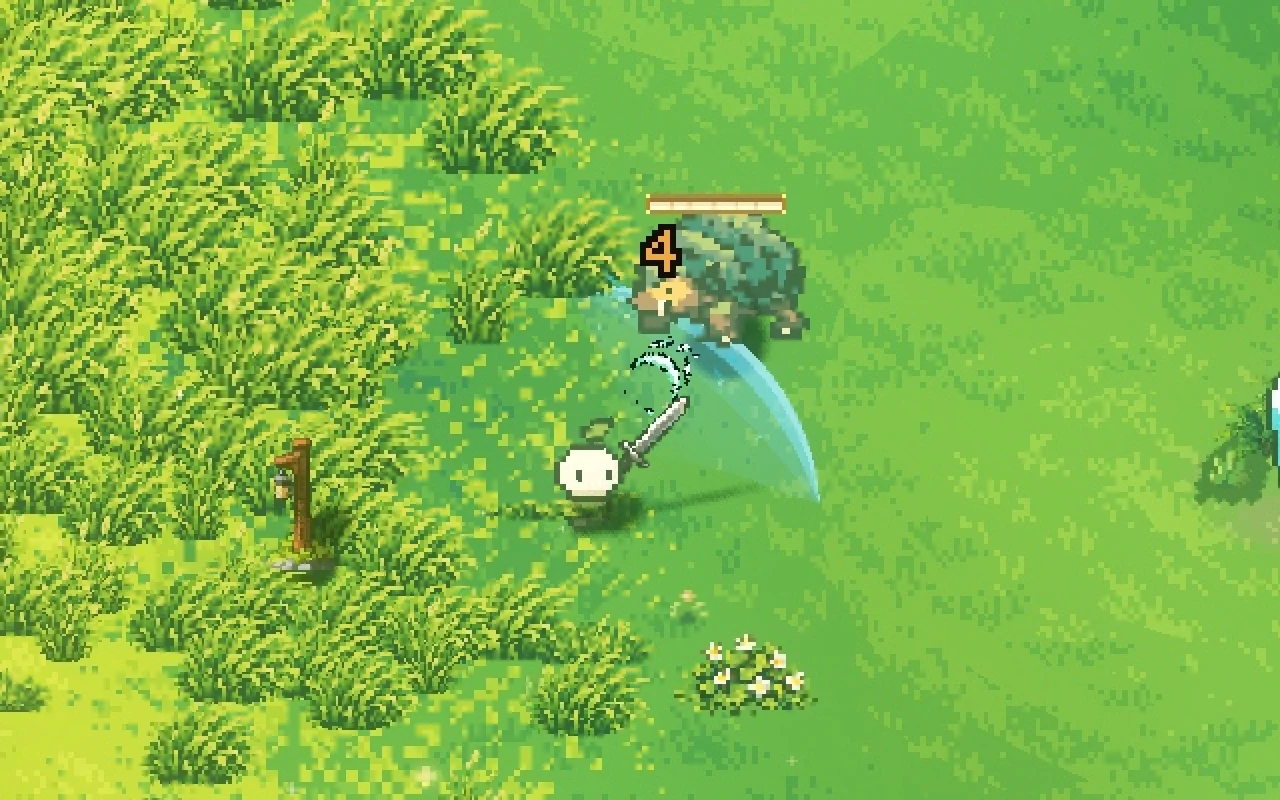
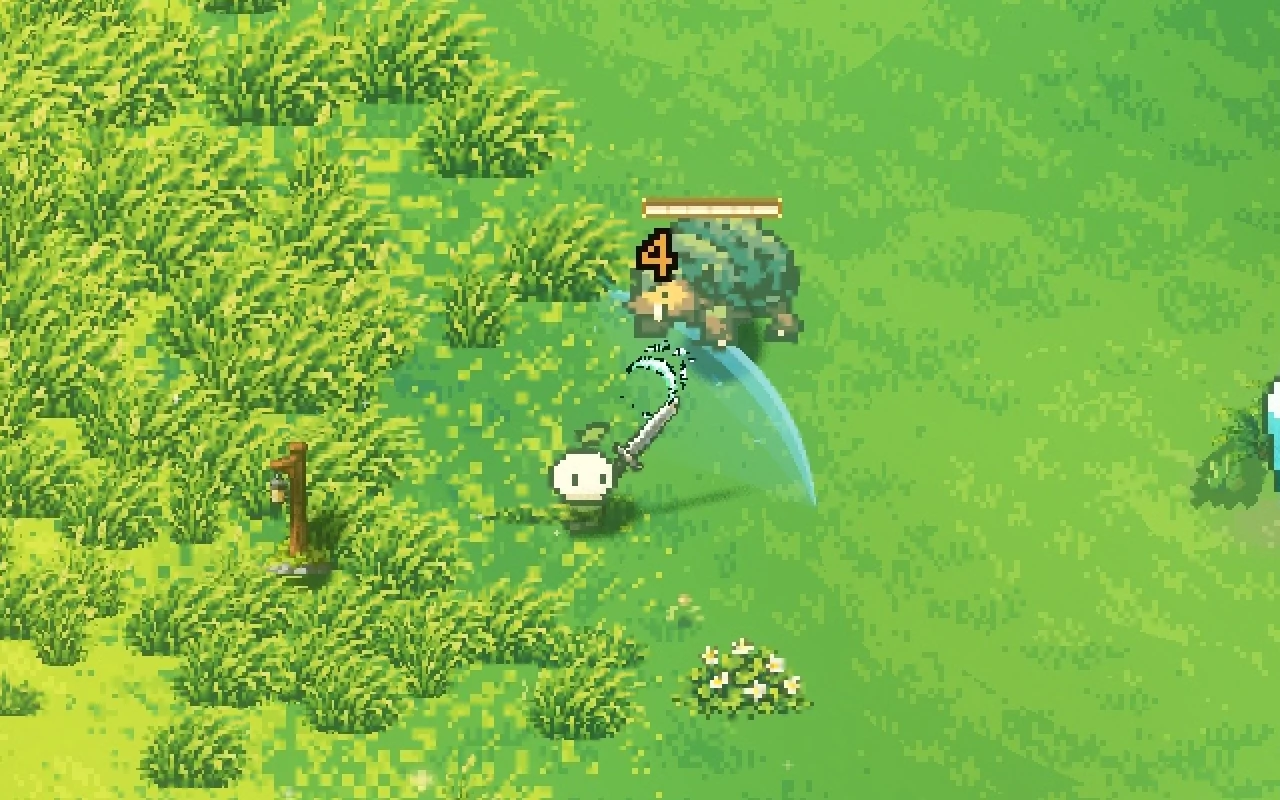
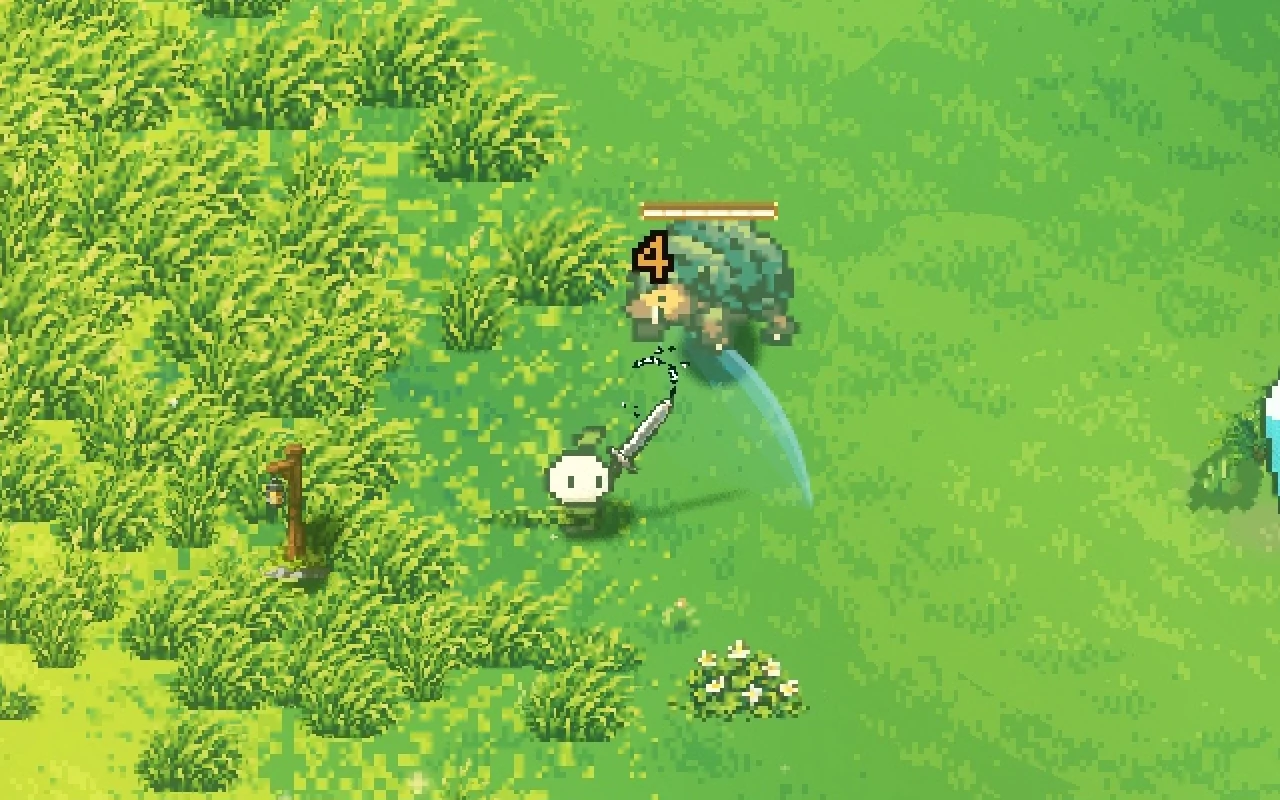
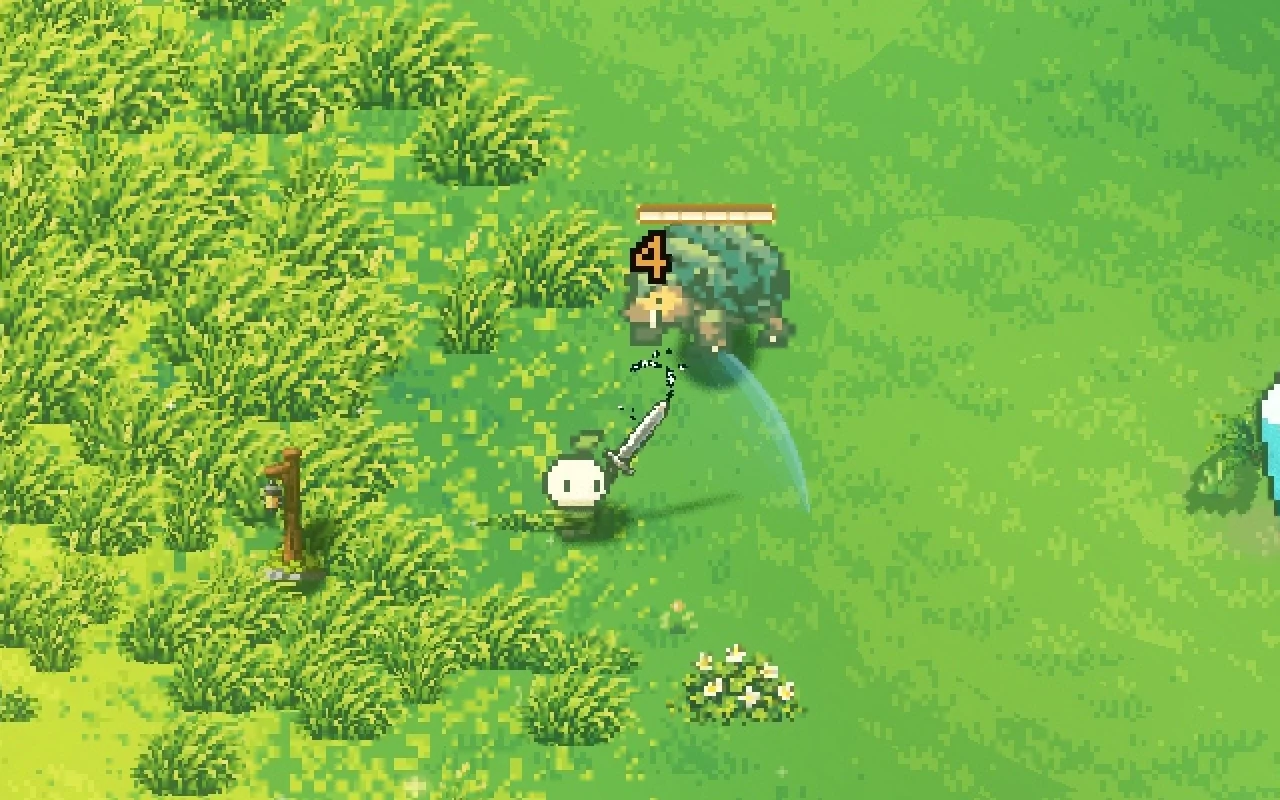
Step through a single hit below, frame by frame. The bars show what each effect is doing on every frame.
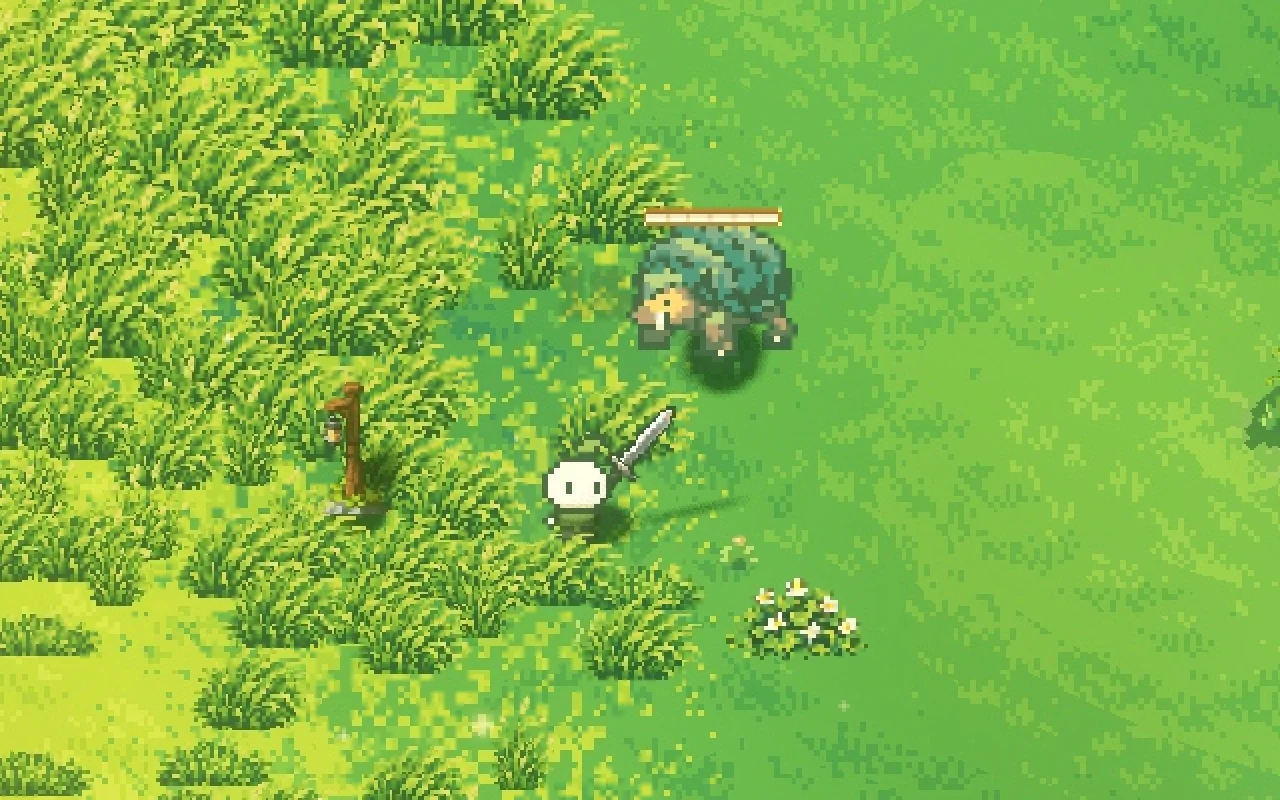
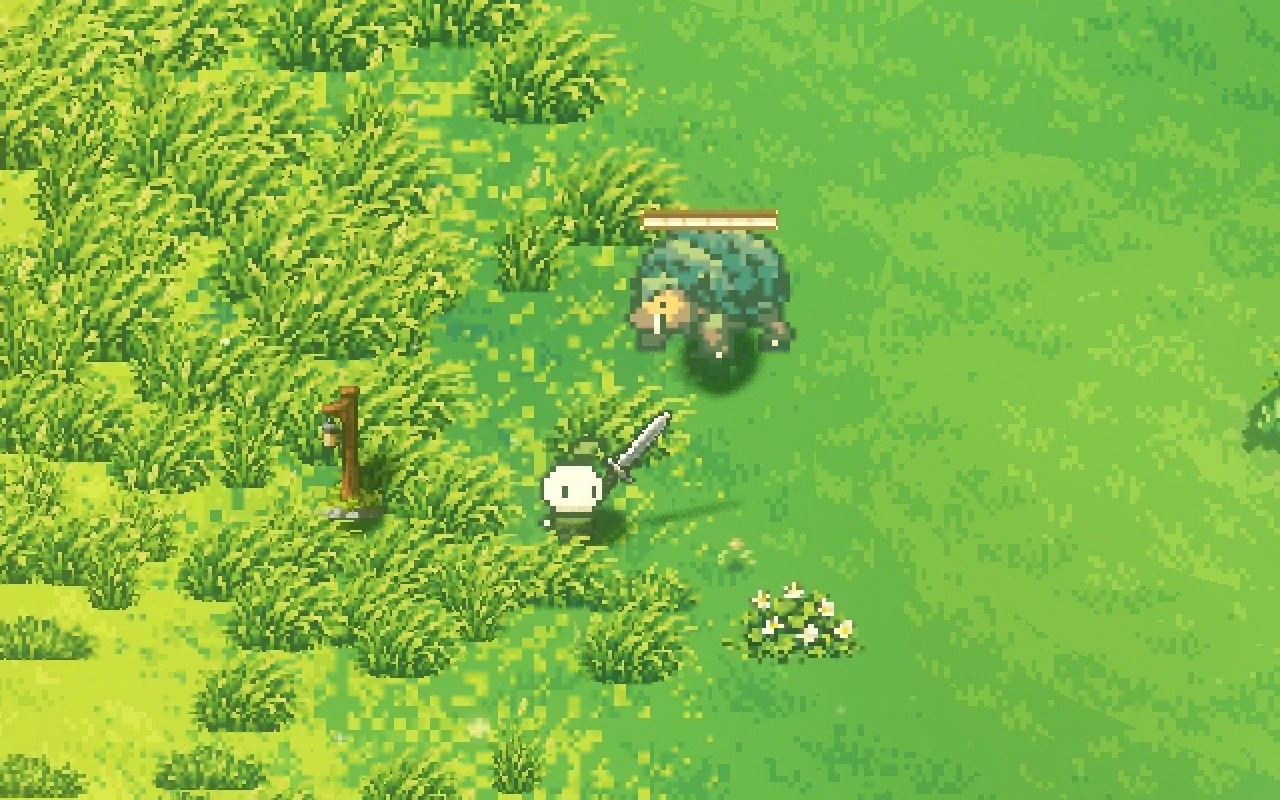
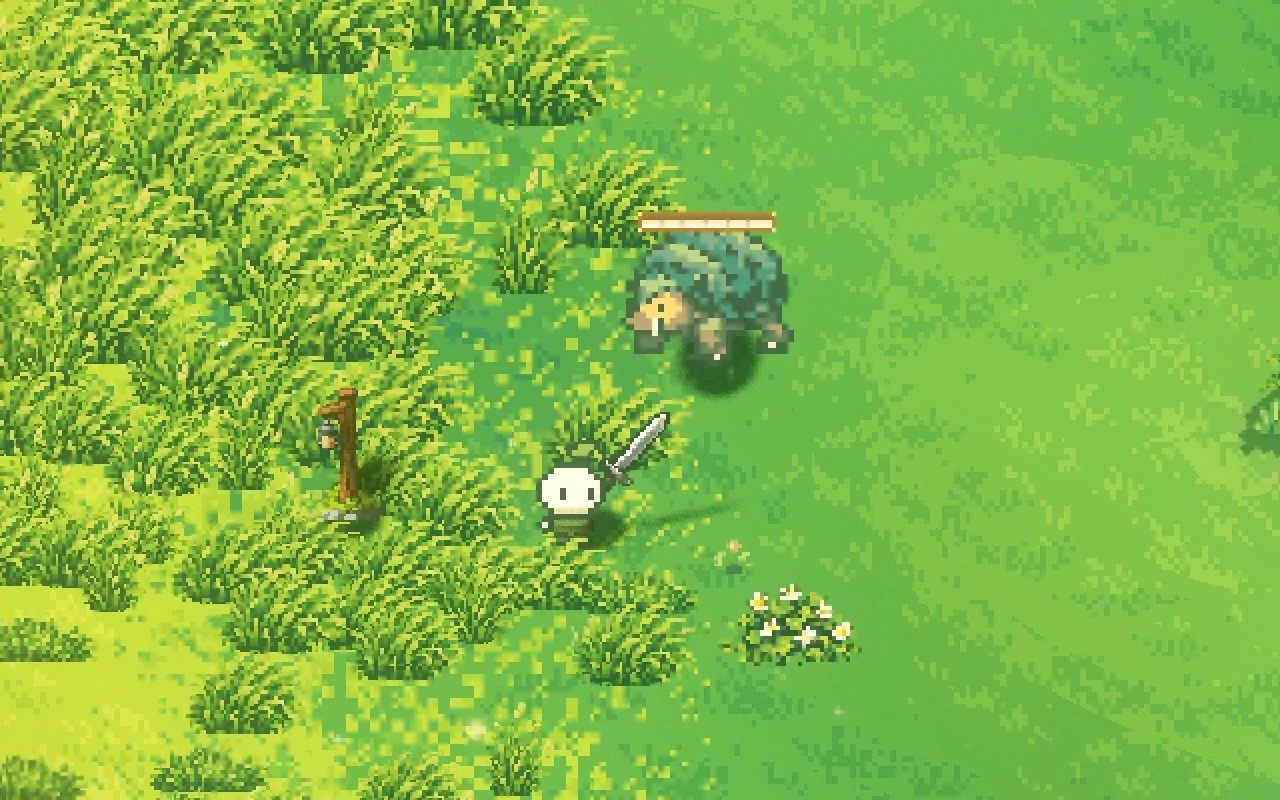
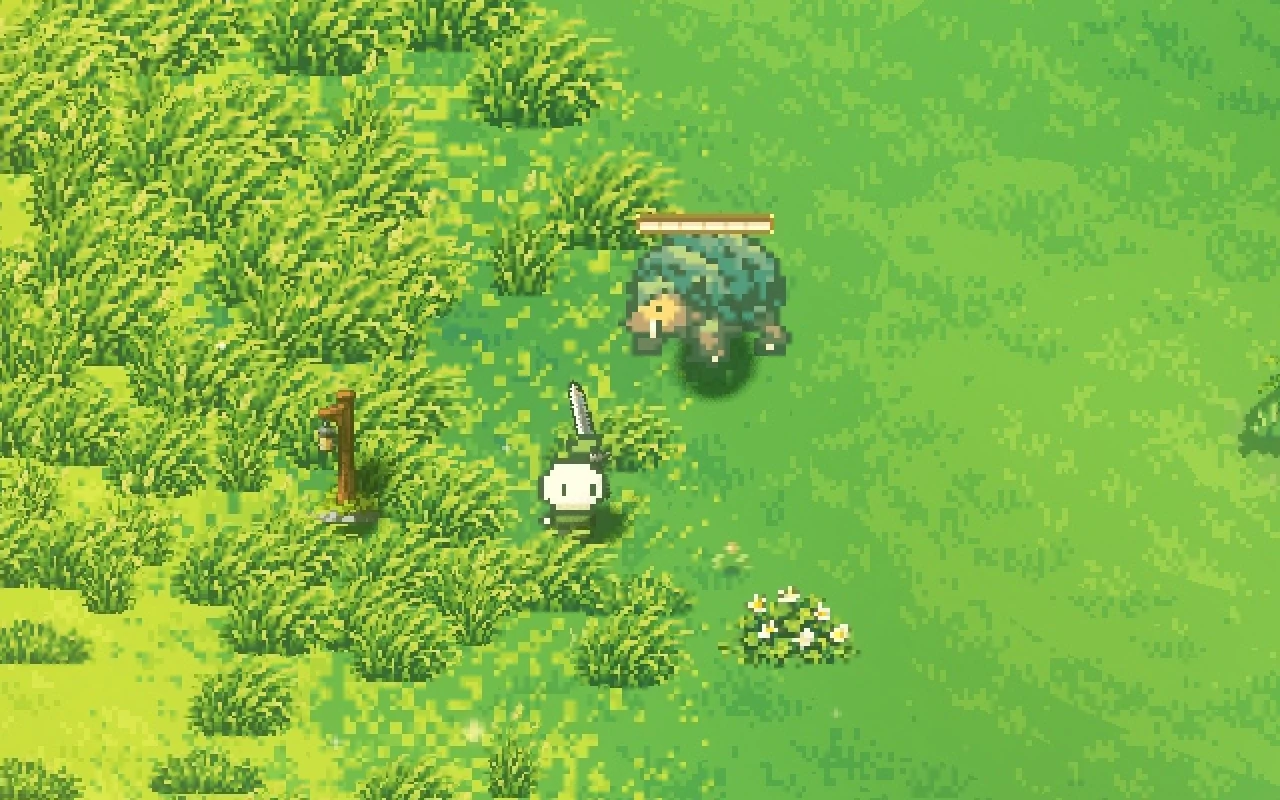
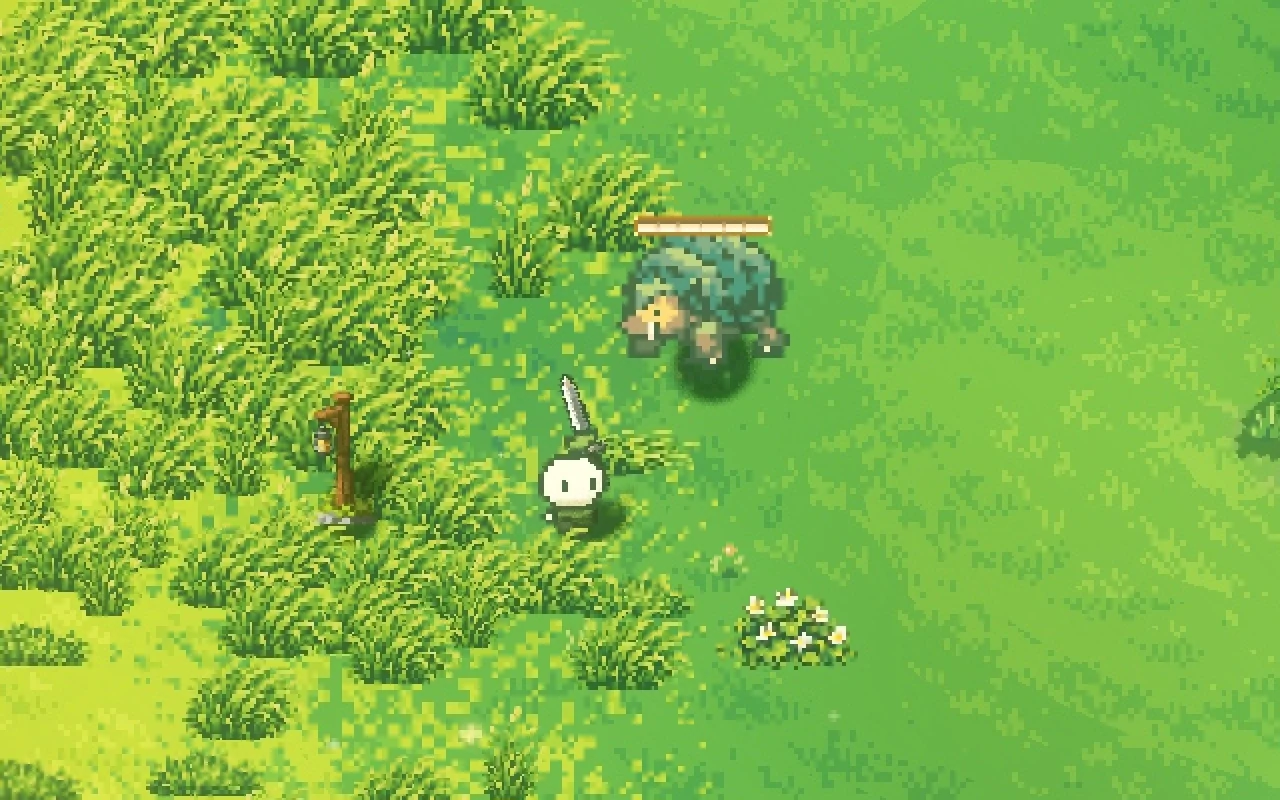
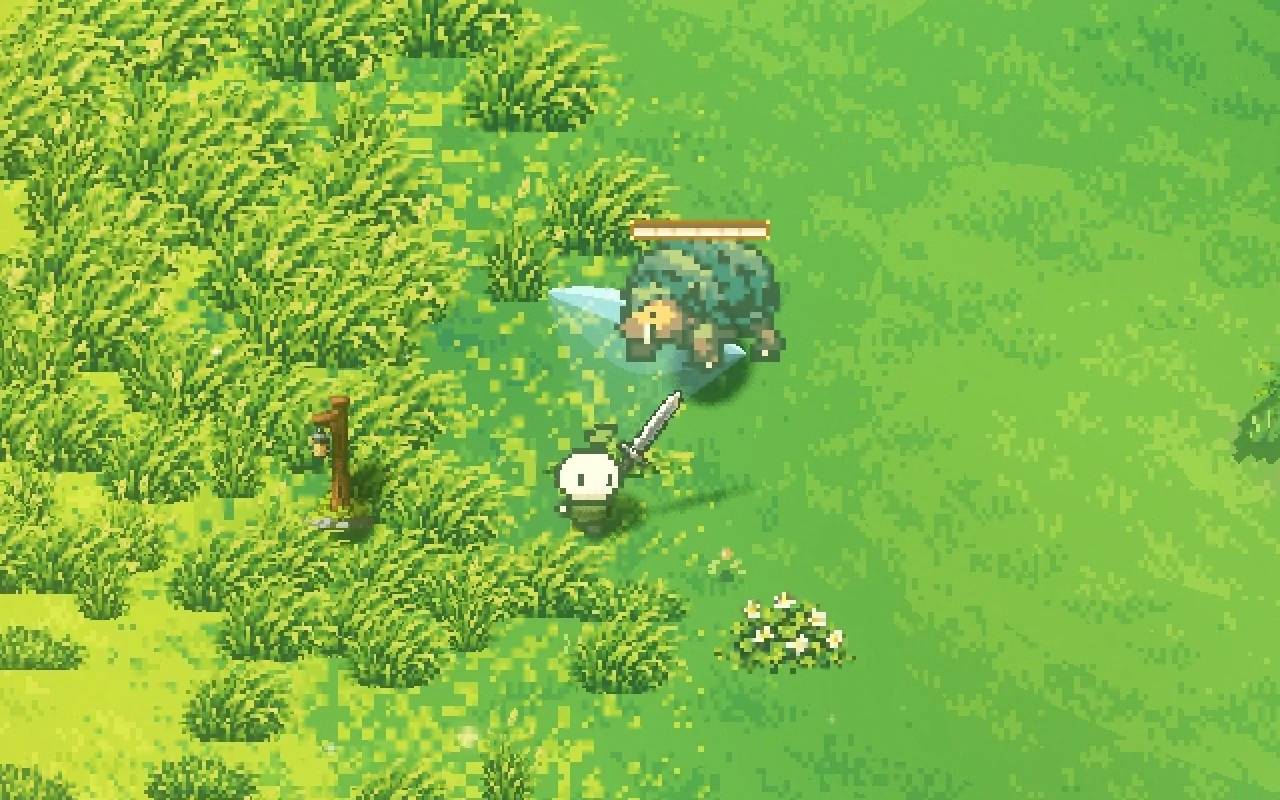
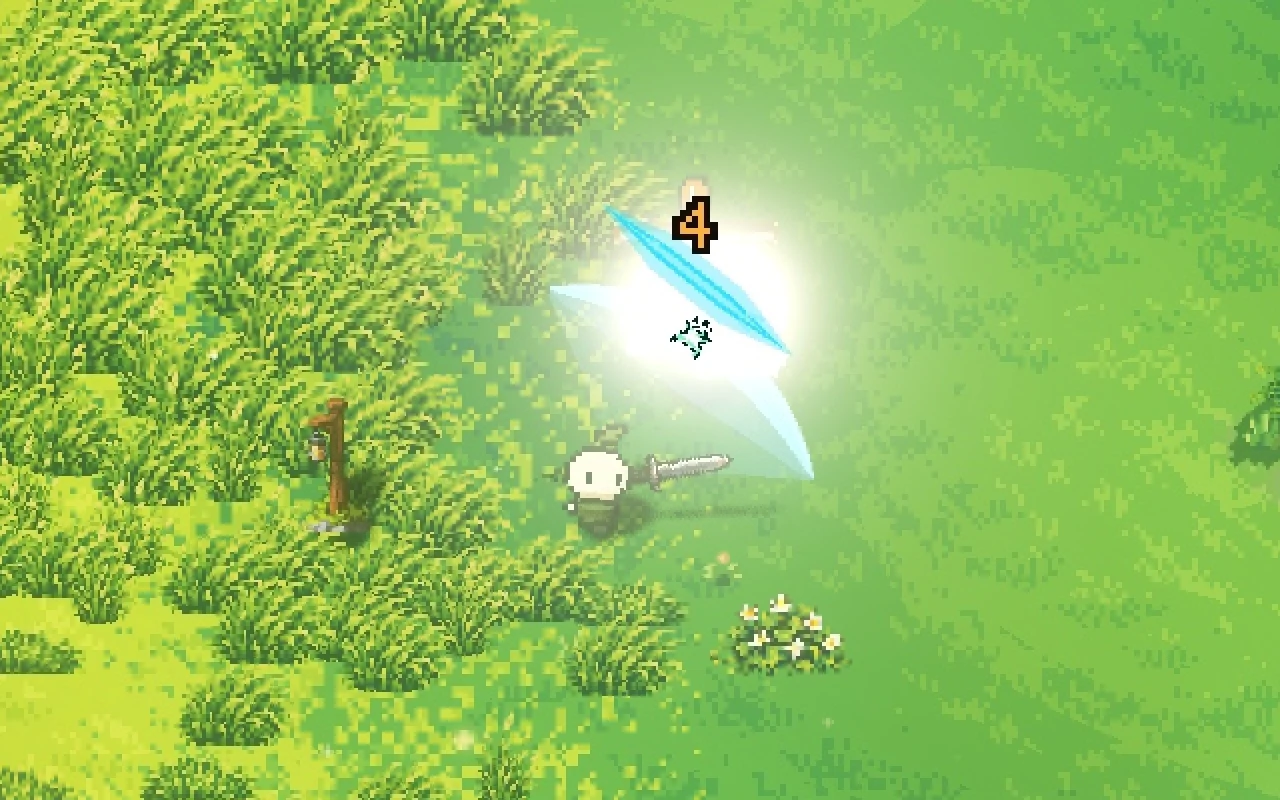
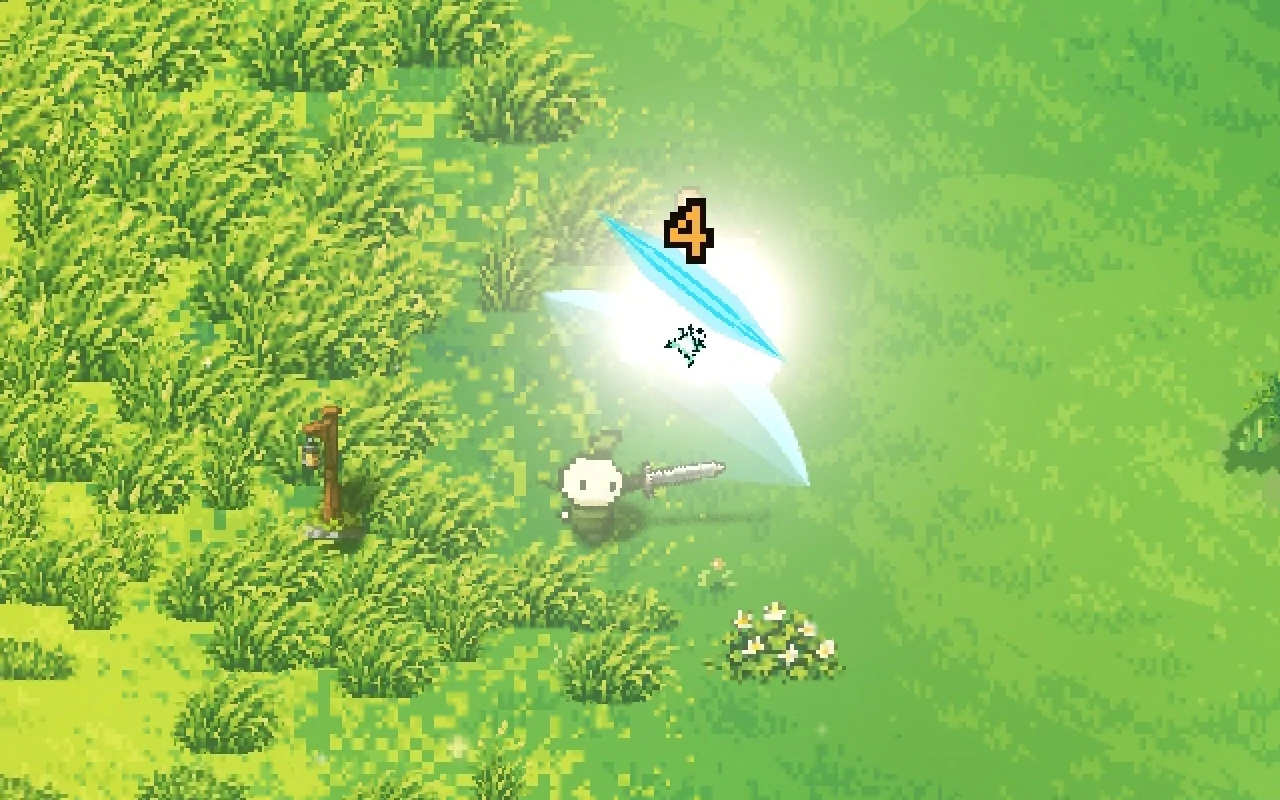
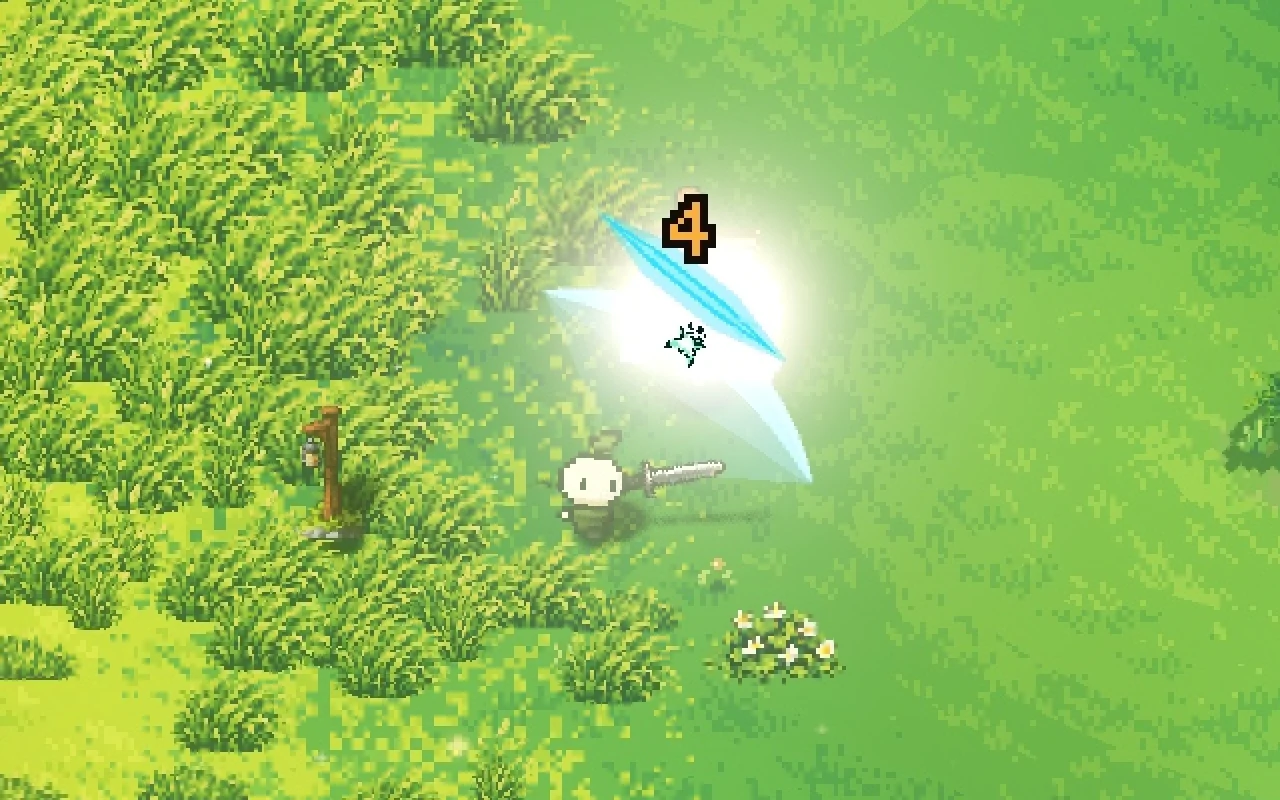
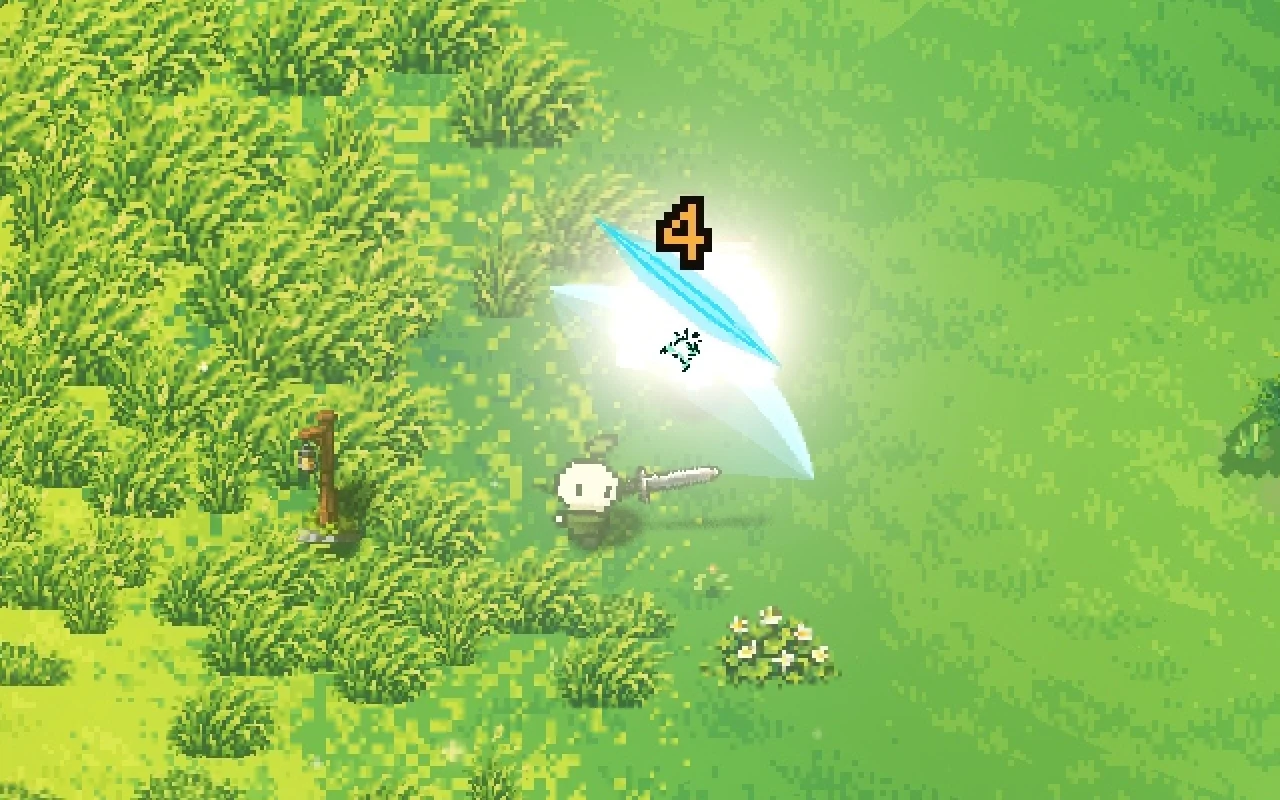
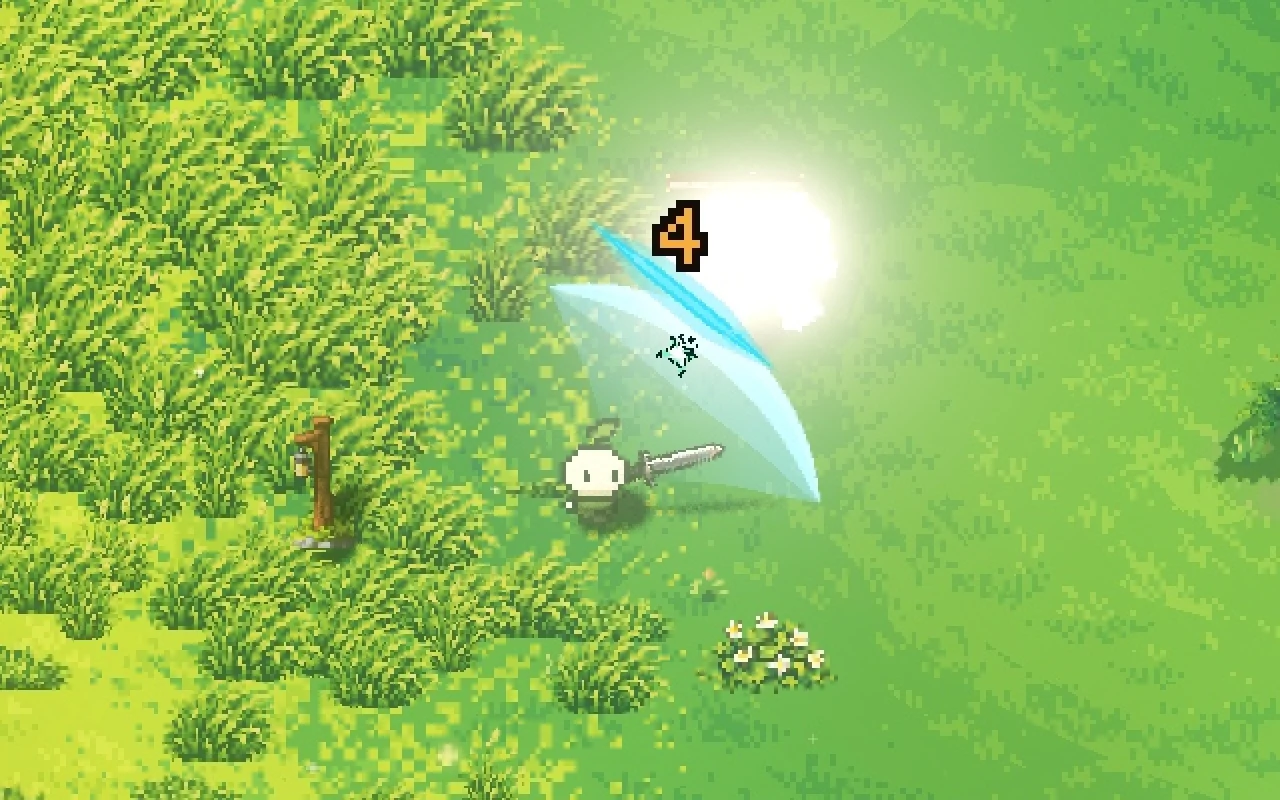
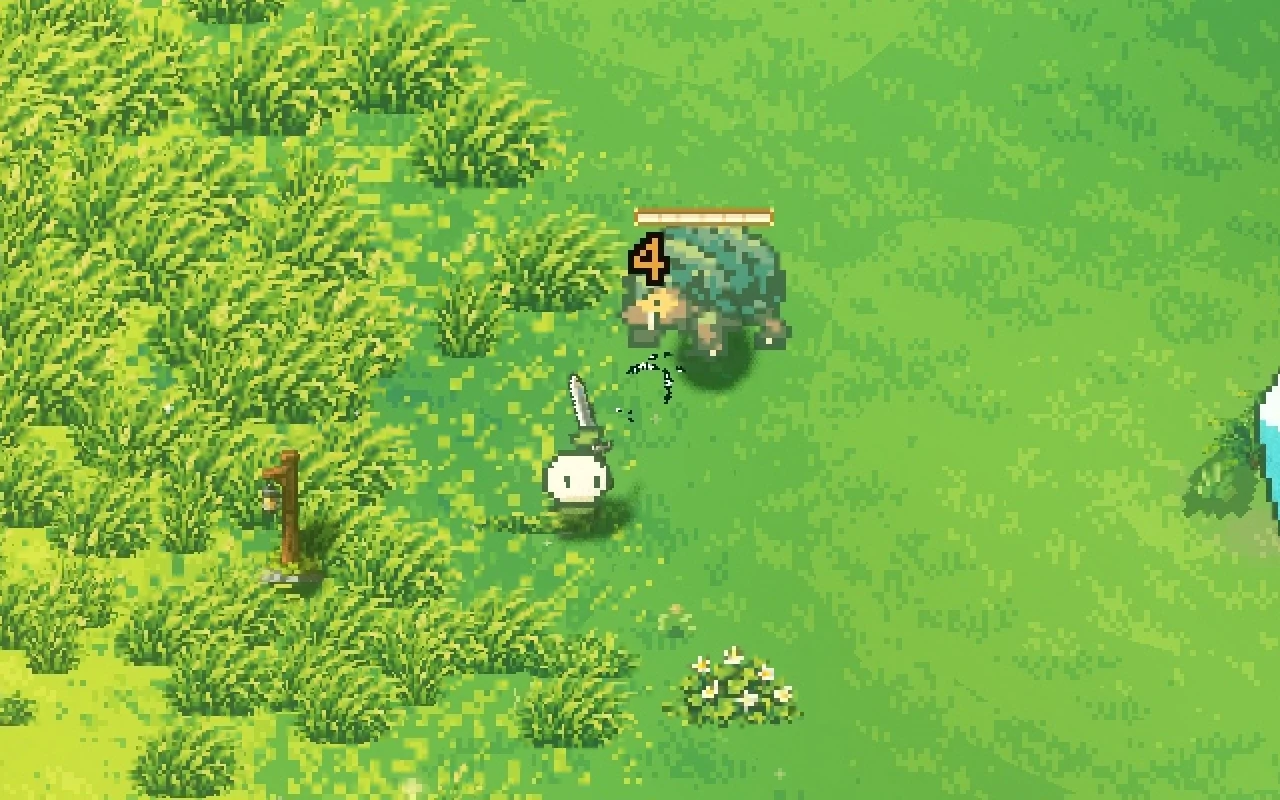
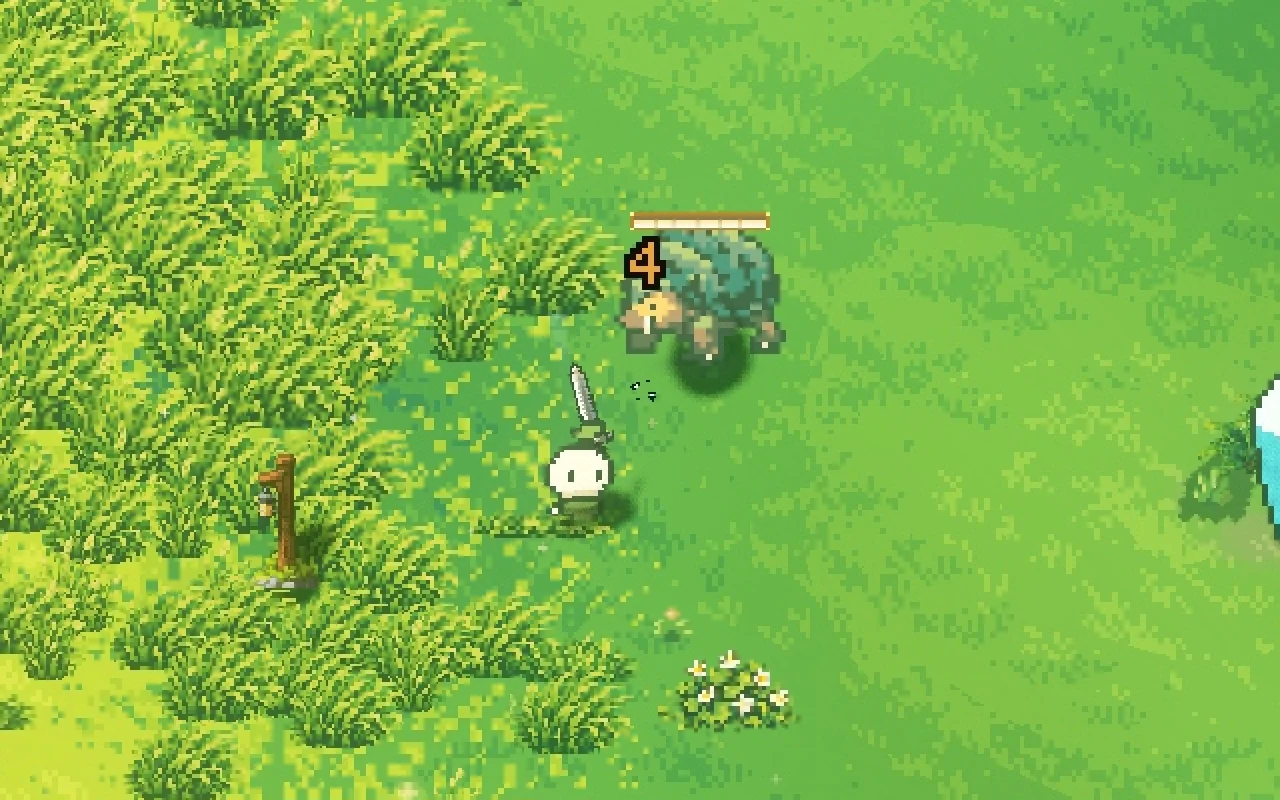
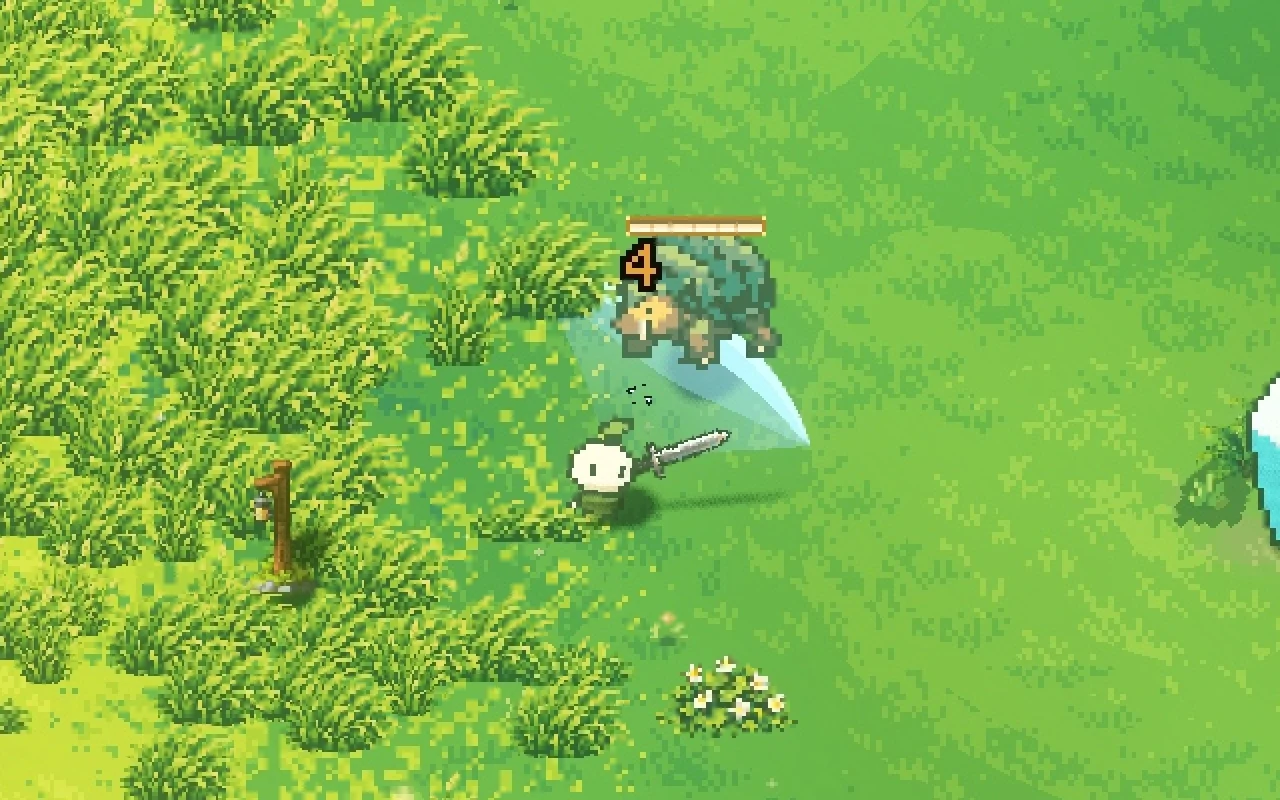
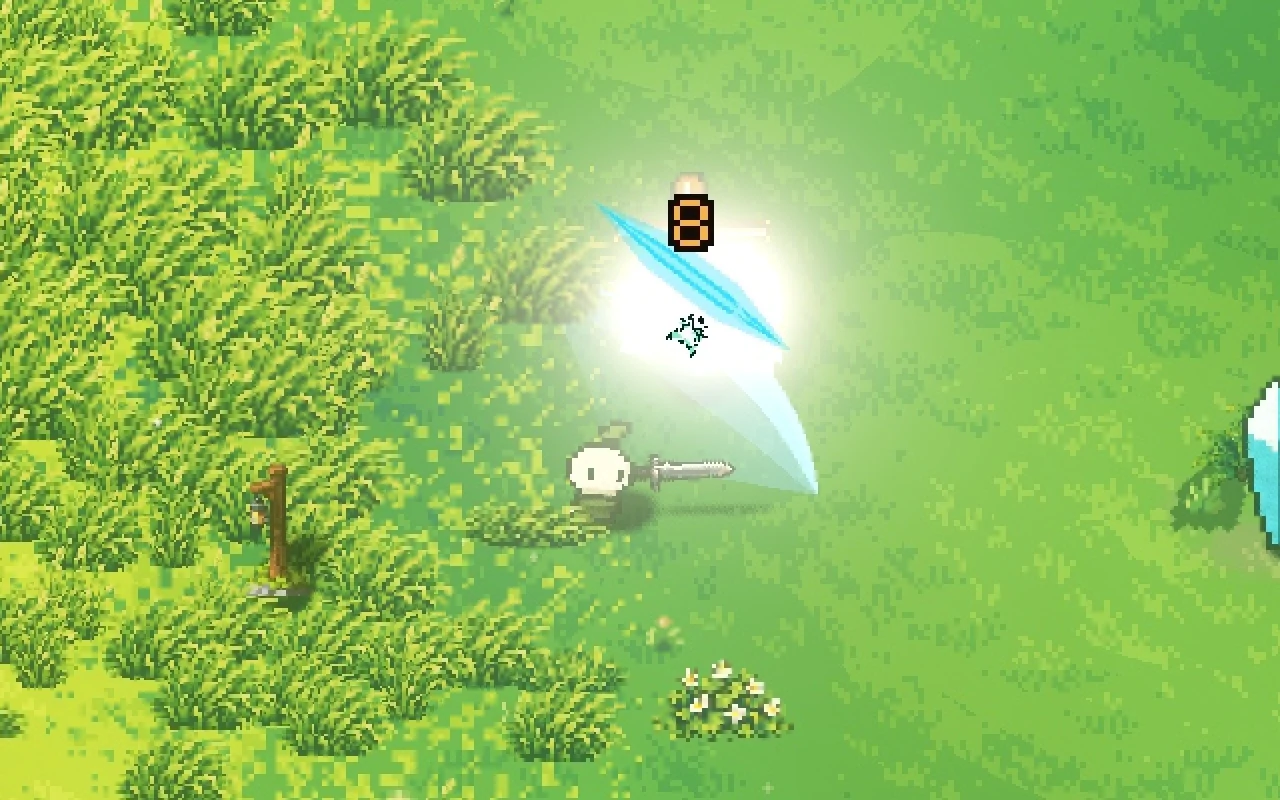
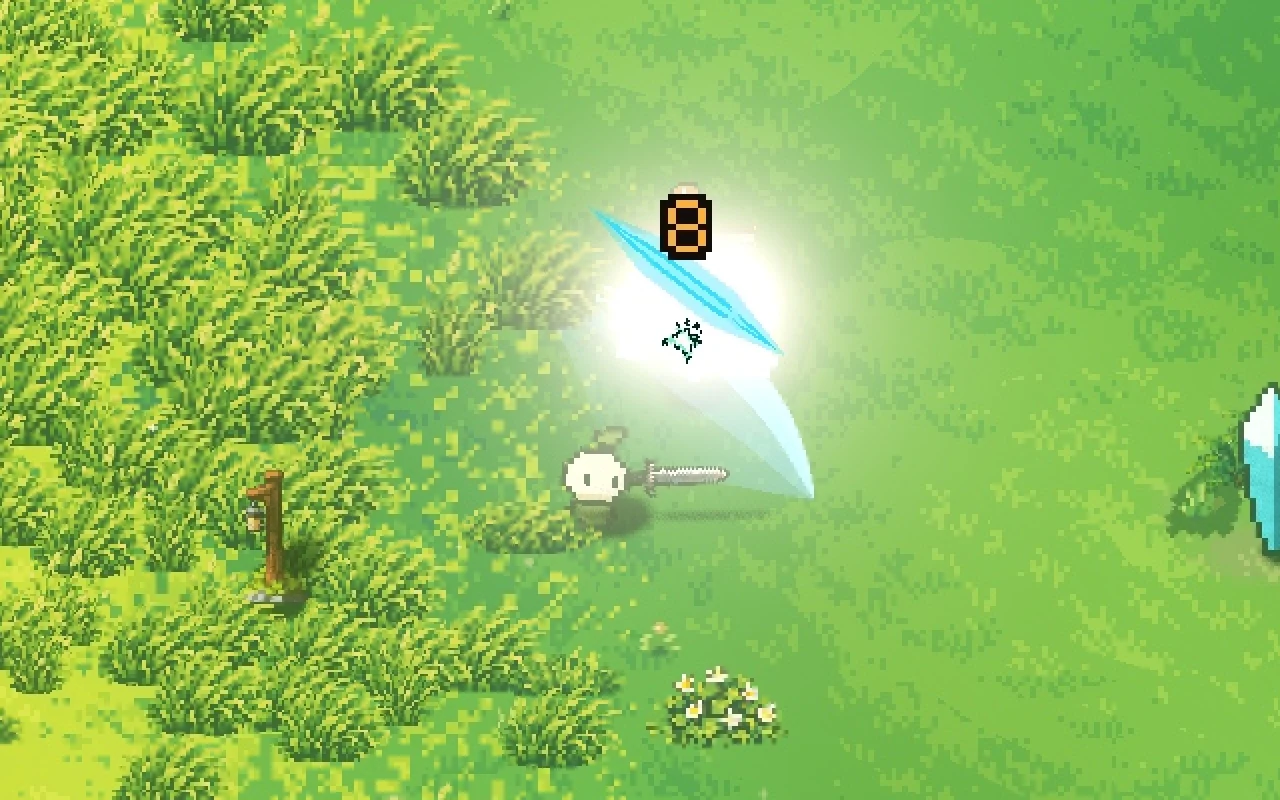
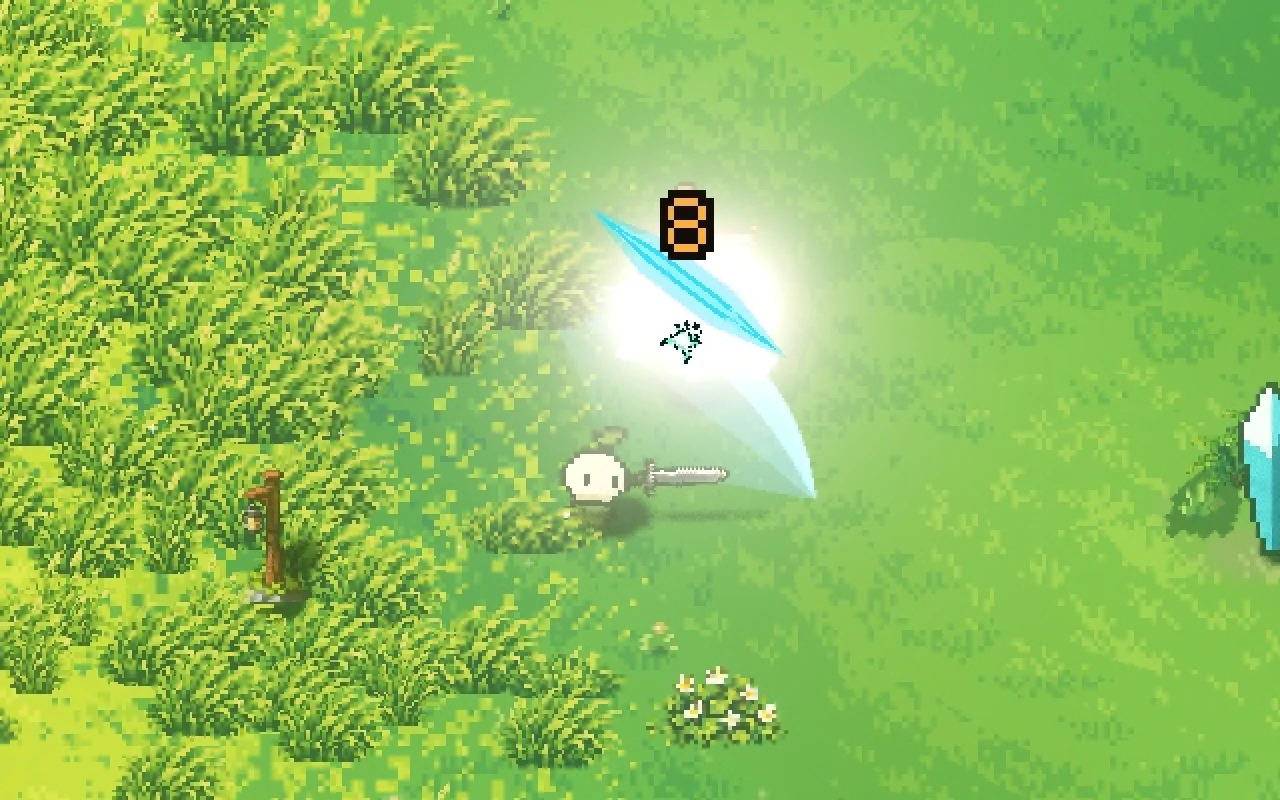
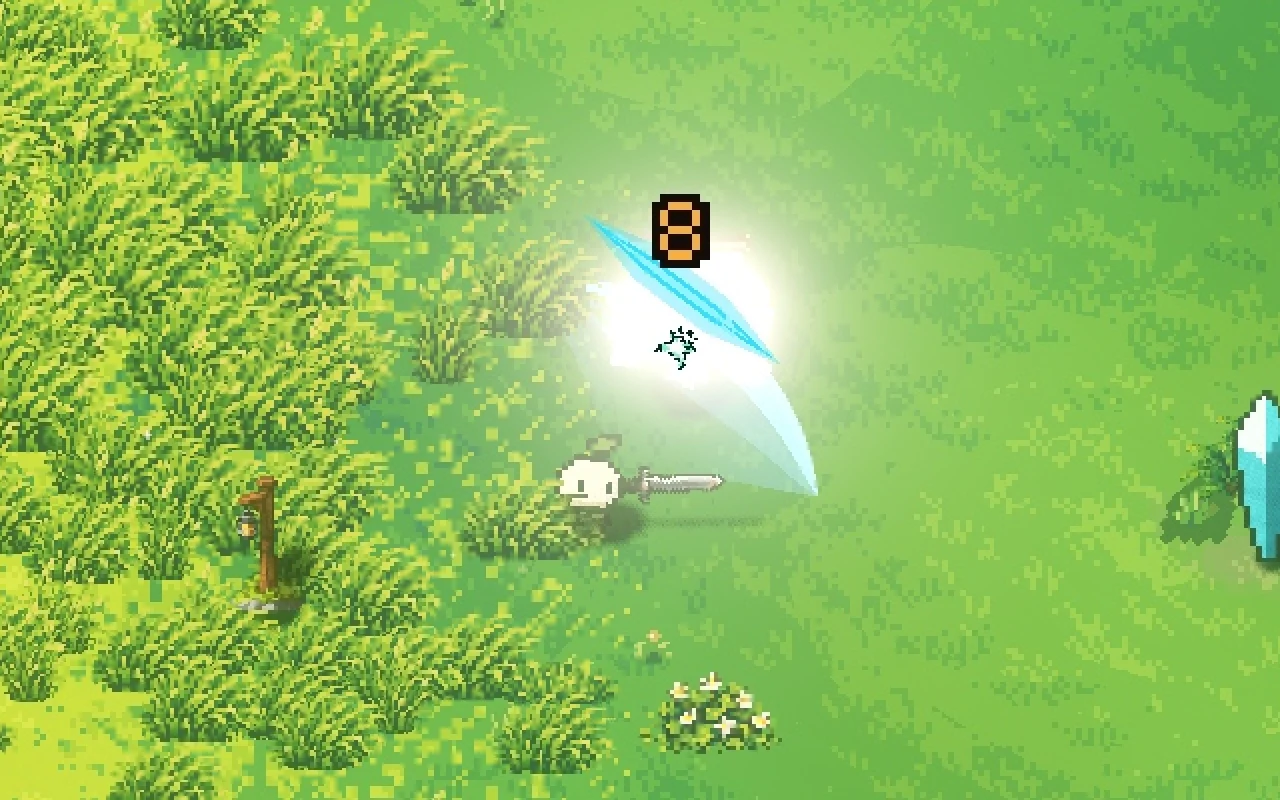
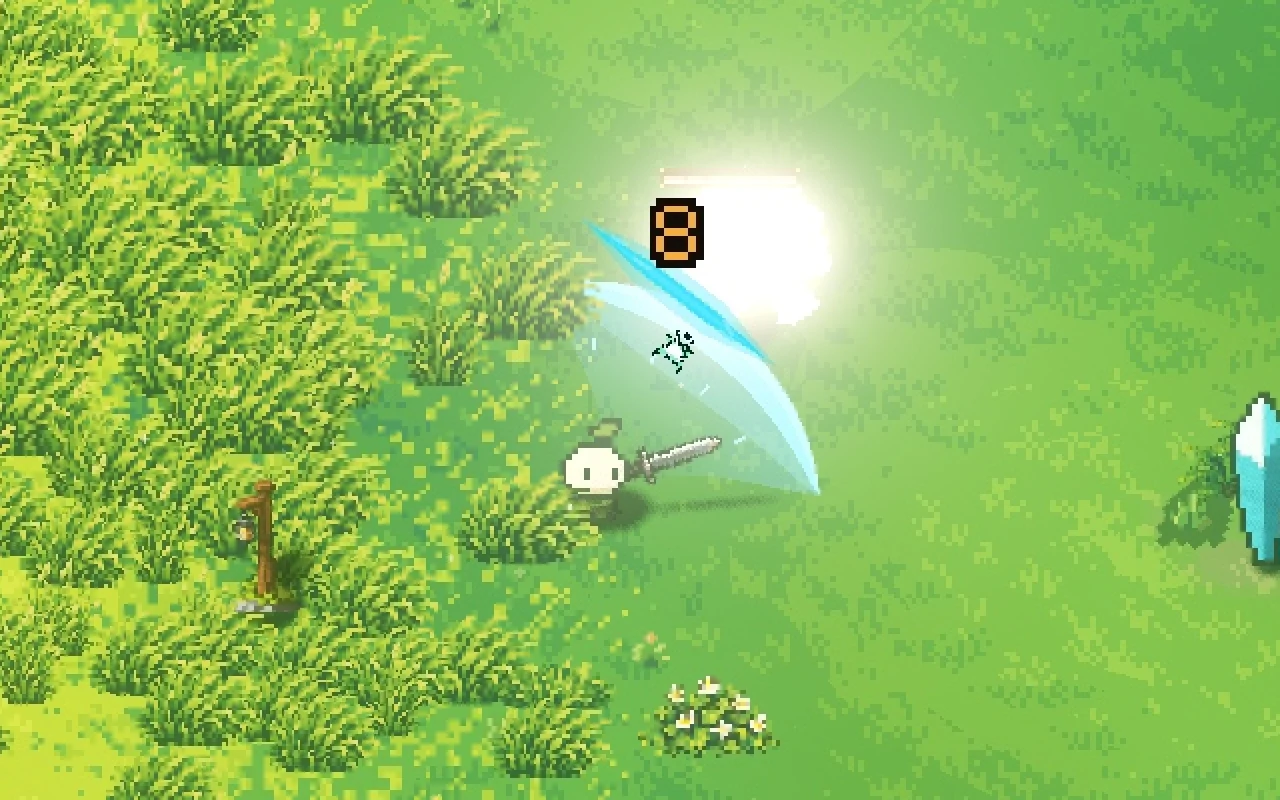
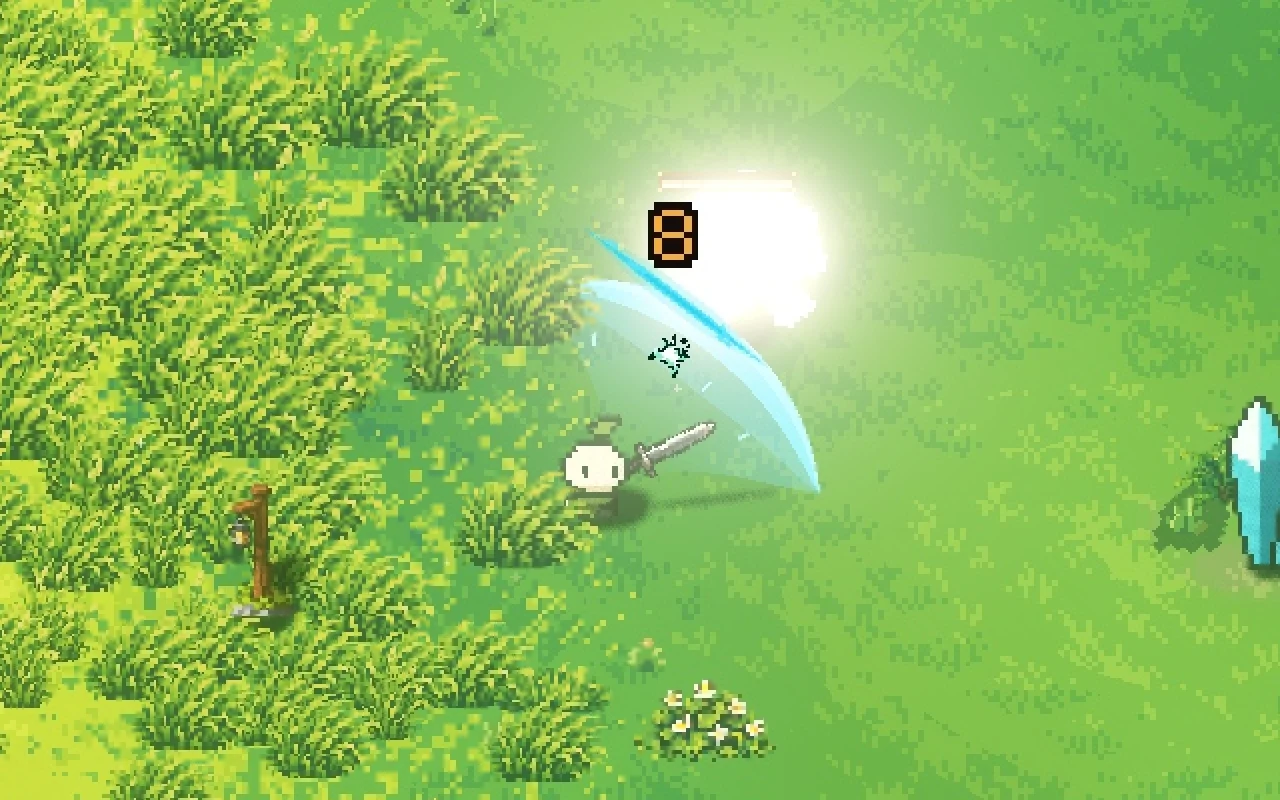
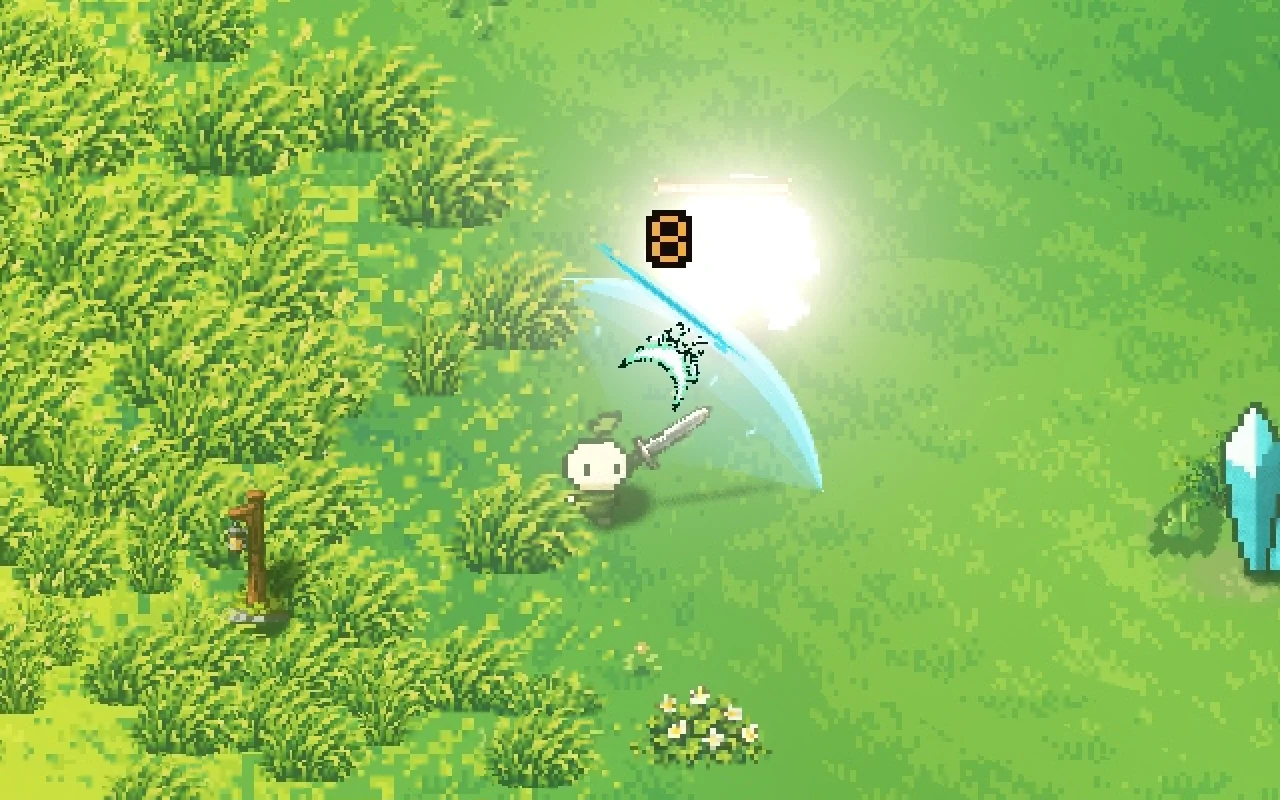
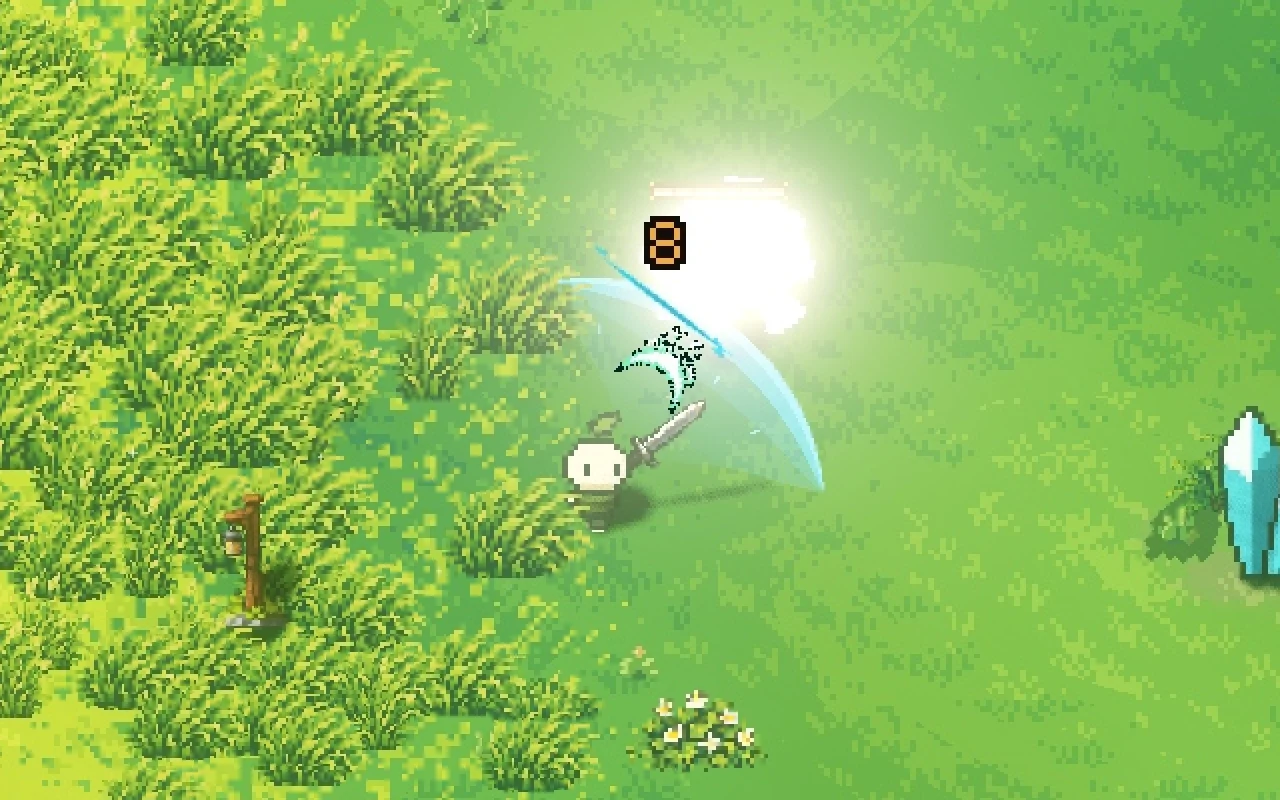
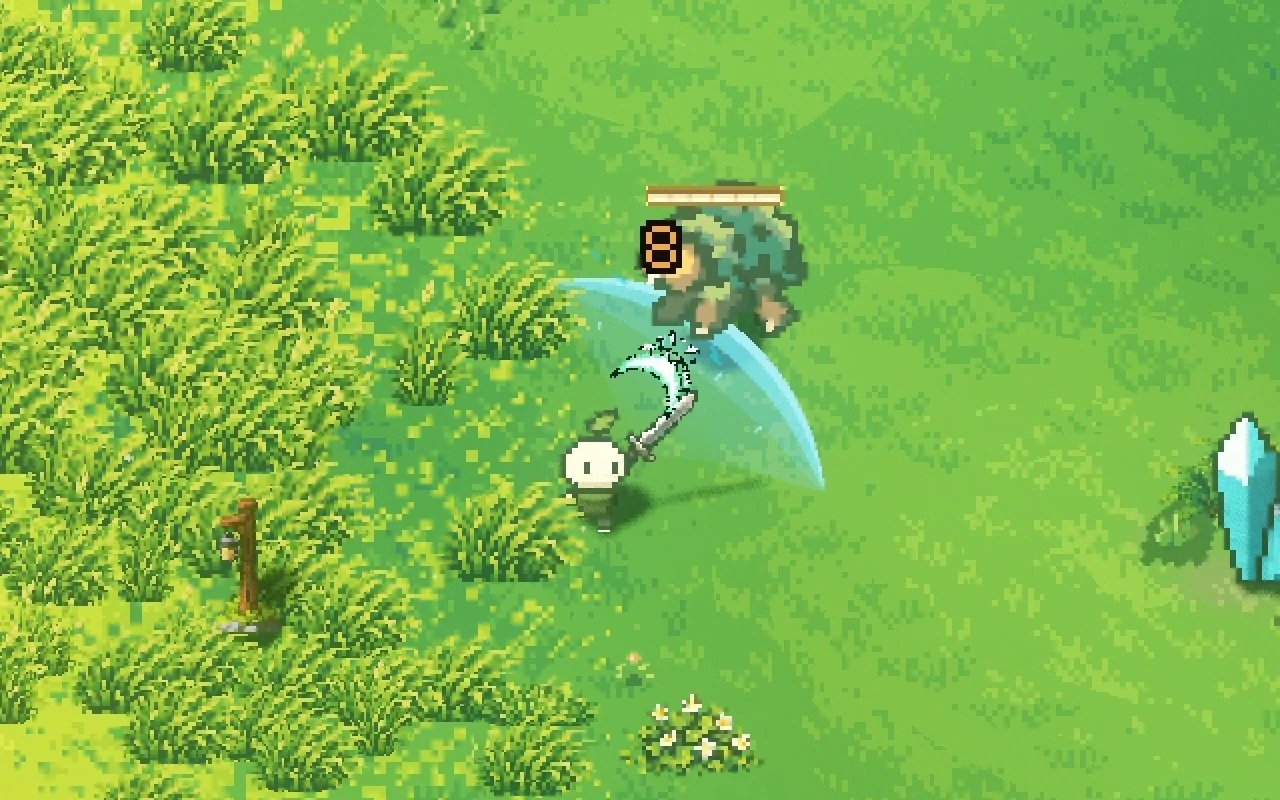
Contact
Drag along the timeline, or step through it with the buttons
The flash lasts 8 frames on a normal hit, which is about 133 milliseconds, and 11 on the third hit of a combo. We keep it short on purpose. In Mytheria, pale and white also mean "you can't hurt this", so a flash only reads as damage because it's brief and always tied to a hit.
What is hitstop, and how long should it be?
Hitstop (or hit stop) is the tiny pause when both fighters freeze on contact. Ours is 4 frames for a sword, about 67 milliseconds at 60 frames per second. Heavy weapons hold for 5, a harpoon thrust for 3 and ranged weapons for 1, and a kill adds a few more frames. Without it, every hit feels like the blade slid off.
Our advice is to start smaller than you think. A long freeze reads as lag, and in a fast fight you'll see dozens of them a minute.
Screen shake: smaller than you think, inside the hitstop
Throwing the whole view at full strength on the contact frame and snapping it back reads as a mistake (we wrote a whole post on how to make screen shake feel good). Our jolt eases in over a frame, wobbles about one and a half times inside the stop, and settles within 60 milliseconds after it. Almost all of the shake happens while everything is frozen, so your eyes keep track of the fight.
Make enemies lean when they get hit
When something gets hit, it leans away from the blow. We don't draw a hurt frame for every creature. We rotate the sprite in code, about 1.3 degrees for every pixel it gets shoved, and ease it back upright over a fifth of a second.
The rotation breaks the pixel outline a little, and we like the jagged edge because it reads as shock. It also works on every creature we add later, with no extra art.
Big creatures lean less. The tilt is scaled by the creature's size, so a small dummy leans 17 to 24 degrees, a medium one 12 to 14, and a boss only 2 or 3. A boss with the same lean as a rabbit looks like it's about to fall over.
Hit effects that show which way you hit
Every hit leaves a short tapered stroke across the swing, which shows the direction of the blow. The stroke is about 1.3 times the height of the target, so it scales with what you're hitting, and it fades with the flash.
A longer line, or a beam across the whole screen, looks dramatic in a still and like a rendering bug in motion, so we keep the strokes short.
We also keep these marks in colours nothing else uses. Magenta and violet are only used for your hits. Red, blue and gold are the colours of danger warnings in Mytheria, so a hit mark must never look like one.
Big enemies should push back
When you hit something much heavier than you, you should feel it (more in how to make big enemies feel heavy). Every creature has a mass, and the push is split between the two bodies. A small thornling gets shoved about 28 pixels, while a Rune Sentinel moves about 8 and you bounce off it.
Try it below. These are the game's own numbers for one sword hit.


Pick a creature to hit it with the same sword swing
Creature is pushed
You bounce back
Bouncing off a big enemy brings its own problem, because hitting it over and over builds tension that doesn't let go until it dies. So the third quick blade hit on anything that needs more than three hits sets off a discharge that throws you both apart. That releases the tension and gives you a moment to reposition if the boss is winding up.
It still has to read at night
All of this is easy to read in daylight on plain grass. Mytheria has nights and fog, and a hit has to read there too, even inside a bullet pattern. The self-lit flash handles that, following the same rule as the rest of our pixel art lighting.
How we do hitstop in Godot
Mytheria is made in Godot, and our hitstop never pauses the game or touches the engine's time scale. The world keeps running, and only the two fighters' drawings hold their pose for those few frames.
This is important in co-op. The freeze comes from the shared hit event, so every player sees the same hold on the same hit, and nobody else's game stops while you land a combo. It also makes accessibility simple: players who turn on Reduced motion in our settings skip the freeze and get calmer flashes, and screen shake has its own switch.
Use it in your own game
The hitstop from this post is free to use: Hitstop, a Godot 4 add-on that freezes only the fighters you name for a few frames while the rest of the world keeps running, and puts every animation back exactly as it was. The shake that goes inside it is Screen Shake, and the numbers are Damage Numbers. All three are MIT licensed.
A checklist for satisfying combat
- Ask where the energy goes. If a hit stops dead, fix that first.
- Move the attacker, then hand the movement over on contact.
- Keep the flash plain, on the contact frame, and short.
- Hide the shake inside the hitstop.
- Make every effect smaller than you think.
- Test it where players actually fight, at night and in a crowd, not only in an empty room.
Sound matters just as much: how a hit is built from layered sounds is in game sound effects.
Further reading
Wishlist Mytheria
Mytheria is a pixel-art co-op adventure for one to four players, coming to Steam for Windows, macOS and Steam Deck. A wishlist is the best way to follow it and to help us.