Pixel art color palette: how we fixed a washed-out forest
How we pick colours for Mytheria's pixel art: hue-shifted ramps, cool shade, warm earth and coloured outlines. Explore our real tree and rock palettes.
On this page
- What makes a good pixel art color palette?
- The short answer
- Build ramps and shift the hue
- Keep the shade coloured
- Outline with a dark colour
- How do you fix a washed-out forest?
- Reuse ramps across sprites
- Give every region its own palette
- Keeping palettes in data in Godot
- A checklist for a pixel art color palette
A pixel-art forest can have every tree drawn well and still look tired, with a pale yellow-green haze over everything and paths that don't stand out from the grass. Adding detail almost never fixes that, and better colours almost always do. This is how we choose them in Mytheria, our pixel-art co-op game, with the real palettes from the game.
What makes a good pixel art color palette?
A good palette is a few short ramps, each running from a light colour to a dark one for one material. The hue shifts along the ramp, with warm highlights and cool shade. The outline is a dark colour instead of black, and each material's ramp stays clearly apart from the others, so you can tell grass from stone at a glance.
The short answer
How we colour Mytheria's pixel art:
- Each material gets a ramp of colours from light to dark.
- The hue shifts along the ramp: our tree leaves go from a warm yellow-green to a deep teal-green.
- Shadows keep their colour, because grey shadows turn pixel art muddy.
- Outlines are a dark colour from the sprite's own family, never pure black.
- Earth stays warm, so paths and trunks stand out against cool greens.
- Sprites share ramps, so the whole world feels like one place.
Build ramps and shift the hue
Here are four sprites from the game, drawn straight from their own palettes. Hover any colour to see where it's used, then try the switches to see the mistakes we avoid.
Pick a sprite, hover a colour to see where it's used, then try the switches
Look at the tree's leaves. The ramp has nine greens, and they aren't one green made lighter and darker. The lightest is a warm yellow-green, and each step down turns cooler, until the darkest is a deep teal. Measured as a hue, that's a shift from 69 degrees to 181. The rock does the same with grey: its lit faces are a warm, slightly yellow grey and its shaded faces a cool blue-grey.
This is called hue shifting, and it makes pixel art look lit by a light source. Sunlight is warm, so lit surfaces lean warm, while the shade is lit by the sky and leans cool.
Keep the shade coloured
Turn on Grey shade in the figure. The bottom half of every ramp loses its colour, and the sprite goes muddy right away, even though the brightness of every pixel is the same. Coloured shade keeps the form readable and keeps the colour alive in the darkest parts, which is exactly where a forest has most of its pixels.
Outline with a dark colour
Every sprite has an outline, and none of them is black. Trees use a deep teal-green, rocks a deep blue and blossoms a deep plum. Try Black outline in the figure, and the sprite looks cut out and pasted onto the world. A dark outline in the sprite's own hue reads just as clearly and keeps the sprite part of the scene.
How do you fix a washed-out forest?
Try Washed out in the figure. That pale, yellow-green, low-contrast look is what our forest had before we fixed it, and the fix was entirely in the colours, with every sprite keeping its exact shape.
The middle of the leaf ramp got deeper and more saturated, so the trees stopped looking faded. The dark end of each leaf and stone ramp shifted toward blue, which separates the trees from the ground, and paths and trunks moved toward orange so they stand out against the green. We also changed the sunlight so it raises each material's own colour instead of mixing it toward white, which keeps lit areas rich; more on that in our post on pixel art lighting.
Reuse ramps across sprites
A world feels coherent when its sprites share colours. Our birch uses the same leaf ramp as the ordinary tree (and the same wind), and the blossom tree uses the same trunk ramp. Rocks carry moss in greens from the same family as the leaves. When a new sprite is drawn, it starts from ramps that already exist.
Give every region its own palette
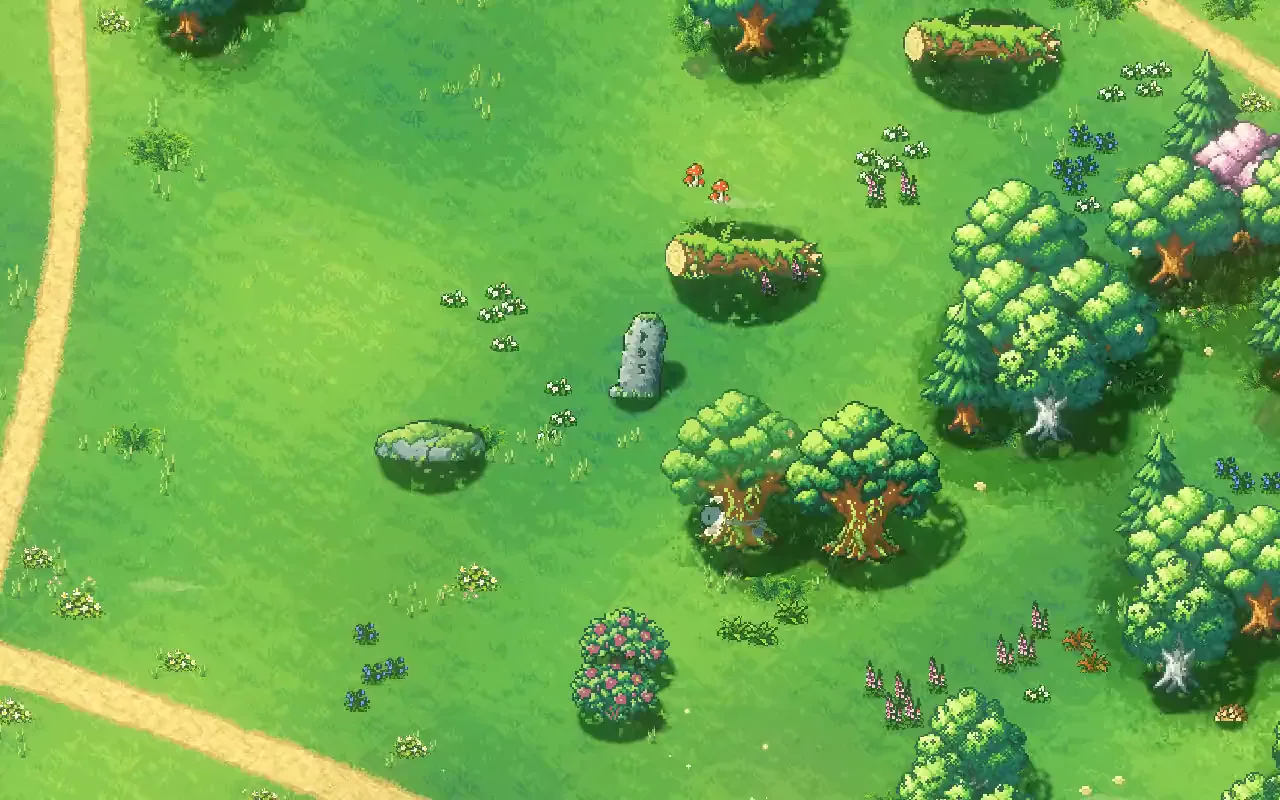
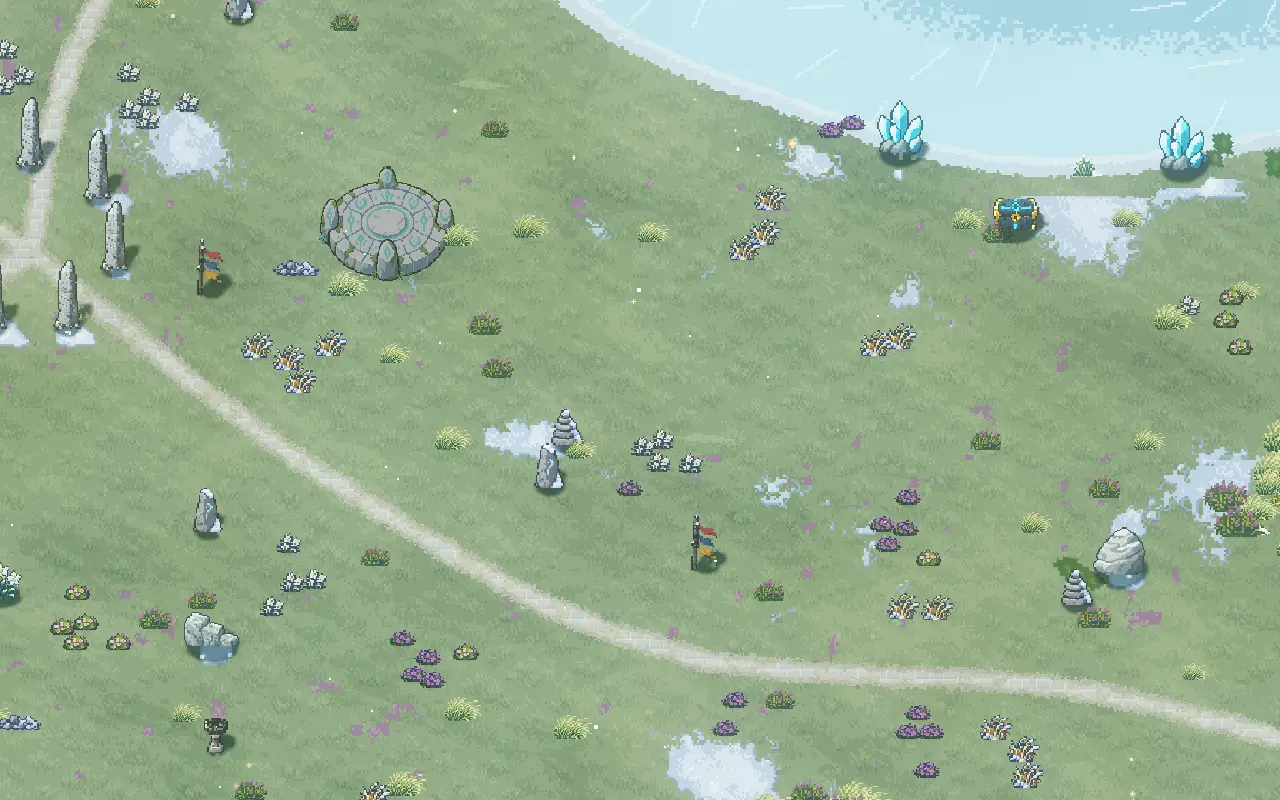
Shared ramps keep the world coherent, and a separate palette for each region keeps the regions apart. Every region in Mytheria has its own ground and path colours, and even its own minimap colours. How those ground and path colours are laid out without visible tiles is in pixel art grass and paths. Step through four of them at the same time of day:
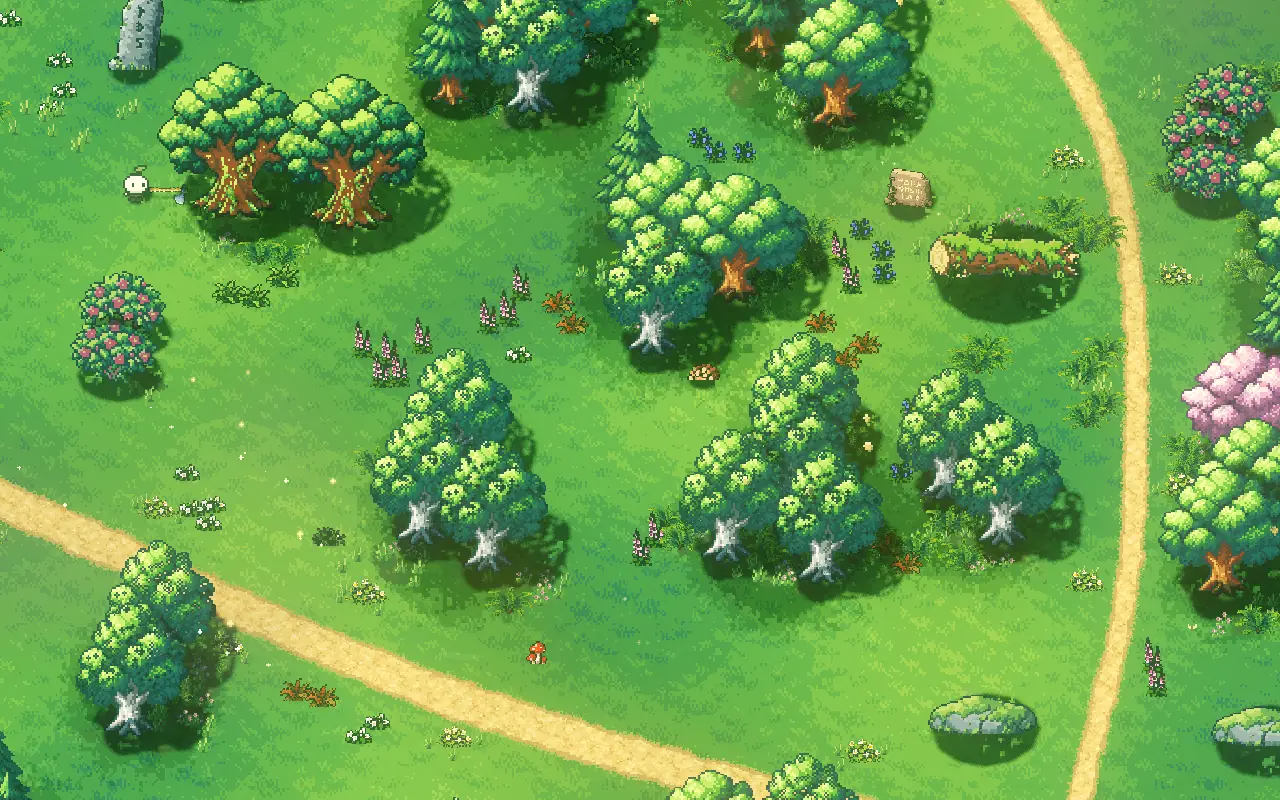
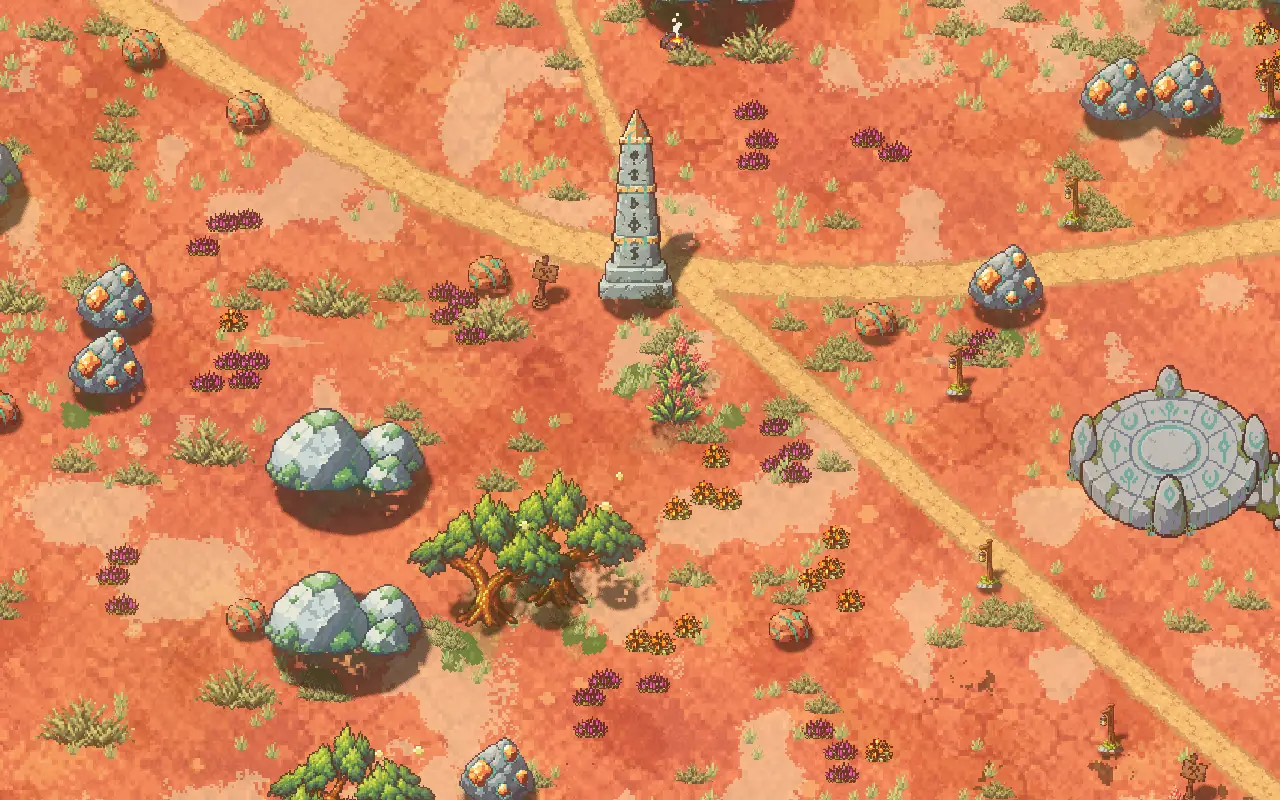
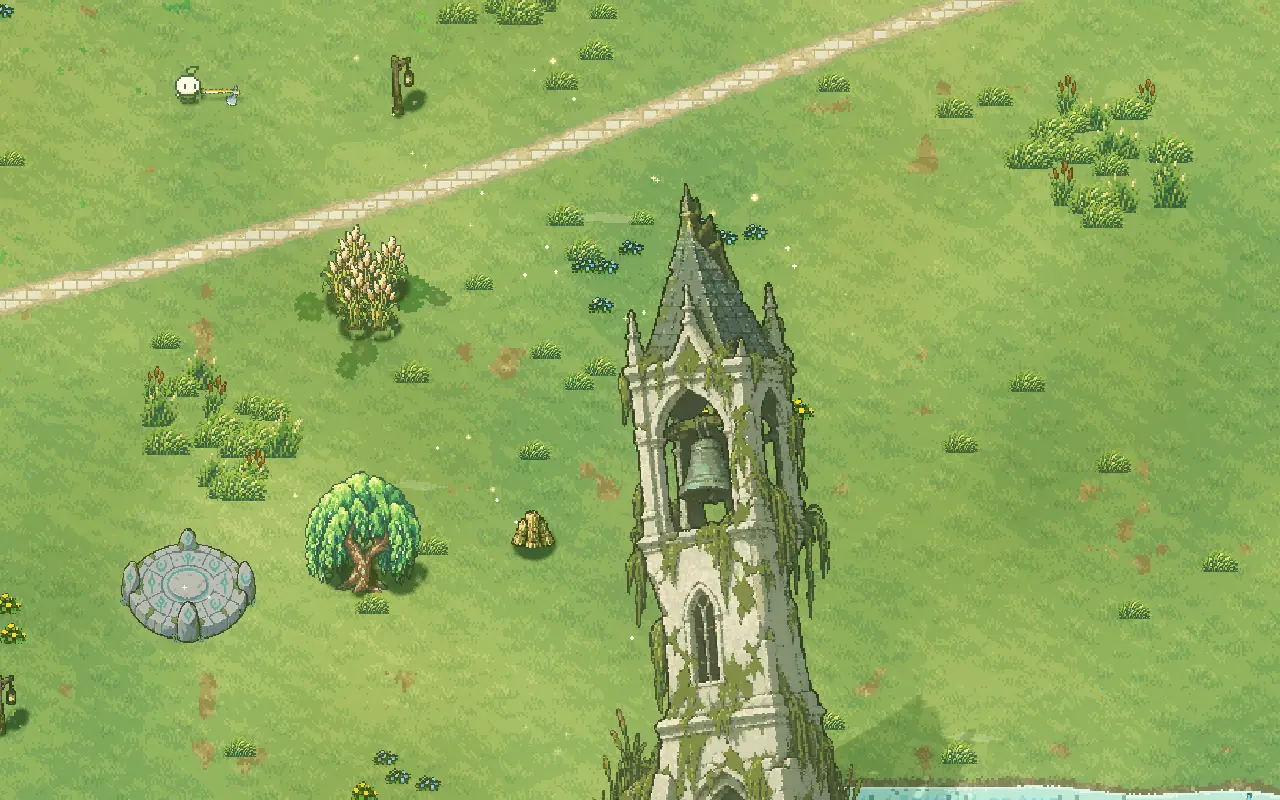
Step through the regions, or use the arrow keys
The Woodland: rich greens, warm sandy paths and cool, teal-shaded trees.
Keeping palettes in data in Godot
In our Godot project, each resource sprite is stored as rows of letters plus a palette that maps letters to colours. Changing a colour is a one-line edit that can't move a pixel. The sprites are drawn with nearest-neighbour filtering, so neighbouring colours never blend into new ones. Each region's ground, path and minimap colours live in its region file, next to its music and plants.
A checklist for a pixel art color palette
- Give each material a short ramp from light to dark.
- Shift the hue along the ramp, with warm highlights and cool shade.
- Never let the shade go grey.
- Outline in a dark colour from the sprite's own family.
- Keep earth and wood warm so they stand out from greens.
- Reuse ramps across sprites, and give each region its own ground palette.
- When something looks washed out, fix the colours before adding detail.
Further reading
- Pixel art lighting in Godot: real lights in the worldHow we light Mytheria's pixel art in Godot with real lights, local mist and time of day instead of screen filters. Drag the sun through a whole day.
- Day and night cycle in games: designing every hour of the dayHow Mytheria's day and night cycle works: a 12-minute day, a dangerous moonlit night, a fog that comes once a night, and a dawn every player shares.
- MytheriaThe island these colours paint: a pixel-art co-op adventure for one to four players.
Wishlist Mytheria
Mytheria is a pixel-art co-op adventure for one to four players, coming to Steam for Windows, macOS and Steam Deck. A wishlist is the best way to follow it and to help us.