Pixel art grass and paths that don't look tiled
How Mytheria draws top-down pixel art grass and paths without visible tiles: a repeating cluster tile, slow waves that pick the shade, and curved roads.
On this page
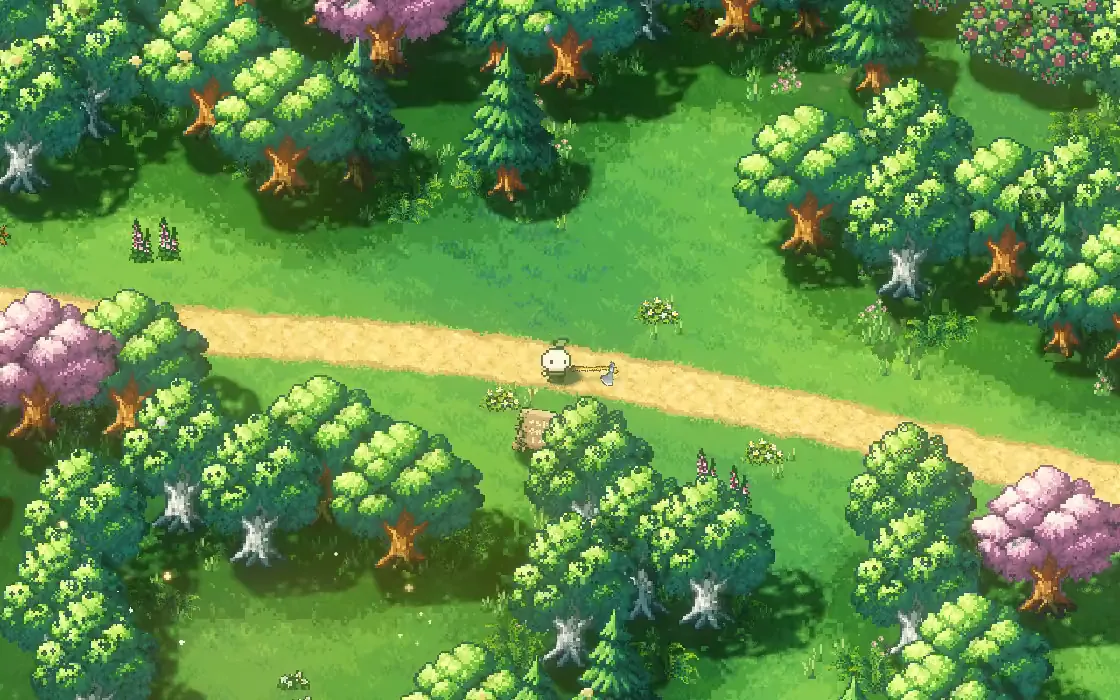
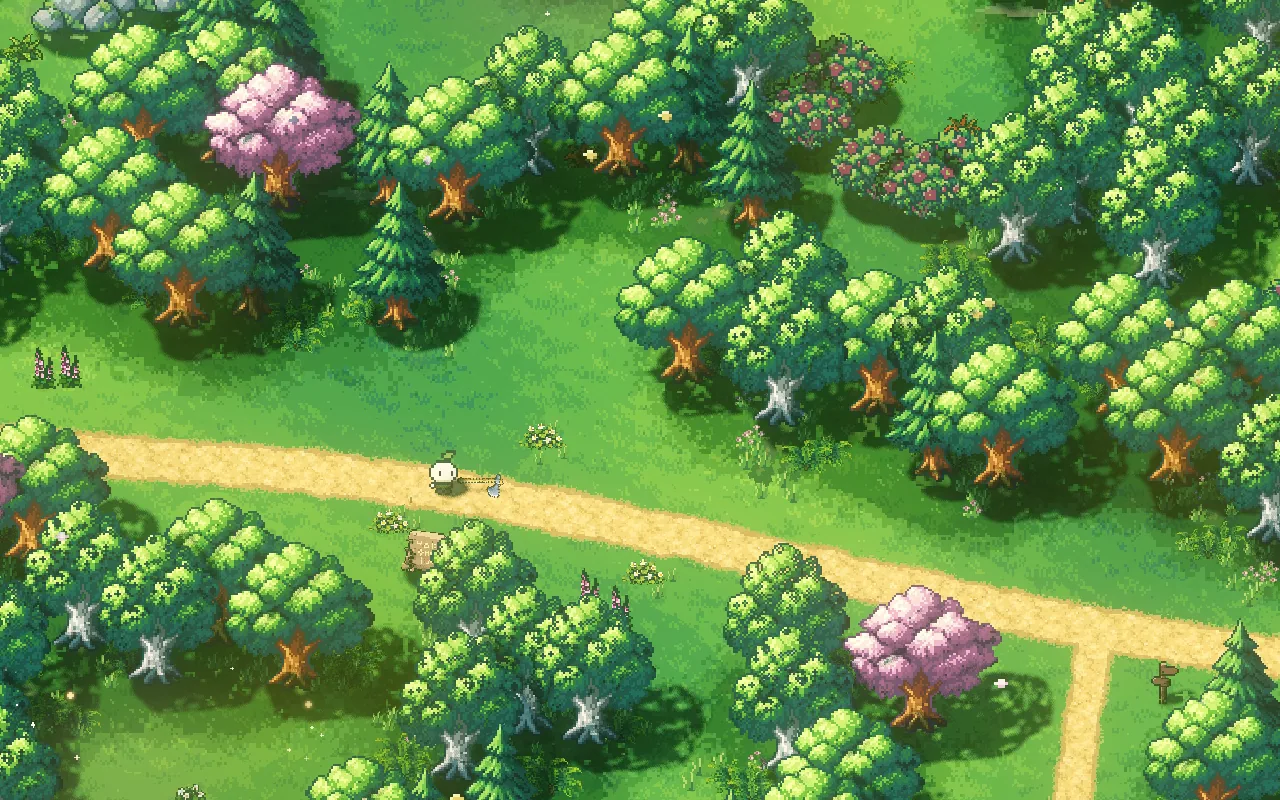
Grass covers most of a top-down game's screen, so repetition shows there first. A 16 by 16 grass tile that looks fine on its own becomes an obvious repeating pattern across a whole field, and a road built from square tiles turns every curve into a staircase. In Mytheria, our pixel-art co-op game, the ground is drawn pixel by pixel from a few simple rules, so there's no visible tile and no grid.
The clip at the top and the stills below were filmed in the game for this post.
How do you make pixel art grass not look tiled?
Treat shape and colour separately. A repeating pattern can carry the small shapes, the clumps and specks, while each pixel's shade comes from something that doesn't repeat, like slow waves across the world. Break the edges between shades into small pixel clusters instead of straight lines or checkerboards, and draw paths as curves, deciding the edge pixel by pixel, instead of placing them on the tile grid.
The short answer
How Mytheria draws grass and paths:
- Ground pixels are locked to the world, so the ground never swims as the camera moves.
- A hand-made tile of pixel clusters gives the grass its clumpy texture.
- Slow waves across the world pick each pixel's shade, and the tile only nudges it, so the repeat disappears.
- Edges between shades break into clumps of pixels instead of a checkerboard.
- Roads are curves, with their edge decided pixel by pixel from the distance to the curve.
- Road edges wander and crumble, with grass creeping over, a darker rim and a worn centre.
Use a repeating tile for shape only
The grass starts from one hand-drawn tile: 128 by 128 cells in seven shades of cluster. Each cell is a pixel 1.5 world units across, so the tile repeats every 192 units. Used directly as colour, that repeat is easy to spot.
So the tile never chooses the colour on its own. Each pixel's shade, one of eight greens, comes from a slow wave across the world plus a small push from the tile. The waves are a few hundred units across and never line up with the tile, so the same tile cell is a different green in every place it appears. You still get the tile's clumpy texture, but you can't find where it repeats.
Try it below. The ground is drawn in your browser from the game's own grass tile and Woodland colours. Switch the grass from the tile alone to the tile with slow waves, then slide along:
Switch each layer, then slide along the ground
Loading the ground…
Break shade edges into clumps
Where one shade meets the next, a straight line and a smooth blend both look wrong in pixel art, and a classic ordered dither, a checkerboard, looks mechanical. Mytheria breaks those edges with world-locked noise in 2 by 2 pixel clusters, with only a little of an ordered pattern mixed in, so the boundary between two greens looks like clumps of grass.
The same idea hides the edge of the home meadow. Its lawn is a circle in the data, but the edge wanders in and out by up to 22 units with slow noise, then breaks into pixel clusters, so the change from lawn to woodland never reads as a drawn ring.
Draw roads as curves
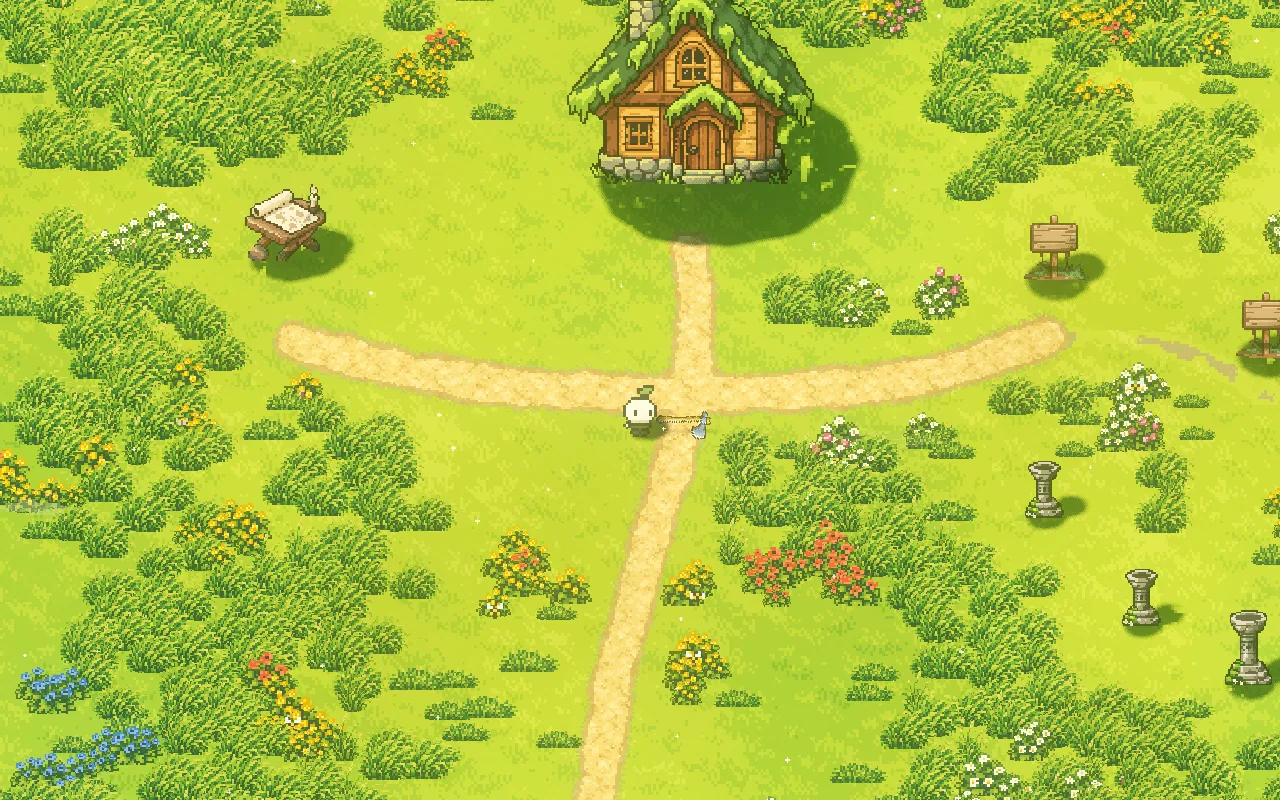
A road built from 16-unit tiles can only turn in steps. Mytheria's roads are smooth curves through a few hand-placed points. The game measures, for every spot on the map, how far it is from the nearest road, and stores that in a texture. Then, for each world pixel, the shader decides whether it's inside the road, on its edge or in the grass. Because the decision is per pixel, a curve stays a curve at any angle.
The same distance also places plants: tall grass and bushes keep clear of the road. How the rest of the dressing is placed is in how to place trees and rocks.
Make the edge crumble
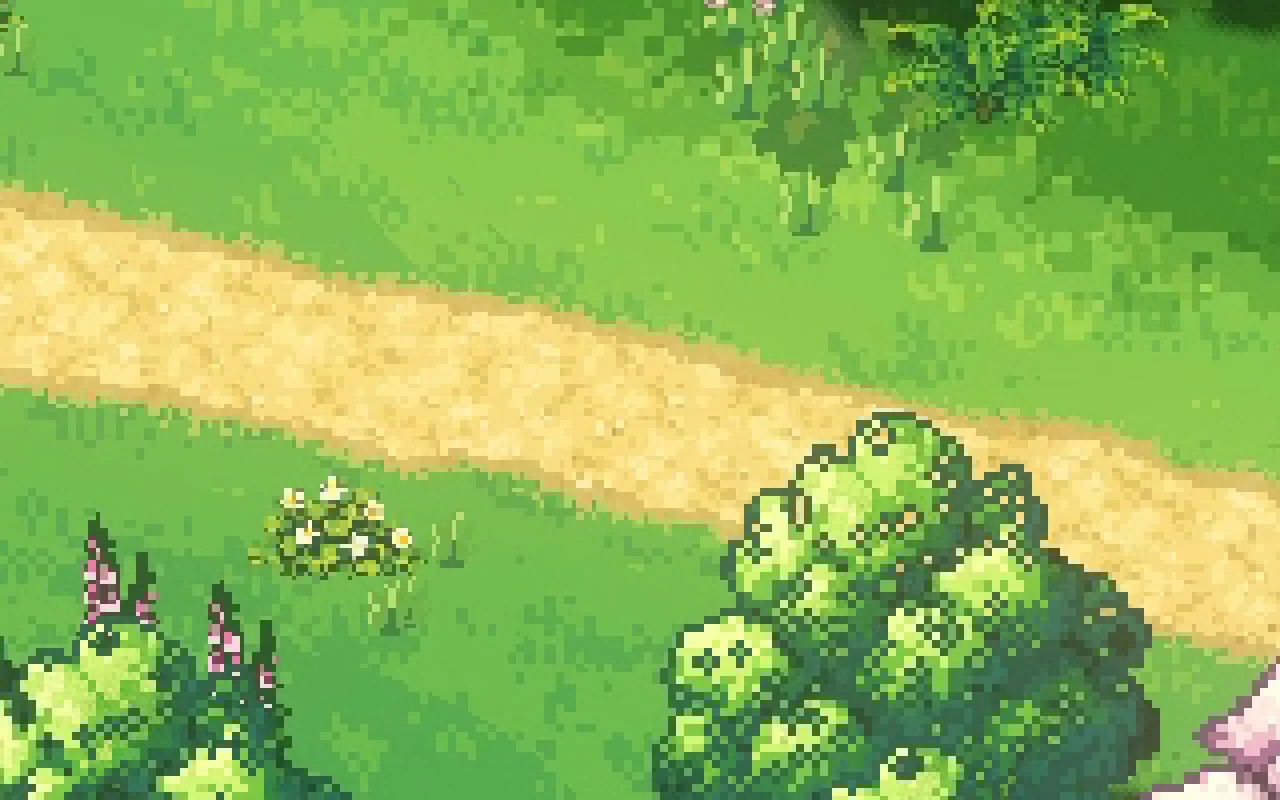
A perfect curve still looks drawn, while real dirt paths fray. So each edge pixel adds some roughness to its distance: a slow wander that makes the edge swell and narrow over about ten units, and a random push for each 2 by 2 block of pixels. Just past the edge, about half the pixels become a grassy fringe instead of dirt.
The colour adds two more details. The last couple of pixels inside the edge are darker, where the dirt is trodden down, and the middle of the road is a little paler in places, where feet have polished it. This is an edge from the game, four times its size:
Paths people would actually walk
The home meadow also has narrow footpaths between its buildings, worn into the grass rather than cut in dirt. They're laid out like the paths people really make: a lane from the house door to a loose hub, then spokes to each building. Each lane bends in one gentle arc with a little wander, the way people walk around a lawn, and its width swells and narrows between three quarters and one and a quarter of its normal size, wider where feet spread.
Keep the colours few
All of this uses small palettes: eight greens for the Woodland grass and seven browns for its dirt. A few well-chosen shades, varied by placement instead of by adding colours, keep the ground calm so the things on top of it stand out. We wrote about choosing those shades in our pixel art colour palette.
A checklist for pixel art grass and paths
- Lock ground pixels to the world.
- Use a repeating tile for texture and pick the colour some other way.
- Pick shades with slow waves that don't line up with the tile.
- Break shade edges into small pixel clusters.
- Draw roads as curves, decided pixel by pixel.
- Fray the edges: a wander, a crumble and grass creeping over.
- Darken the rim and polish the middle.
- Keep the palette small.
Further reading
- How to place trees and rocks so a map looks naturalHow Mytheria places its trees and rocks: drifts instead of random scatter, habitats with rules, clear roads and a world that gets richer away from home.
- Pixel art color palette: how we fixed a washed-out forestHow we pick colours for Mytheria's pixel art: hue-shifted ramps, cool shade, warm earth and coloured outlines. Explore our real tree and rock palettes.
- MytheriaWalk these roads yourself: a pixel-art co-op adventure for one to four players.
Wishlist Mytheria
Mytheria is a pixel-art co-op adventure for one to four players, coming to Steam for Windows, macOS and Steam Deck. A wishlist is the best way to follow it and to help us.