Game HUD design: a compass and a clock in one
How the HUD in Mytheria puts map, time and day in one corner: a clock that fills around the compass, and a readout that shifts colour with the hour.
On this page
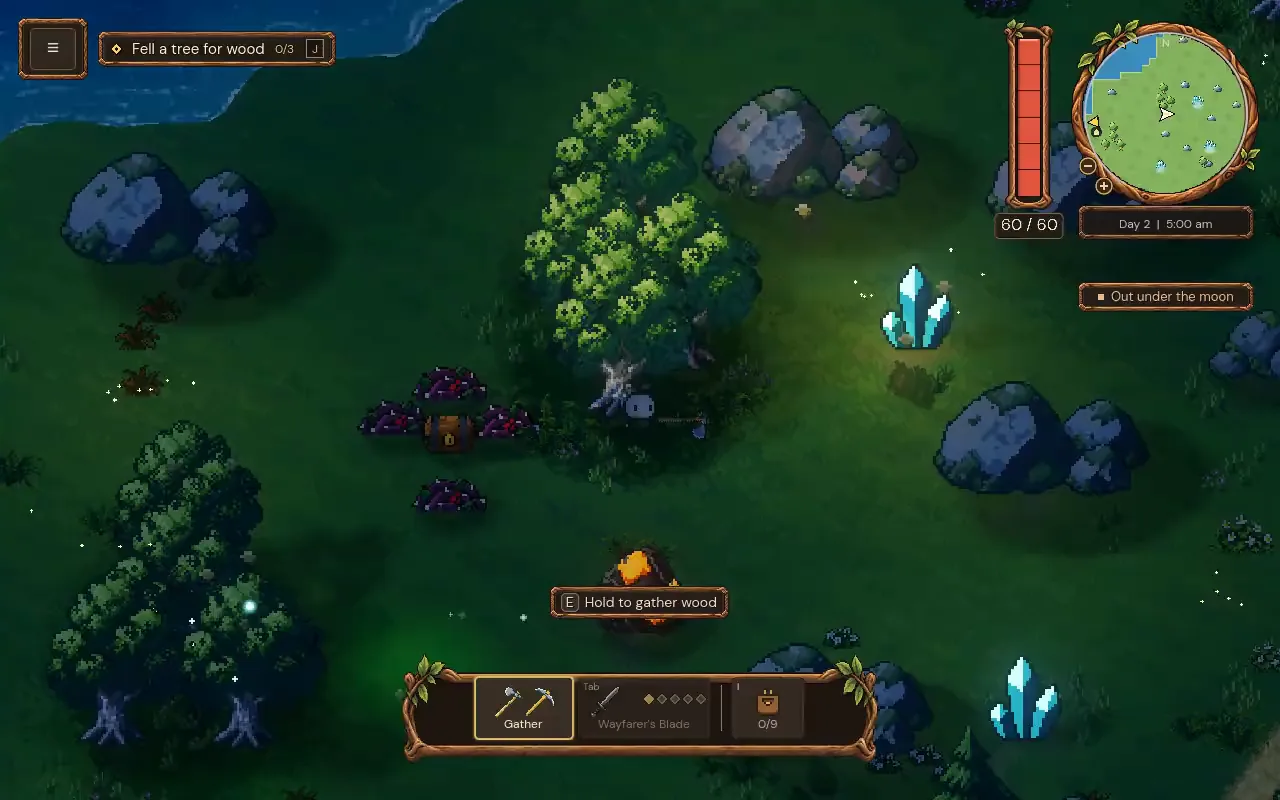
Every number and icon on a HUD takes a little of the player's attention, and the more separate pieces it has, the more often the eye has to jump around the screen. In Mytheria, our pixel-art co-op game, the map, the time of day and the day count share one corner of the screen. This is how that corner works.
Every picture below is from the game, filmed for this post.
What makes good game HUD design?
A good HUD answers the player's most common questions in one glance and stays out of the way the rest of the time. Put related information together, show only what helps the player decide, and let colour and shape carry meaning so the player doesn't have to read.
The short answer
How the compass and clock work in Mytheria:
- The round minimap, the clock and the day count sit together in the top right corner.
- The rim of the map is the clock: a thin line fills around the ring from dawn, so you can see how much of the day is left without reading a number.
- A small dot on the ring marks nightfall.
- A plain readout underneath says "Day 2 | 7:30 pm", changing in ten-minute steps.
- The readout's colour follows the hour, from rose at dawn to blue-grey at night.
- It pales when the night fog is coming, matching the paling moon in the world.
Put "where" and "when" in one place
Players keep checking where they are and how long it is until night. If the map and the clock sat in different corners, that would take two glances. In Mytheria they sit together in the top right, with the time and day on a plate right under the round map, so one glance answers both.
The menu and the rest of the controls stay on the left, so the right corner only shows the world.
Make the rim of the map a clock
Drag through a whole day and watch the corner change:
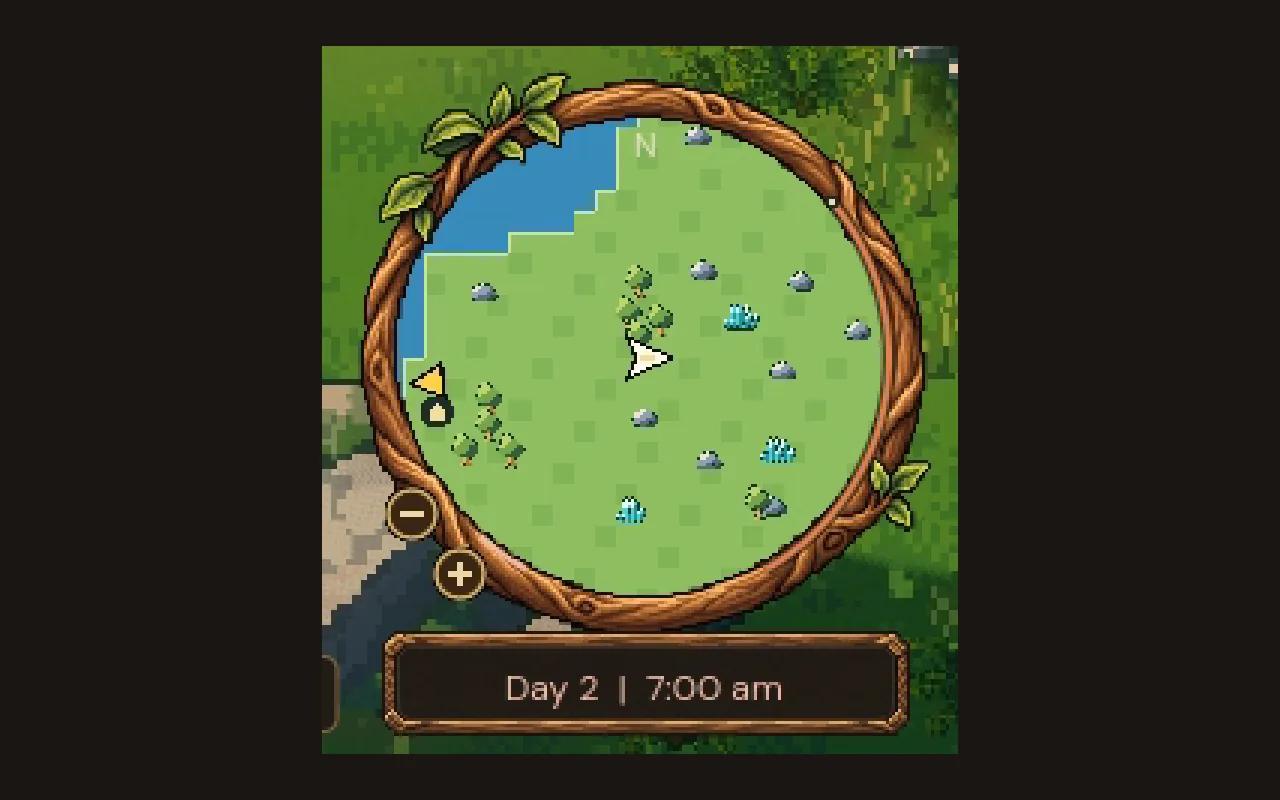
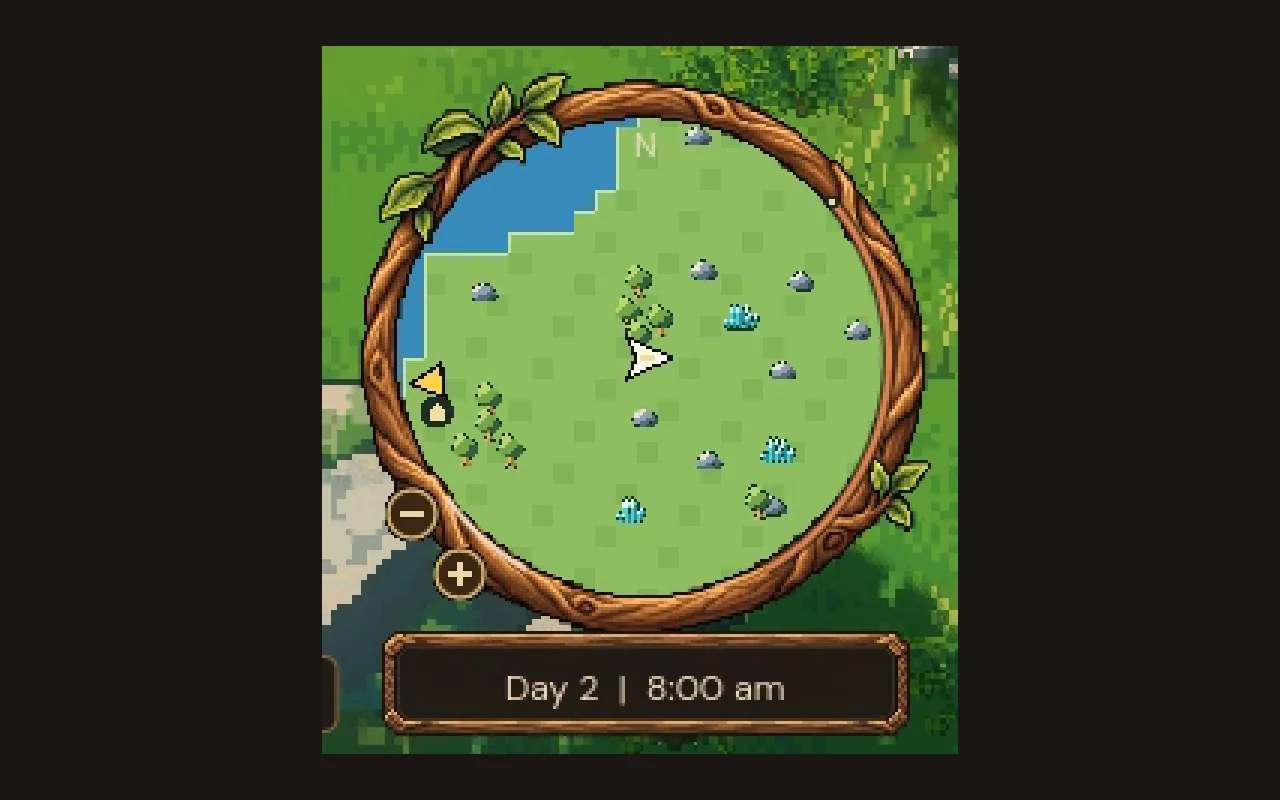
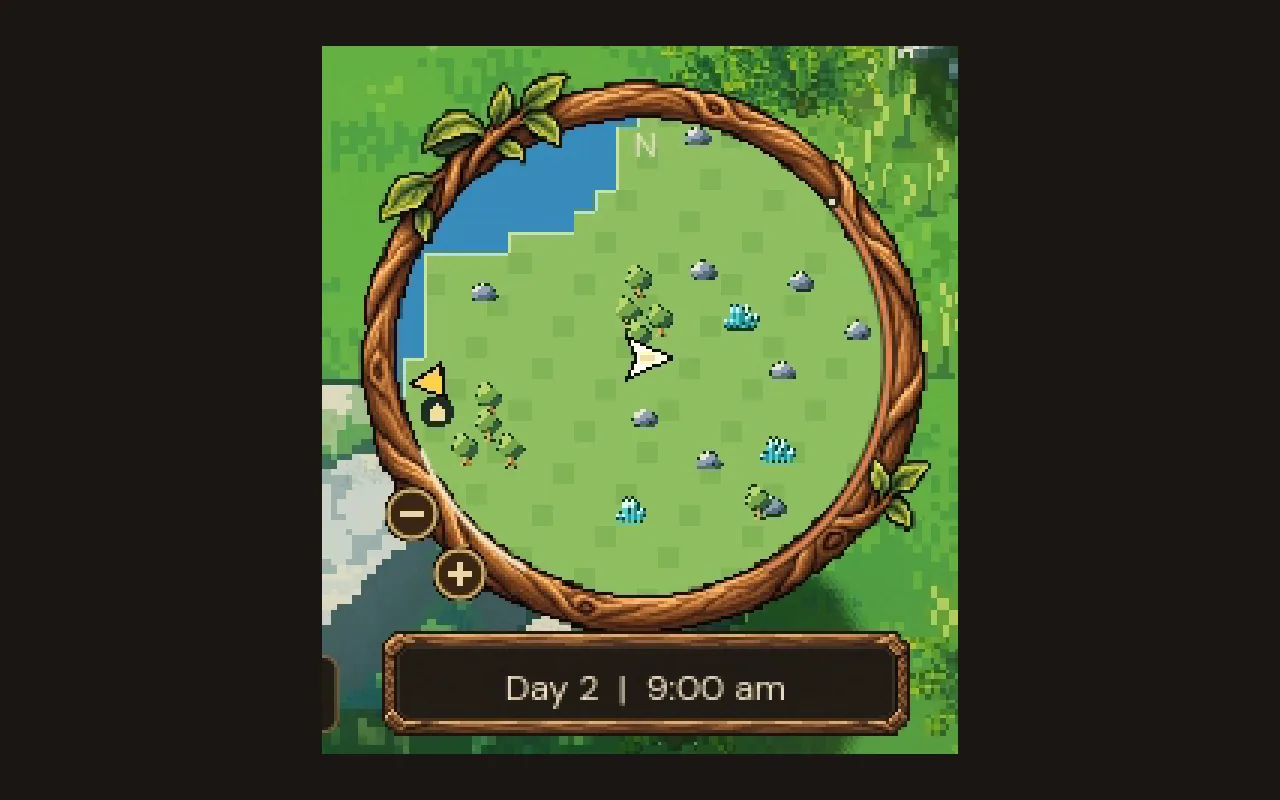
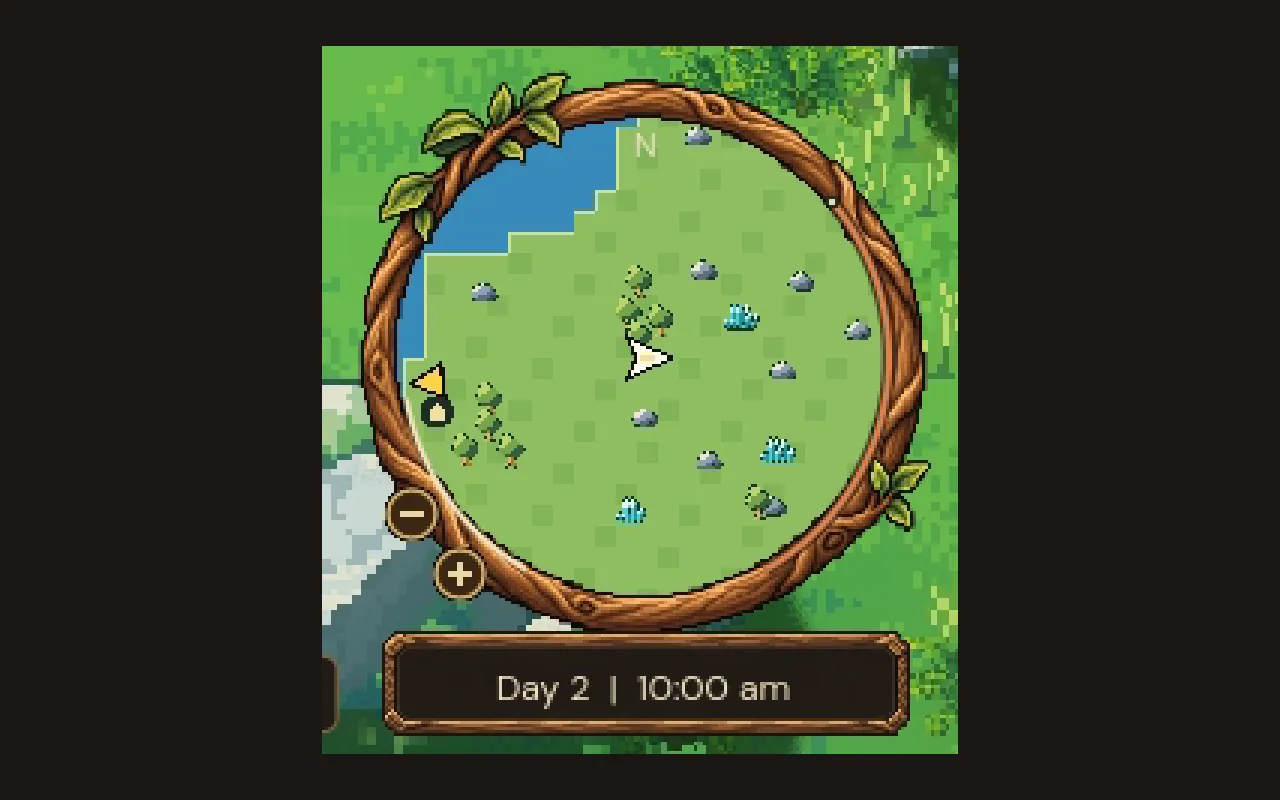
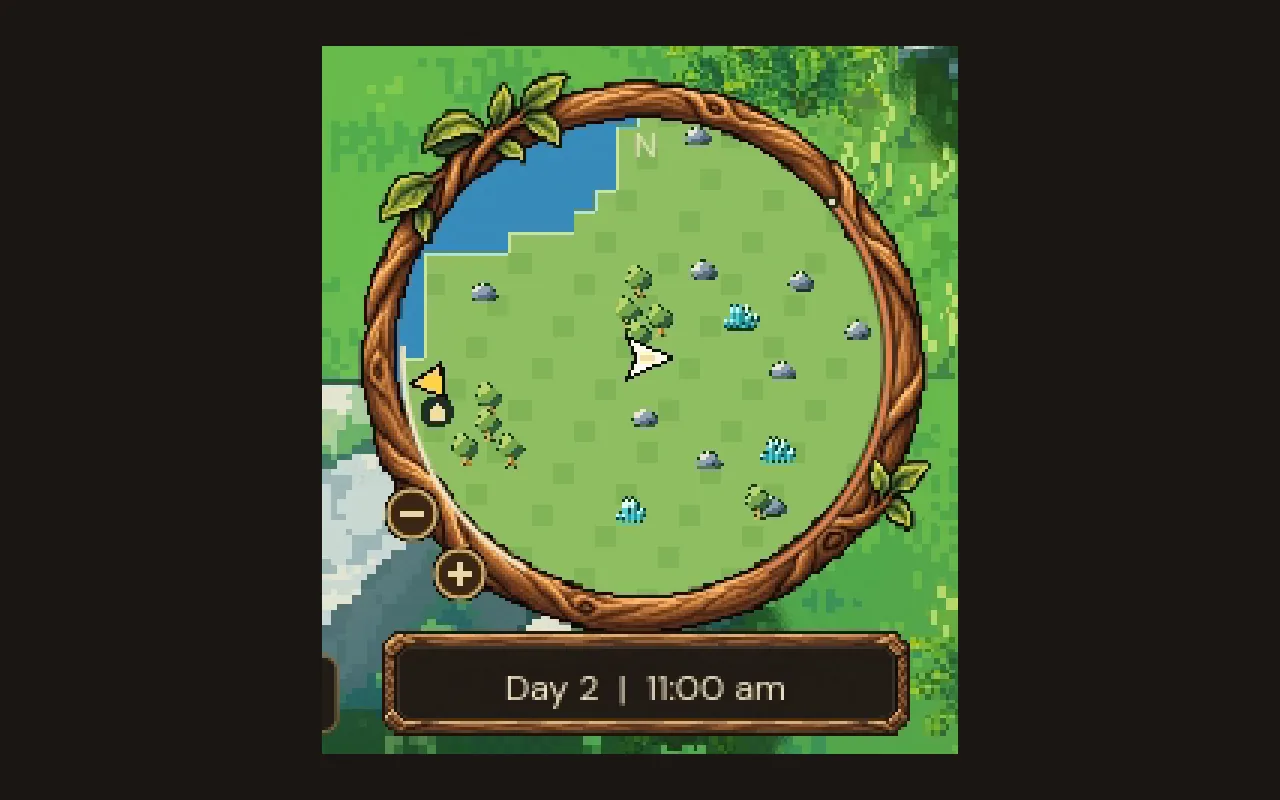
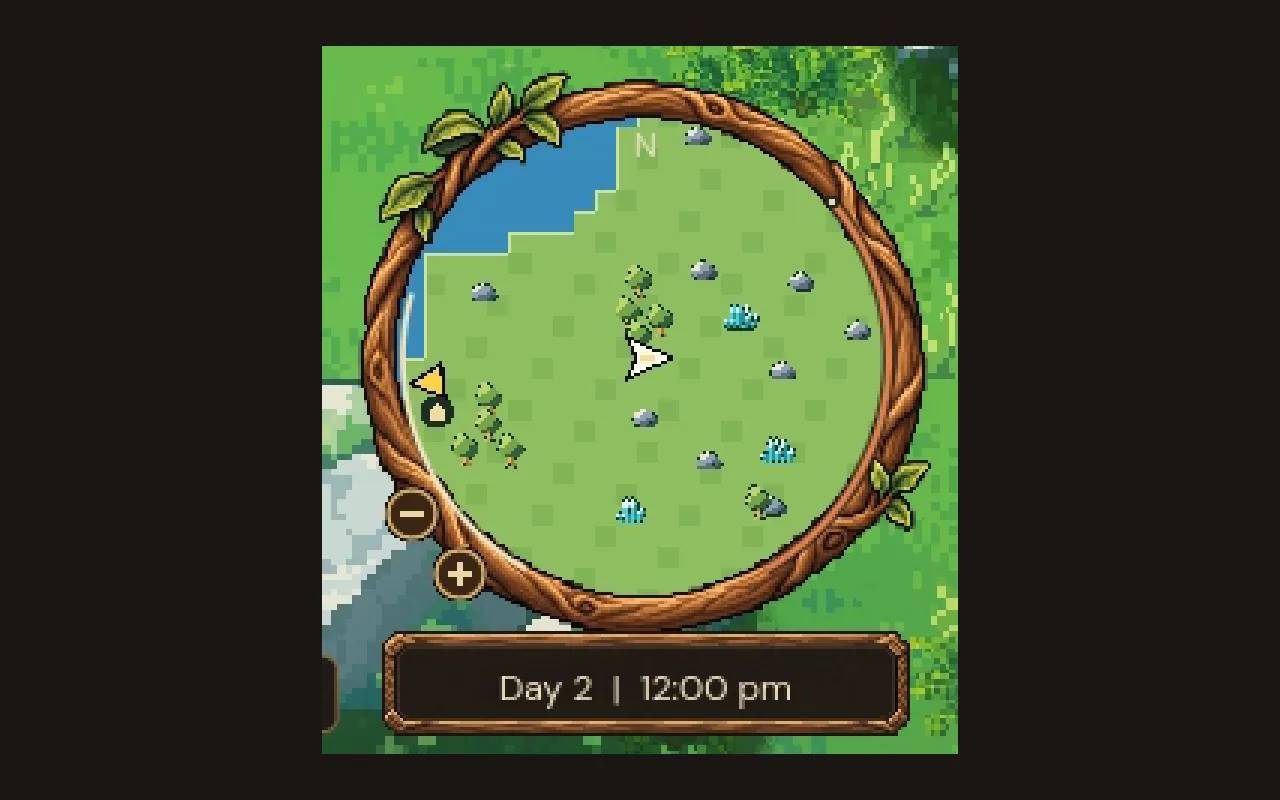
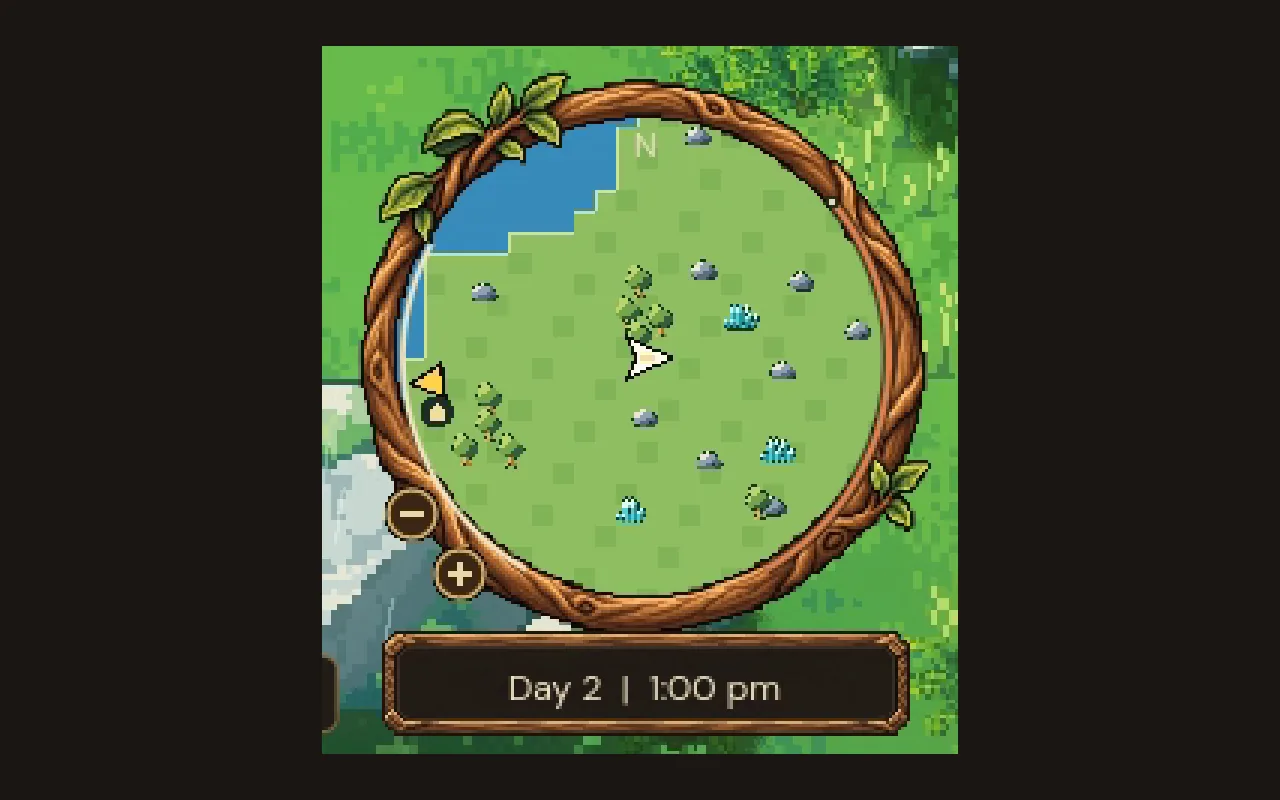
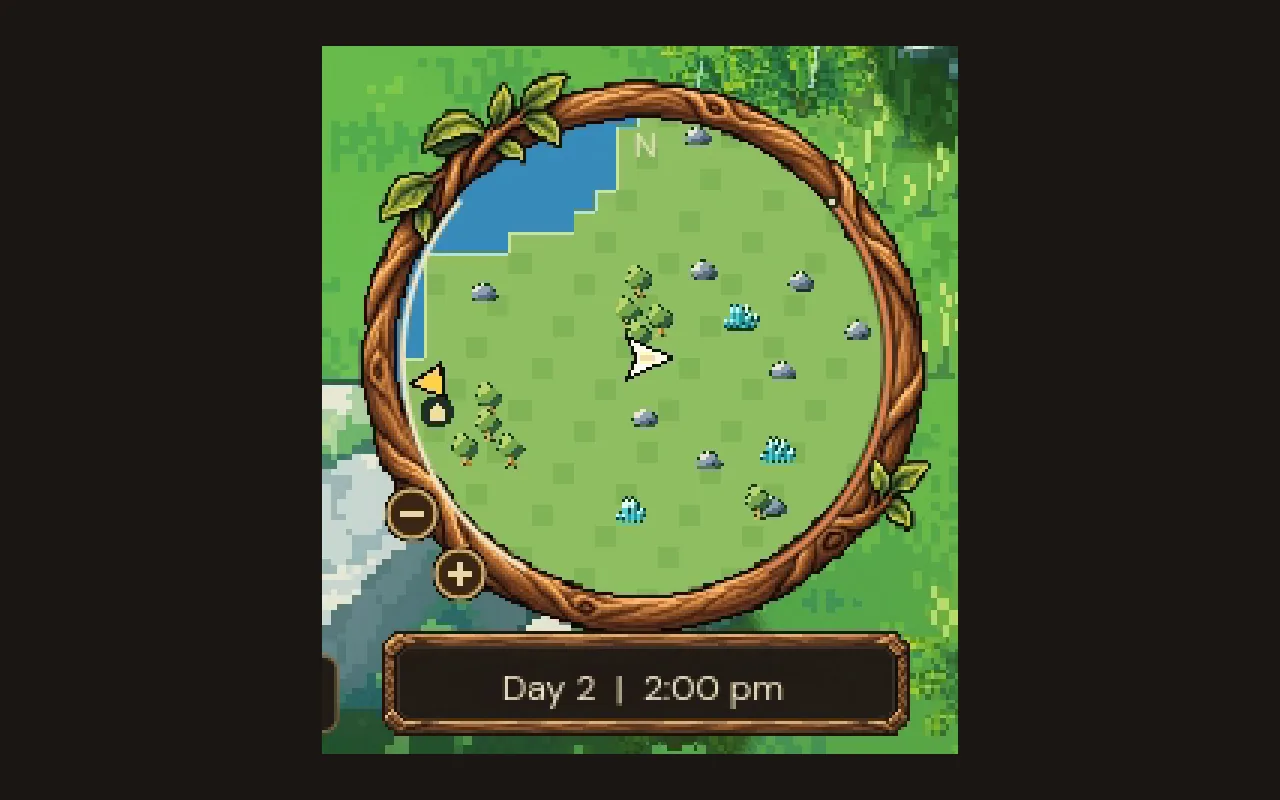
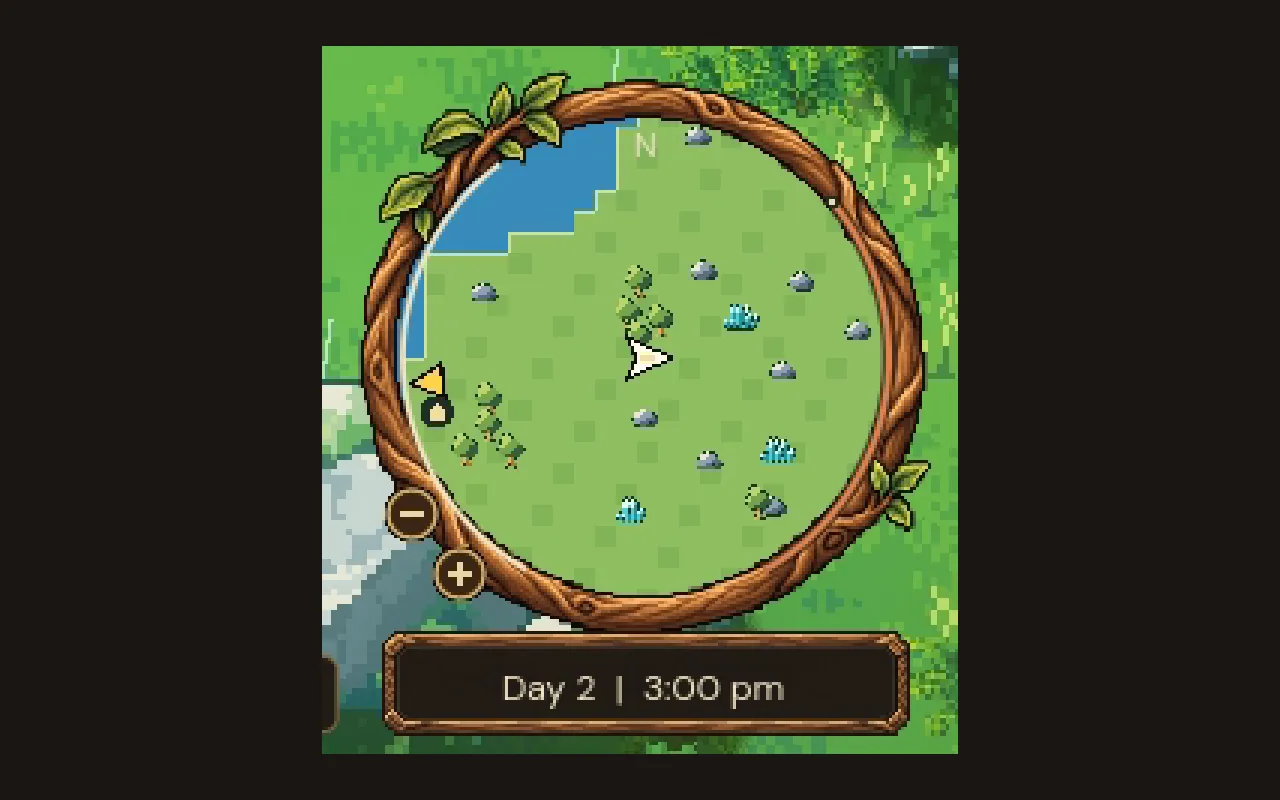
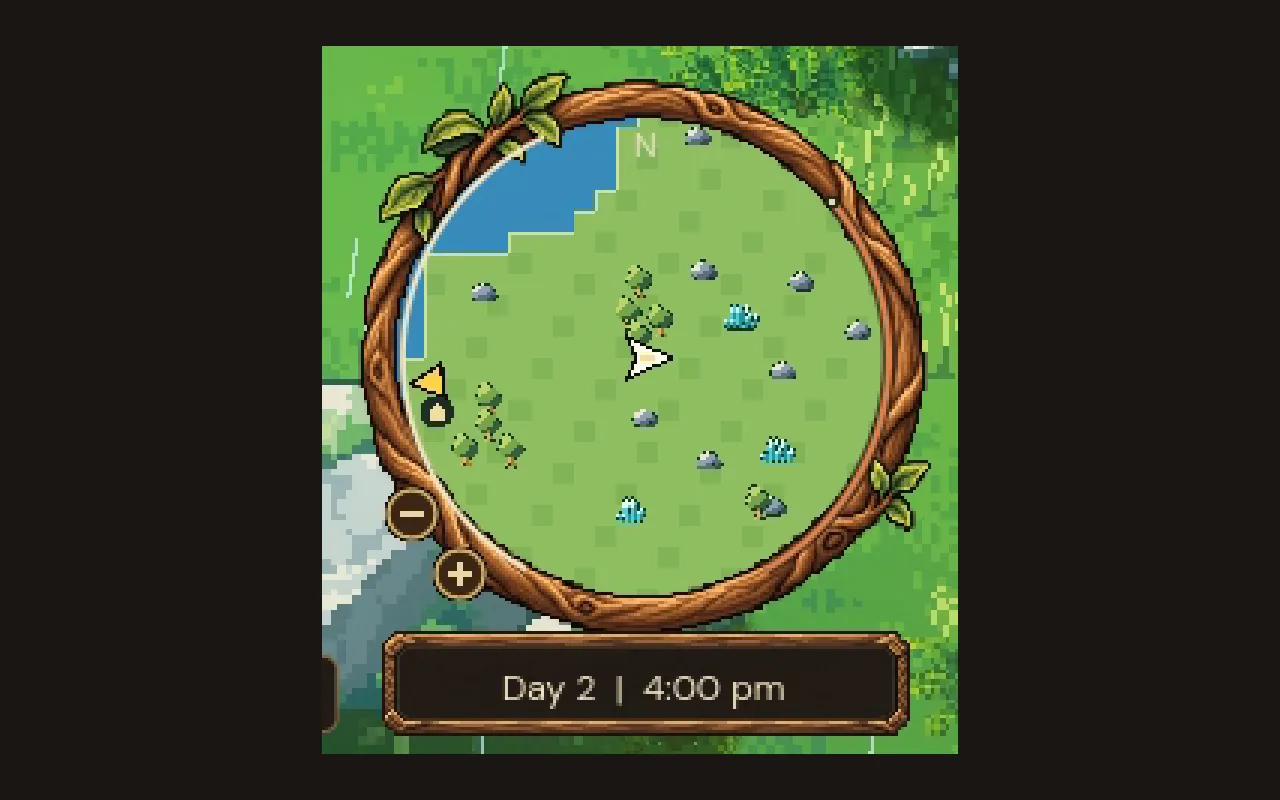
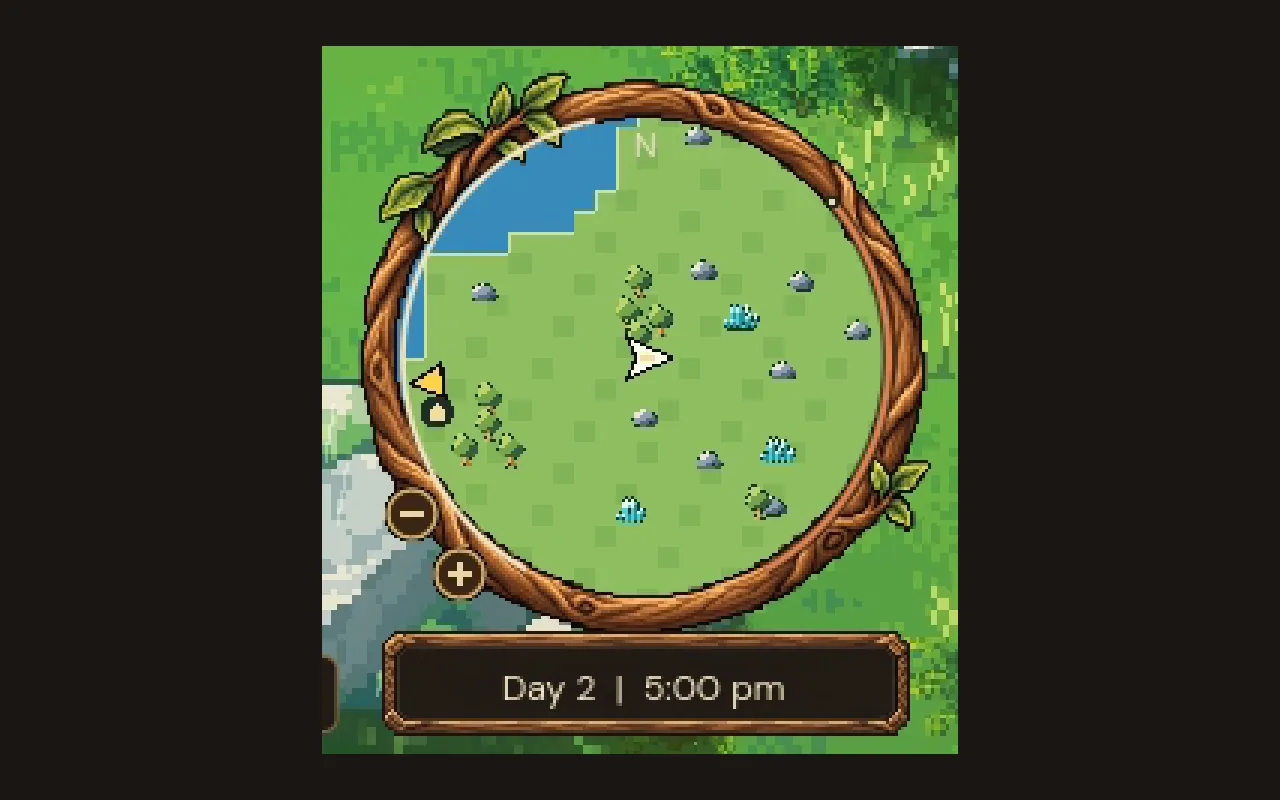
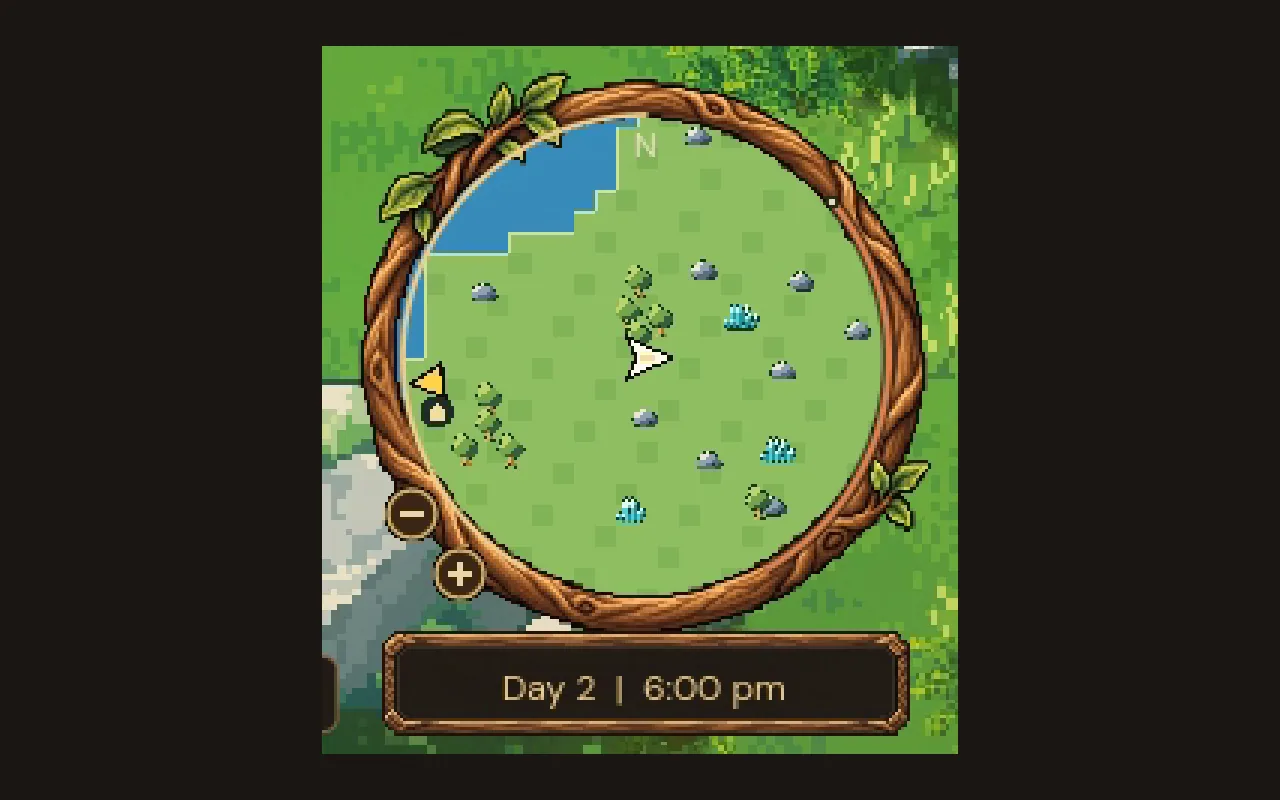
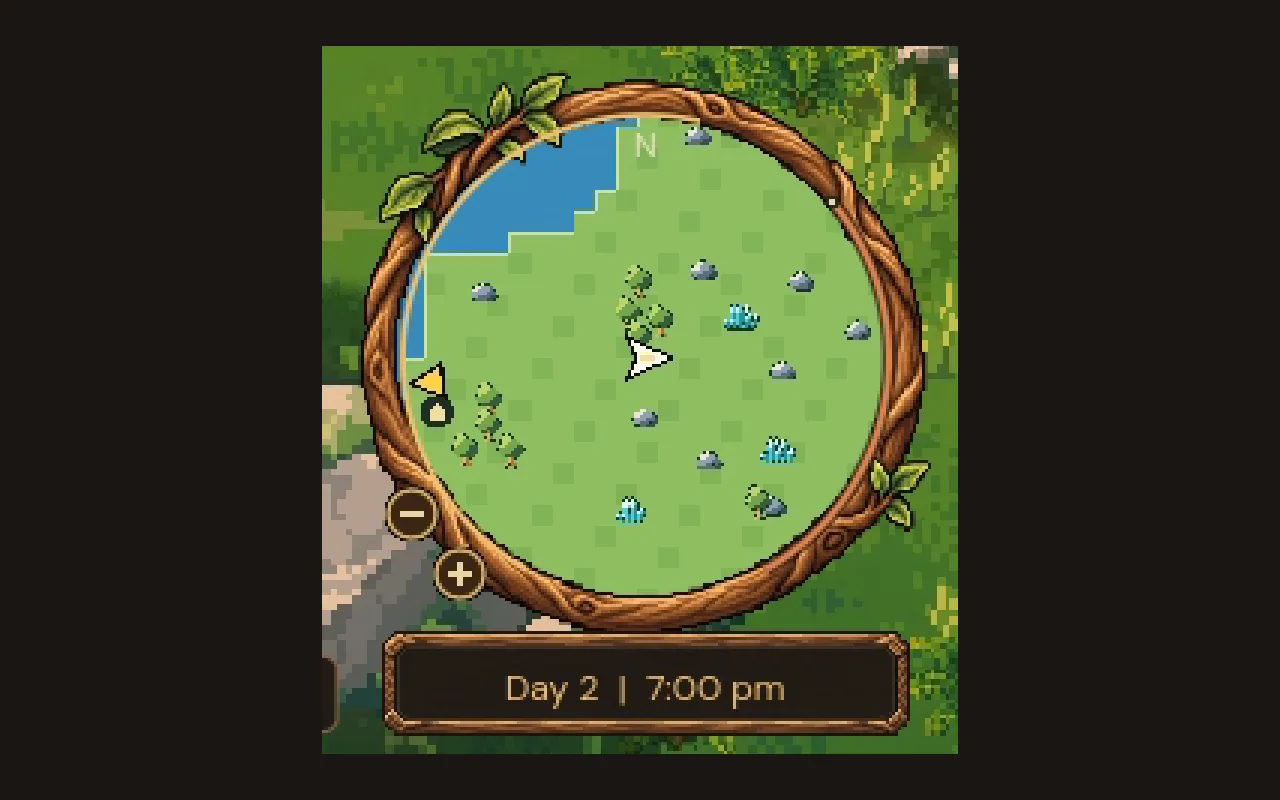
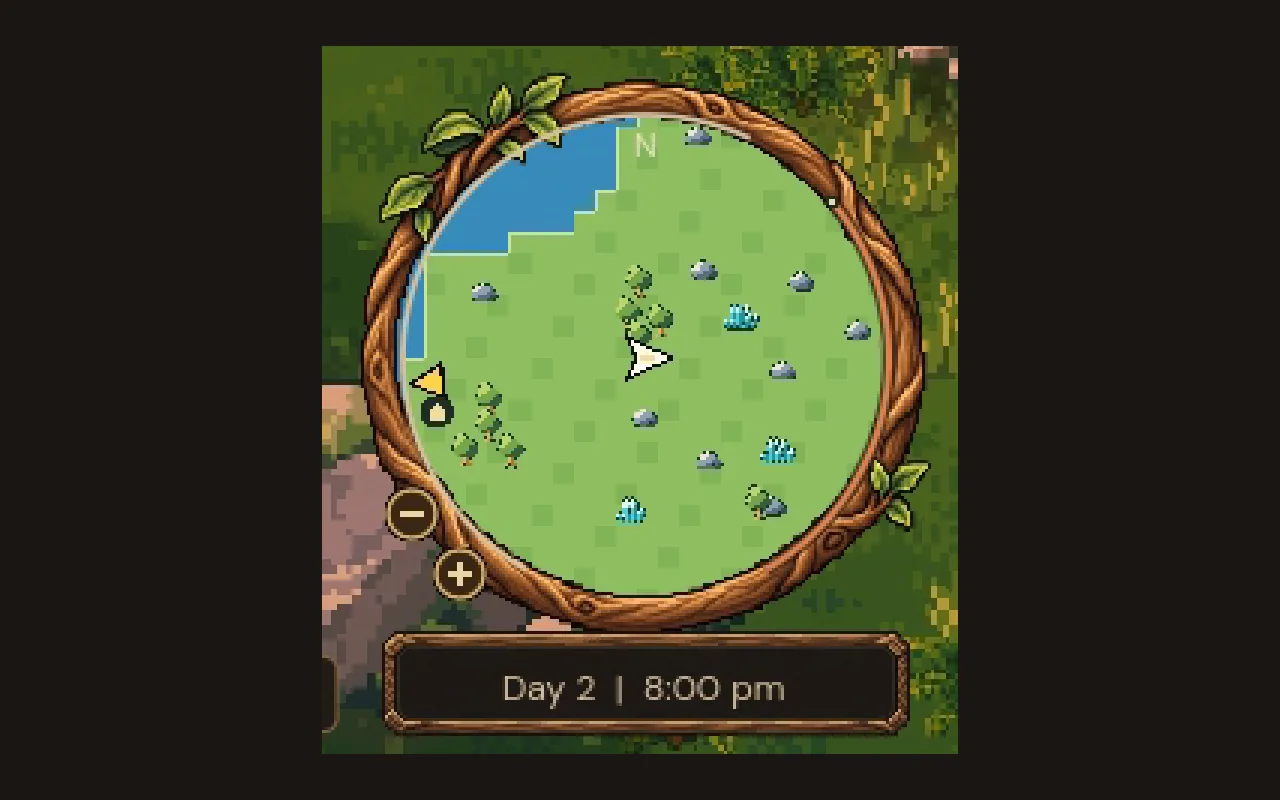
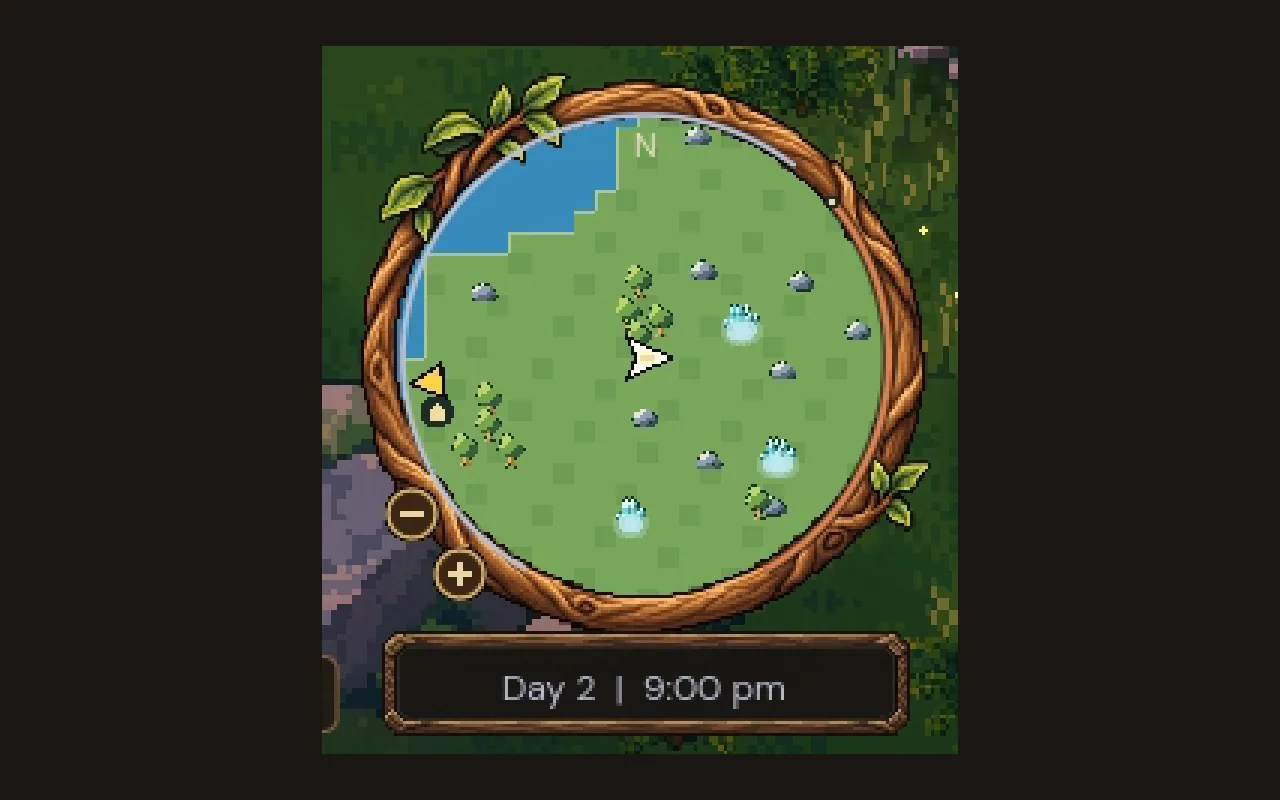
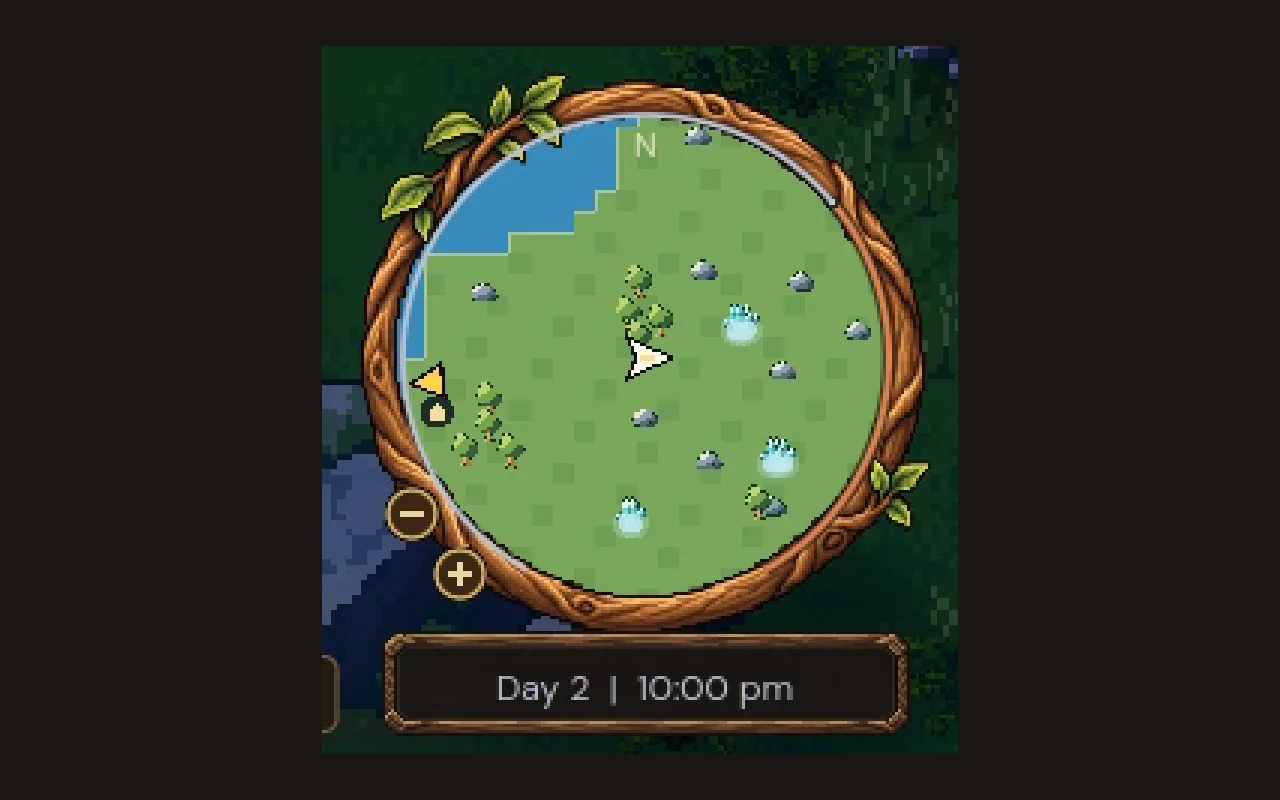
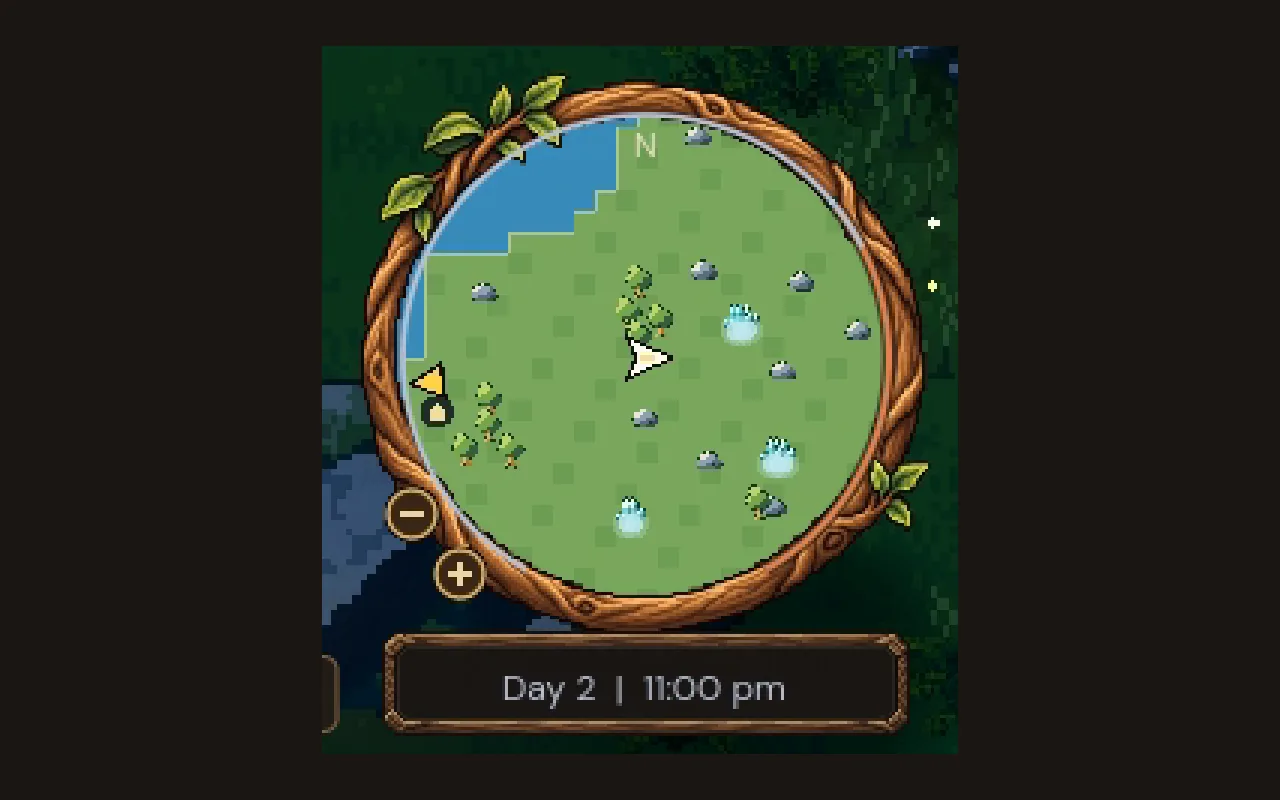
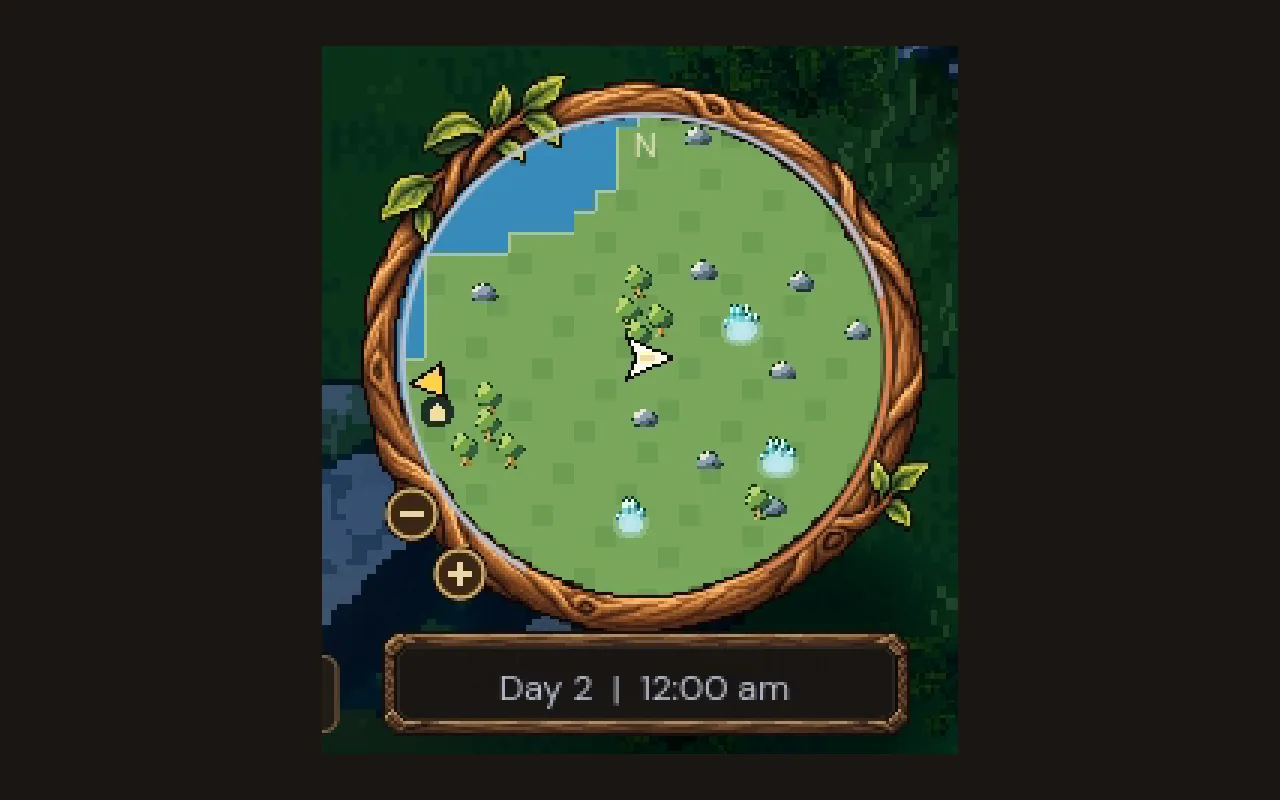
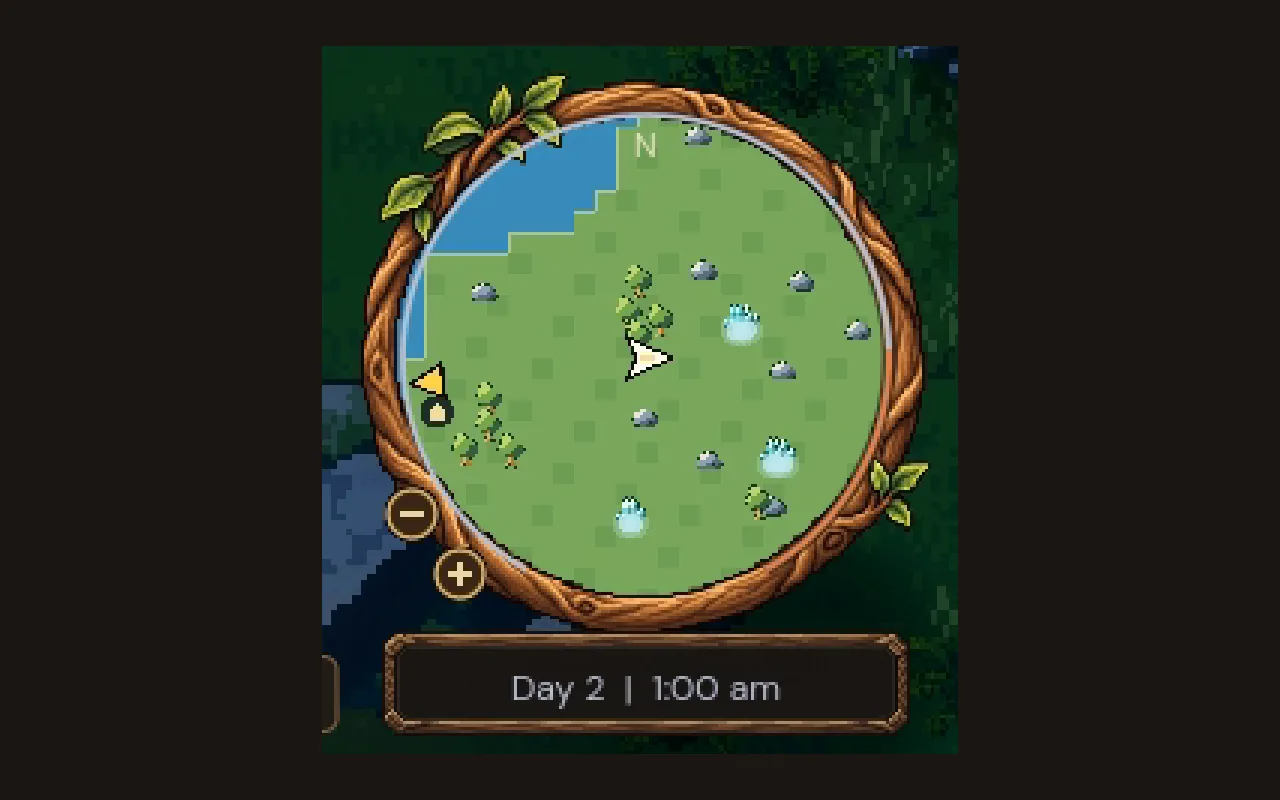
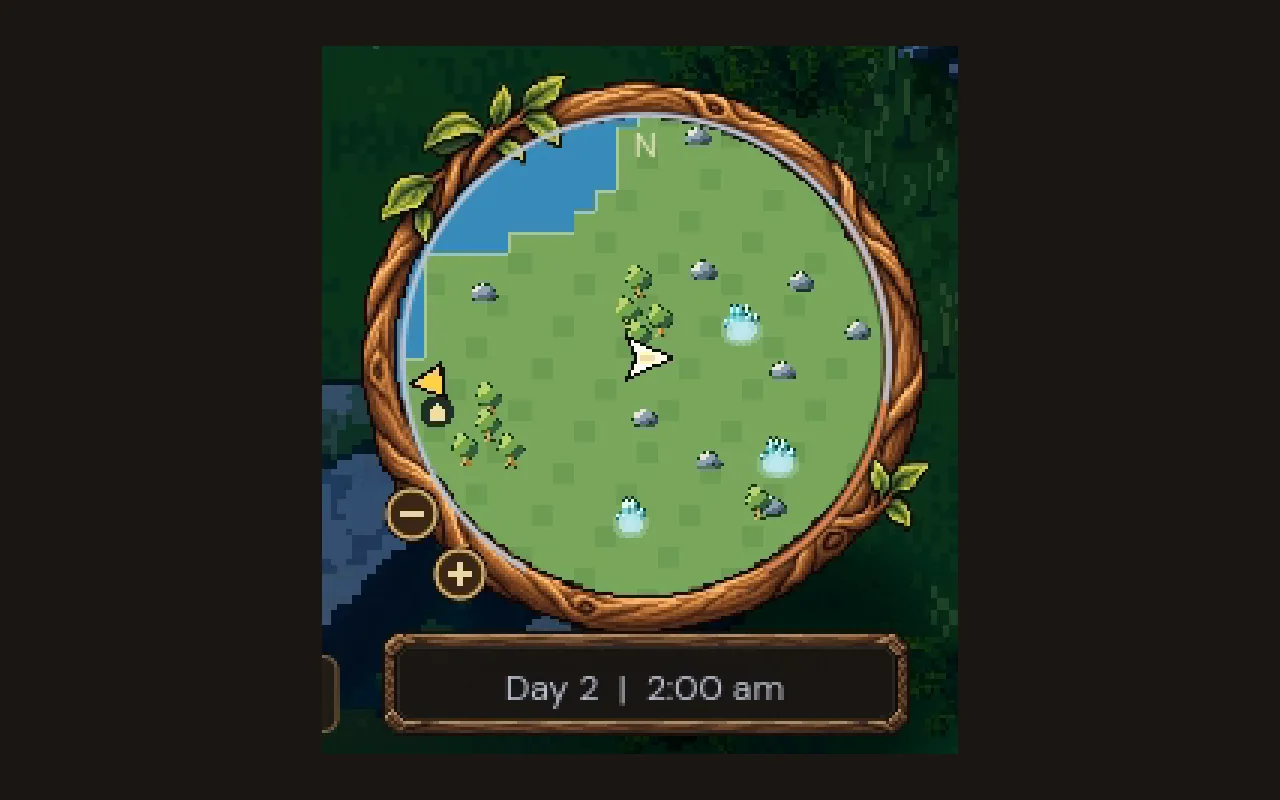
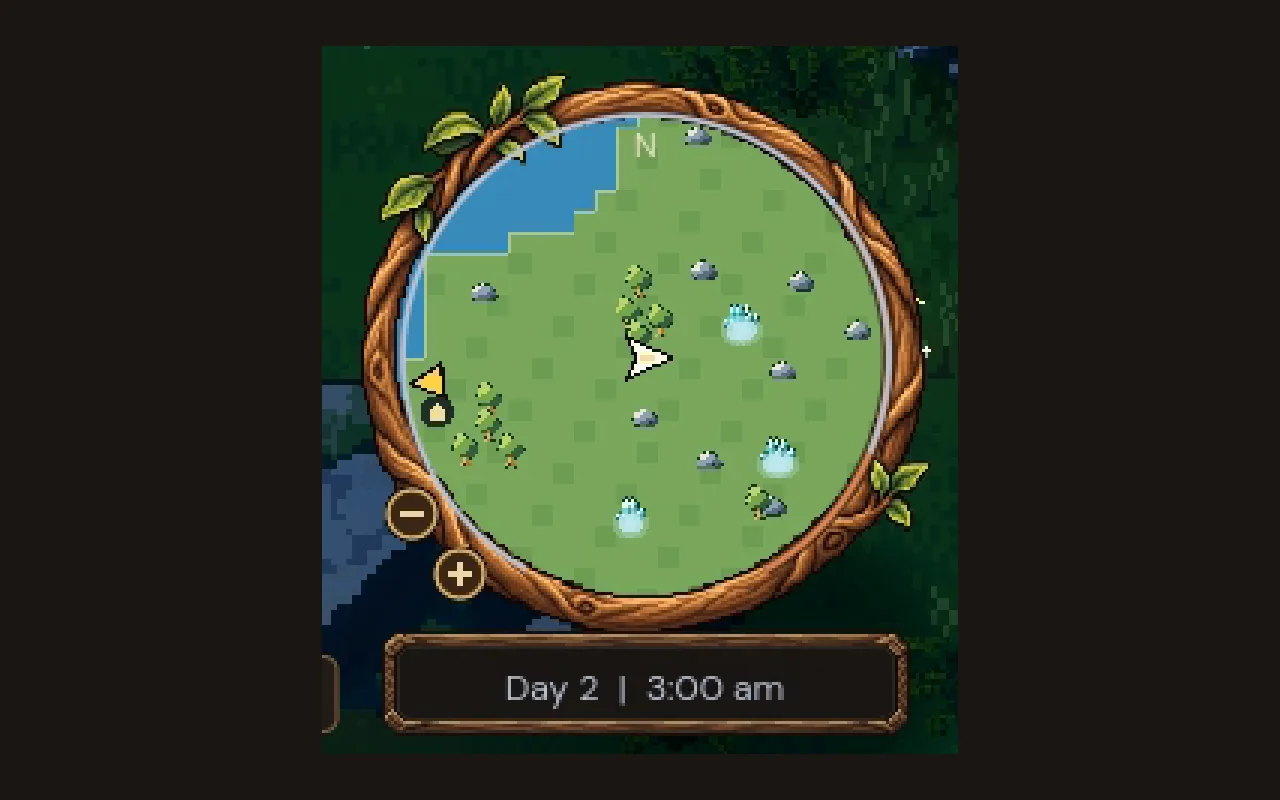
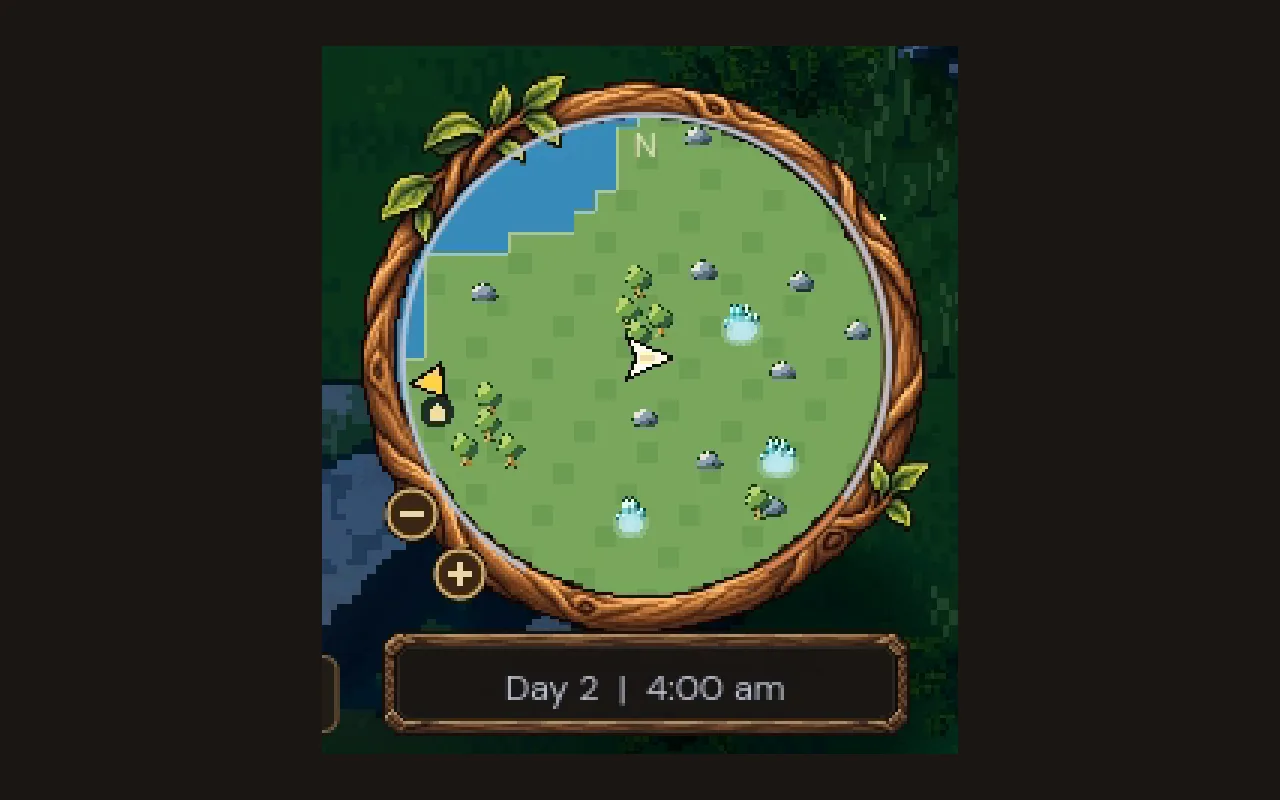
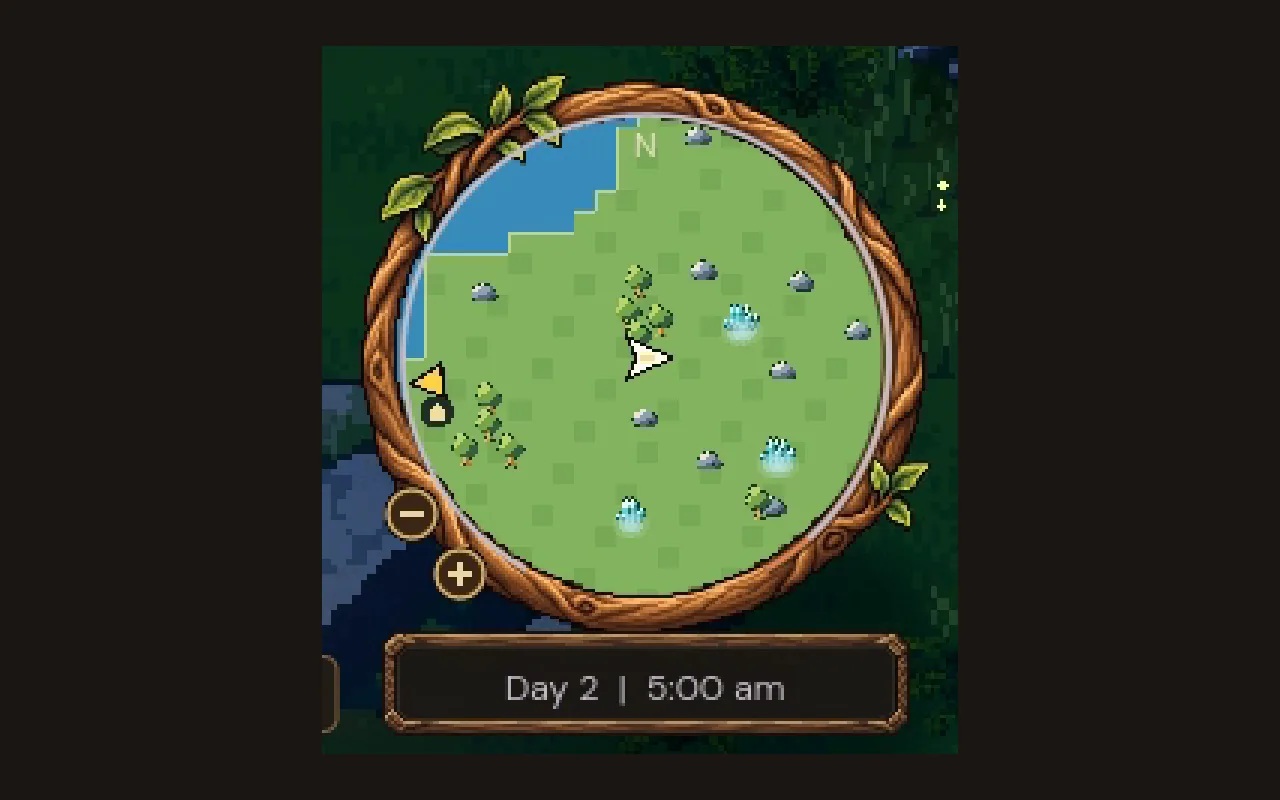
Drag the slider to move through the day
The ring looks like a clock face and was already on screen. A thin line starts at the lower left at 06:00 and fills clockwise, covering five sixths of the ring by the next dawn and leaving a gap at the bottom, just above the time plate. You don't need to read it precisely; "about two thirds of the way round" is enough to plan a trip.
A small dot sits on the ring at nightfall, 22:00. When the line is close to the dot, it's time to think about where you'll spend the night. We wrote about why the night matters in our day and night cycle.
Keep the readout plain
Under the map, a plate reads "Day 2 | 7:30 pm". The time changes every ten in-game minutes instead of every minute, so the numbers don't flicker in the corner of your eye, and between those steps nothing in the corner moves. We use a 12-hour clock with am and pm, because we think most players read it fastest.
How big text like this should be on a handheld, a monitor or a TV is its own question, answered in game UI text sizes.
Let colour carry the time of day
The readout's colour drifts with the hour: a rose tint at dawn, cream through the day, amber in the golden evening, and blue-grey at night, when its plate darkens too. It's the same story the lighting tells in the world, so you can read the time of day from the corner's colour without reading the text.
When the night fog is coming, the readout pales toward a cold, sickly white, matching the paling moon in the sky, so you see the warning even while you're looking at the map.
How we built the compass and clock in Godot
In Godot, the clock line and the nightfall dot are drawn with draw_arc and draw_circle in a small Control on top of the carved rim art. The readout asks the game's single clock for the day and the hour, the same clock the lighting and the creatures use, so they always agree. It keeps the last text it showed and only redraws when the ten-minute step changes.
The readout grows with the Interface size setting, up to a limit that keeps it inside its plate, and High contrast adds an outline.
The one line under the menu button, the current objective, is covered in quest design. The map inside the ring has its own rules, covered in minimap design.
A checklist for a compass and clock HUD
- Group "where" and "when" in one corner.
- Use shapes the player already looks at, like the map's rim, to show time.
- Mark the moment that matters, like nightfall, on the dial.
- Keep the readout plain and update it in coarse steps.
- Let colour echo the time of day and warn of danger.
- Redraw only when something changes.
Further reading
- Minimap design: show only what helps the playerHow we designed Mytheria's minimap: a calm round window, icons that keep their size, arrows on the rim, and six zoom steps. Real footage from the game.
- Day and night cycle in games: designing every hour of the dayHow Mytheria's day and night cycle works: a 12-minute day, a dangerous moonlit night, a fog that comes once a night, and a dawn every player shares.
- MytheriaThe game this HUD belongs to: a pixel-art co-op adventure for one to four players.
Wishlist Mytheria
Mytheria is a pixel-art co-op adventure for one to four players, coming to Steam for Windows, macOS and Steam Deck. A wishlist is the best way to follow it and to help us.