Godot performance: how we found a stutter with a frame trace
How we found a stutter in our Godot game: record the time between frames, find what ran in the slow ones, fix that one thing, and measure again.
On this page
"It feels a bit choppy" is one of the hardest bug reports to act on. The game runs at a good frame rate on average and nothing looks wrong, yet movement hitches every few seconds. In Mytheria, our pixel-art co-op game built in Godot, we track stutters down the same way every time: record every frame, find what ran in the slow ones, fix that one thing, and measure again.
The traces below were recorded for this post, on the same route, with three builds of the game.
Why does a Godot game stutter?
Usually a few frames take much longer than the rest, while the game is fast overall. An average of 100 frames a second can hide a frame that takes 30 milliseconds, and your eye notices that one frame. Common causes are bursts of work done in a single frame, like a path search, a save, or loading something new.
The short answer
How we find a stutter:
- Record the time between every frame and look at the worst ones, instead of the average.
- At 60 frames a second, a frame has 16.7 milliseconds, and a frame over 25 is one you can feel.
- Time the big jobs in each frame, so a slow frame tells you what ran in it.
- Reproduce the stutter on a fixed route, so before and after can be compared.
- Fix the one job that causes the spikes, then measure again on the same route.
- Throw out a change that shortens a job without shortening the frame gaps.
Measure the time between frames
An FPS counter averages away the slow frames you're looking for, so we look at the gap between one frame and the next, for every frame. Our trace records that gap for each frame, along with what the player was pressing and how long the game's main jobs took.
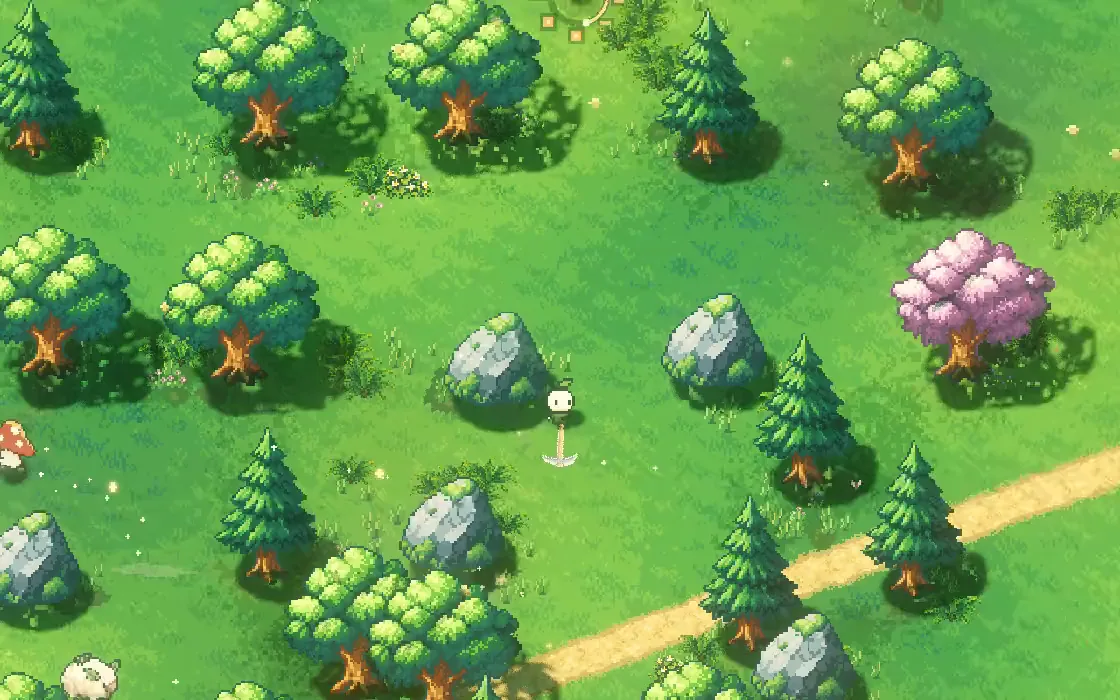
These are three traces of the same 20-second walk through a forest: the build before the fix, the build with the fix, and the game today.
Switch between the builds and count the spikes
Loading the trace…
The spikes in the first trace are small on a chart, around 25 to 30 milliseconds, but they come in a steady rhythm, one every two thirds of a second while the route passes the creatures, and that rhythm is what makes movement feel choppy.
Find out what ran in the slow frames
A spike tells you when something went wrong, so the trace also times the big jobs in each frame to show what it was: the game's update, the creatures, the world view, saving, the network and the interface. When a frame is slow, you look at which job was busy in it.
In our case, the spikes lined up with creatures planning a route. Every 40 ticks, a group of wandering creatures searched for a path around the trees and rocks, and each of those searches took about 20 milliseconds, alone eating a whole frame's budget.
Fix the one thing that owns the spike
The path search used the A* method, which keeps a list of places to look at next, cheapest first. After every step it re-sorted that whole list. The fix was to insert each new place in the right spot instead of sorting everything again, to remember which ground tiles had already been checked within a search, and to skip a slow math call in a distance check.
The searches find exactly the same routes as before, with the same number of checks, in half the time: from 19.4 to 19.9 milliseconds down to 9.4 to 9.8.
Measure again, the same way
A fix only counts if the frames get better, so the route is run again under the same conditions. On the route in our record, frames over 25 milliseconds went from ten to zero, and the worst frame from 30.3 to 20.7 milliseconds. The traces above, recorded again for this post on the same builds, show the same thing: eight frames over 25 before, none after.
Throwing out changes that don't help is just as important. The trace also showed our five-second autosave taking about 12 to 13 milliseconds. A shortcut that makes the save's own job faster sounds like a win, but the frame gaps didn't improve at all with it, so the original, safer save code stays.
The same method, again and again
Once the trace exists, every stutter gets the same treatment. In co-op it found that arriving somewhere new, after a Waystone trip or leaving a mine, made a single frame take up to 200 milliseconds, mostly from every new tree and rock re-scanning its pixels. Sharing that work between them brought the frame under 50. Another trace found the minimap repainting its whole map in one frame after a long trip; now it paints a little each frame, which we describe in minimap design.
How we trace frames in Godot
The trace stores the real time between callbacks, measured with Time.get_ticks_usec(), rather than the frame's delta. Each big job is wrapped in a start and stop time, so a report can list what ran near a slow frame.
Players can turn on a trace with F8 or a launch option. It records two seconds of warm-up, then up to 30 seconds, into one file, and it's off during normal play. The same 20-second walk, repeated with the same input, gives before and after numbers we can compare, but a trace from a real player's own machine settles whether a fix worked.
Use it in your own game
A small version of our trace is free to use: Frame Trace is a Godot 4 add-on that records the gap between every frame and the jobs you name, and lists the slowest frames with the job that was busy in each. F8 starts a capture, so players can send you a trace from their own machine. It's MIT licensed.
A checklist for finding a stutter
- Record the time between every frame.
- Compare against the frame budget and a hitch line.
- Time the big jobs, so a slow frame names its owner.
- Fix only the job that owns the slow frames.
- Measure again on the same route, and keep the numbers.
- Reject changes that don't move the frame gaps.
Further reading
- How co-op multiplayer works in Godot: host, prediction and lagHow Mytheria's online co-op works in Godot: one host owns the world, guests send inputs and predict their own moves. Try the lag demo, see real numbers.
- Minimap design: show only what helps the playerHow we designed Mytheria's minimap: a calm round window, icons that keep their size, arrows on the rim, and six zoom steps. Real footage from the game.
- MytheriaThe game we keep smooth: a pixel-art co-op adventure for one to four players.
Wishlist Mytheria
Mytheria is a pixel-art co-op adventure for one to four players, coming to Steam for Windows, macOS and Steam Deck. A wishlist is the best way to follow it and to help us.