Screen shake
Screen shake, or camera shake, is a short, fast movement of the camera when something hits hard, which makes an impact feel heavy.
Also called camera shake, screenshake.
Screen shake moves the picture for a fraction of a second when something big happens. Done well, you feel it more than see it. Done badly, it makes every hit look like the game stumbled, and some players feel sick from it, so it should always have its own switch.
How should screen shake move?
Along the line of the blow, away from the hit and back, which shows which way the hit went and matches the knockback. Random two-axis rattle looks messy. The shake should ease in over a frame instead of jumping on the first one, which reads as a glitch, and when several things happen at once only the strongest should move the camera.
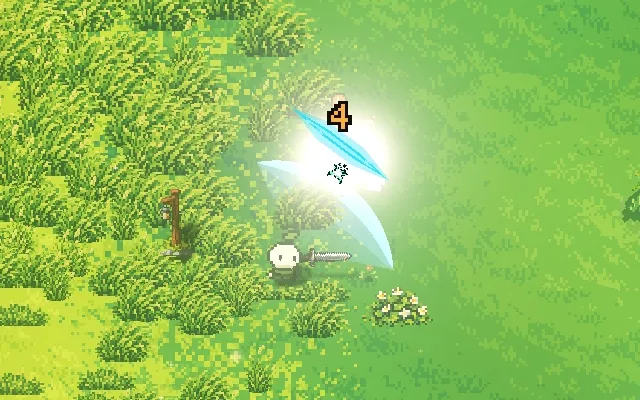
Screen shake in Mytheria
A normal sword hit moves the view at most 1.6 world units, about 3 pixels on screen, and almost all of it happens inside the 4-frame hitstop, settling within 60 milliseconds after. Chopping a tree barely moves the view at 0.65, and getting hit is the strongest everyday shake at 1.8, so you always notice it. The shake only moves the picture: your aim, your character and every collision stay where they are, and the Screen shake and Reduced motion settings both turn it off.
 The full post, with clips and demos Screen shake in games: how to make it feel good